
sureshkumarc20579032
Known Participant
December 9, 2016
Question

Show and Hide Buttons Problem in Indesign CS6

  • December 9, 2016
  • 1 reply
  • 1481 views

Hi,

We are creating Interactive PDF in Indesign CS6 with Show/Hide buttons, Our requirement is when clicking the answers button it will show either correct or Incorrect button (refer below) in Indesign.
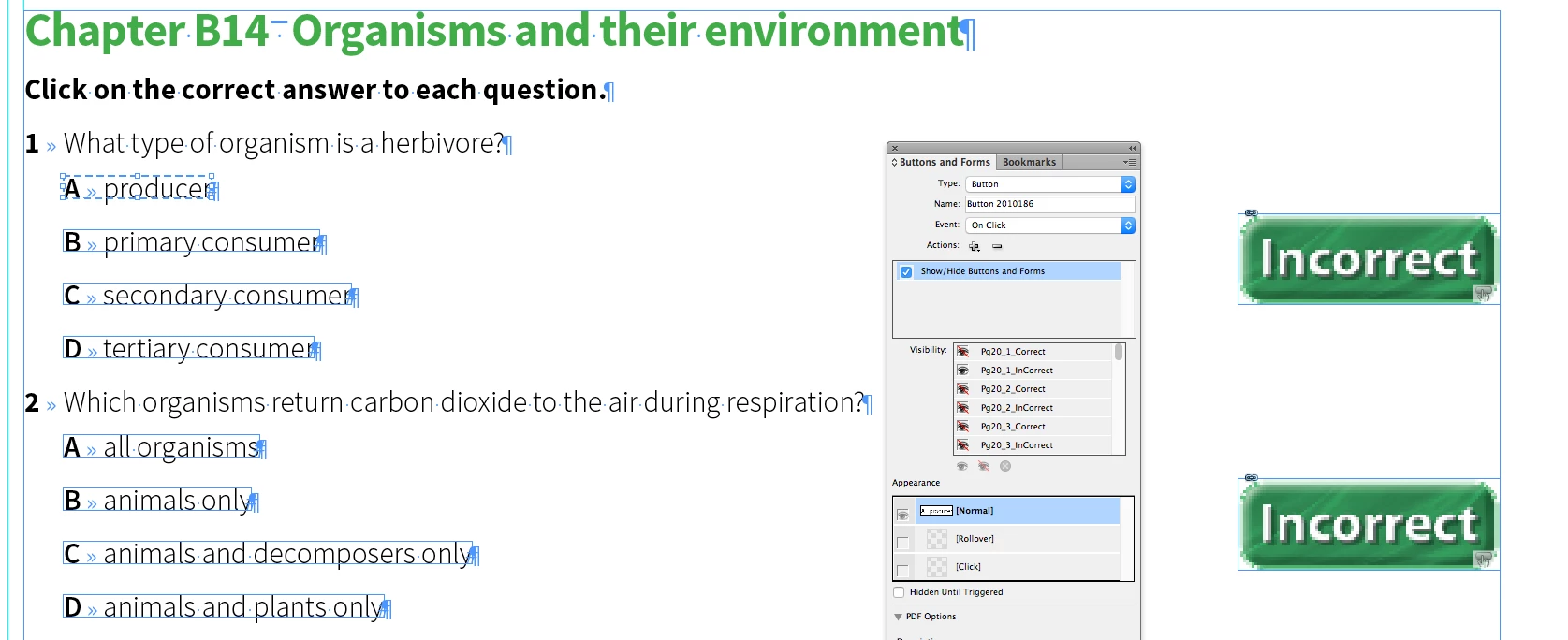
In Interactive PDF it shows buttons enabling and disabling correctly, when moving to the second page, the previous page last clicked  button are not disabled (refer below).
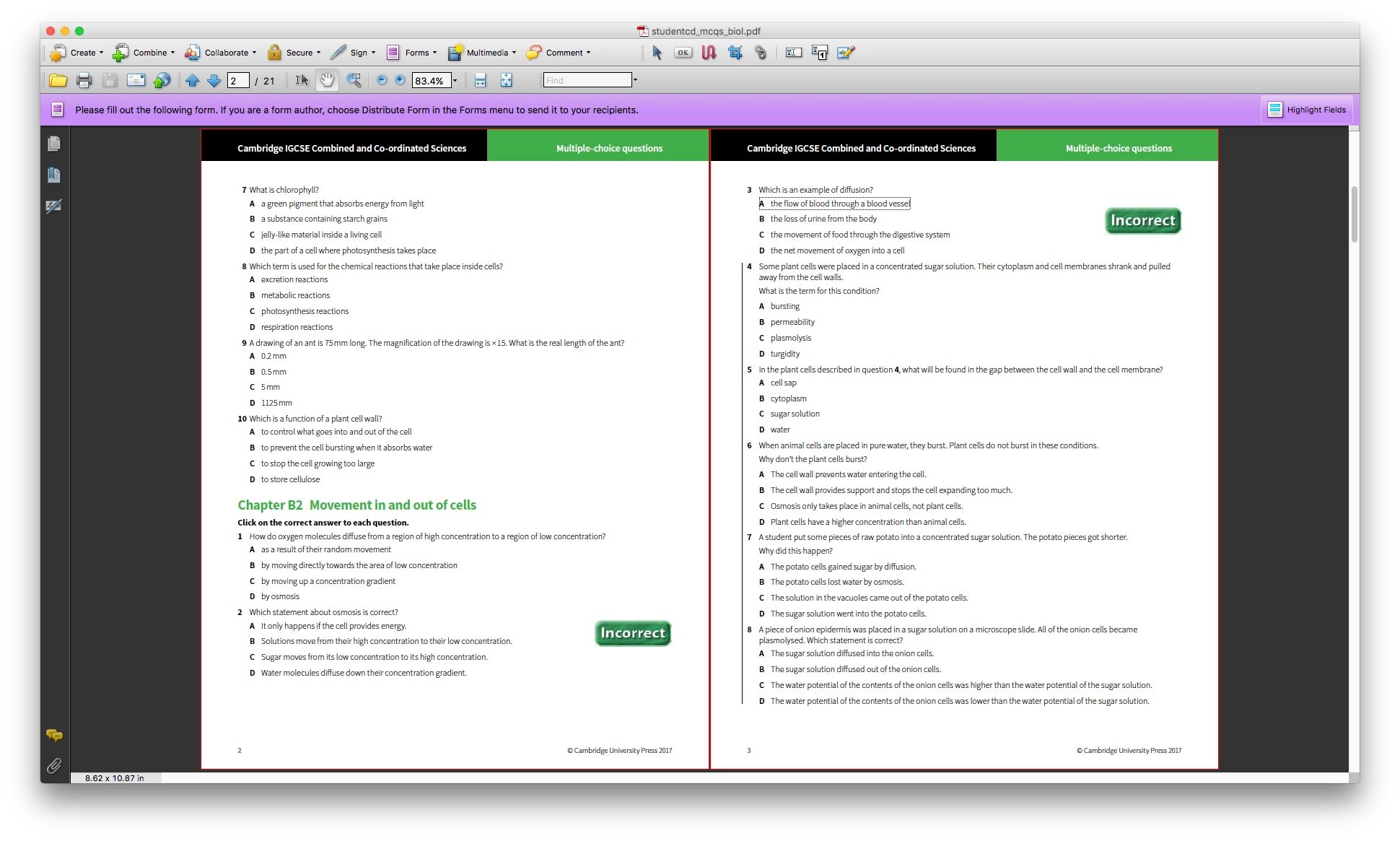
Is there any other option to disable the interactive button element of previous page. We are viewing in acrobat two page view.

Thanks,

SureshKumar

Indesign Template Developer

Integra S/W Services P.Ltd.

    This topic has been closed for replies.

    1 reply

    vinny38
    Legend
    December 9, 2016

    Hi,

    sure... All you have to do is to set other page "correct/incorrect" buttons visibility to HIDDEN

    sureshkumarc20579032
    Known Participant
    December 9, 2016

    Hi Vinny,

    This works only for spread or Facing (Left-Right) pages. For non facing pages (Right-Left) those buttons in the previous page is not shown in "Button and Forms" panel in the next spread page (refer below).

    BobLevine
    Community Expert
    Community Expert
    December 9, 2016

    You may need to visit the Acrobat forum and get some help with this.