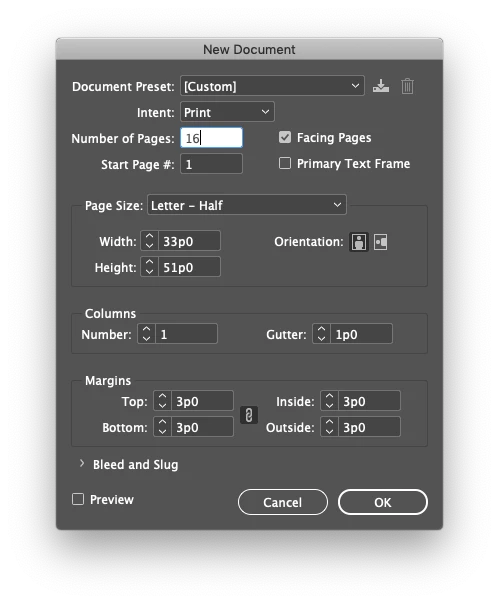
Make your document as many pages as you need it at the actual page size. So your page size will be 5½″ × 8½″ and the page count will be whatever you need and probably divisible by 4. That’s how you set up, design, and edit the book. How you print it is another matter.
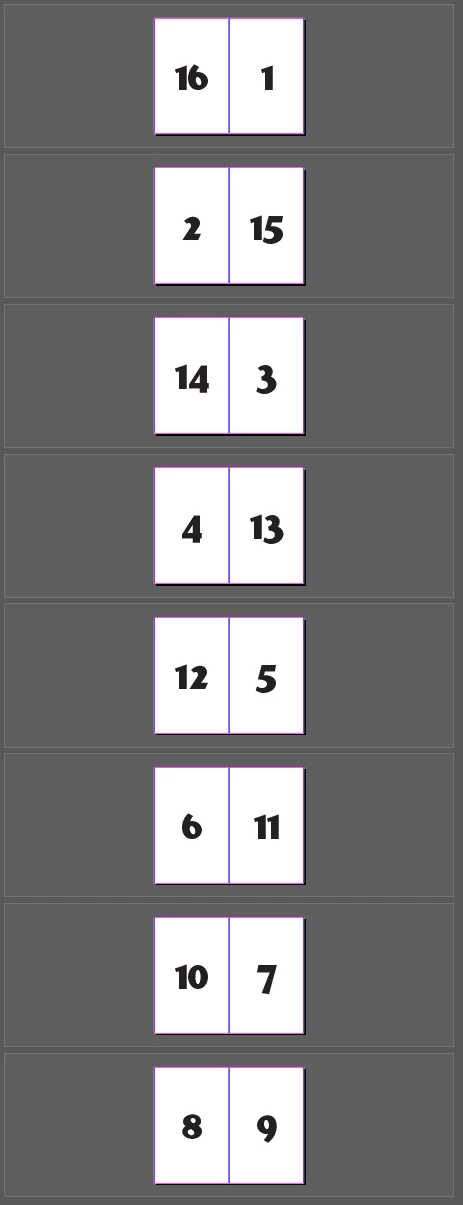
If you’re sending the file to a printer to print it then just send them the file or a PDF exported as they specify. If you’re printing it the first thing to try is File > Print Booklet. You can set up the impositon here. For my example it’s simple printer spreads. Page 16 next to page 1 opposite page 2 next to page 15, and so on.
You might need to set up the imposition manually. For that make a letter sized document with facing pages off, half as many pages as the original file. For each page in the imposition file import two pages from the original file. Each spread should have an even page on the left and an odd page on the right. The total of the page numbers should be your original page count plus 1. So page 1 would be page 16 next to page 1, page 2 would be page 2 next to page 15, and so on, finishing at page 8 next to page 9. Print that doulbe sided. Text one to make ure the pages align and that the orientation is correct. Don’t expect perfect alignment.


 AdChoices