



Single typeface split between two duplicate entries in font list; prevents selection some weights in find/replace font dialog
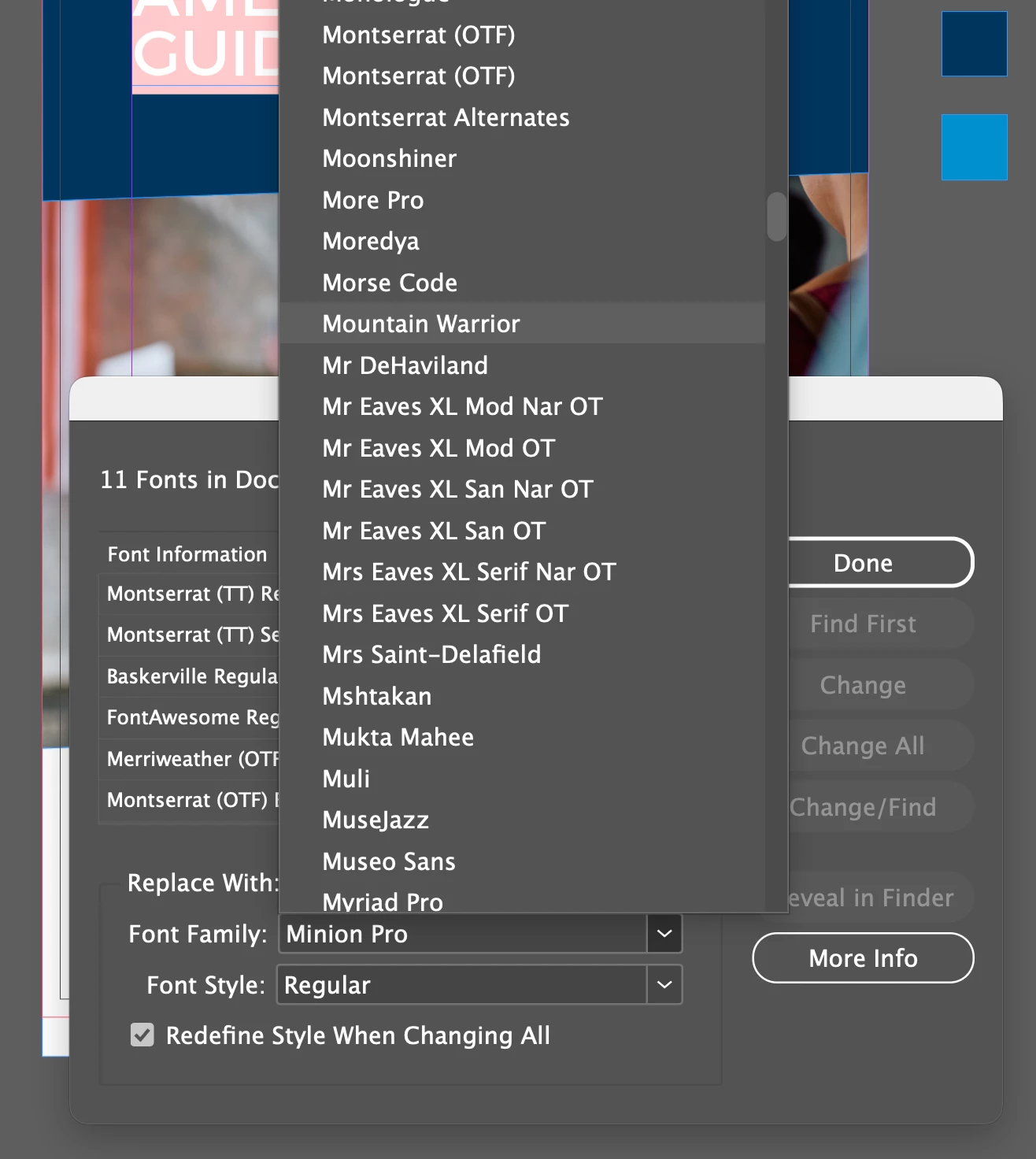
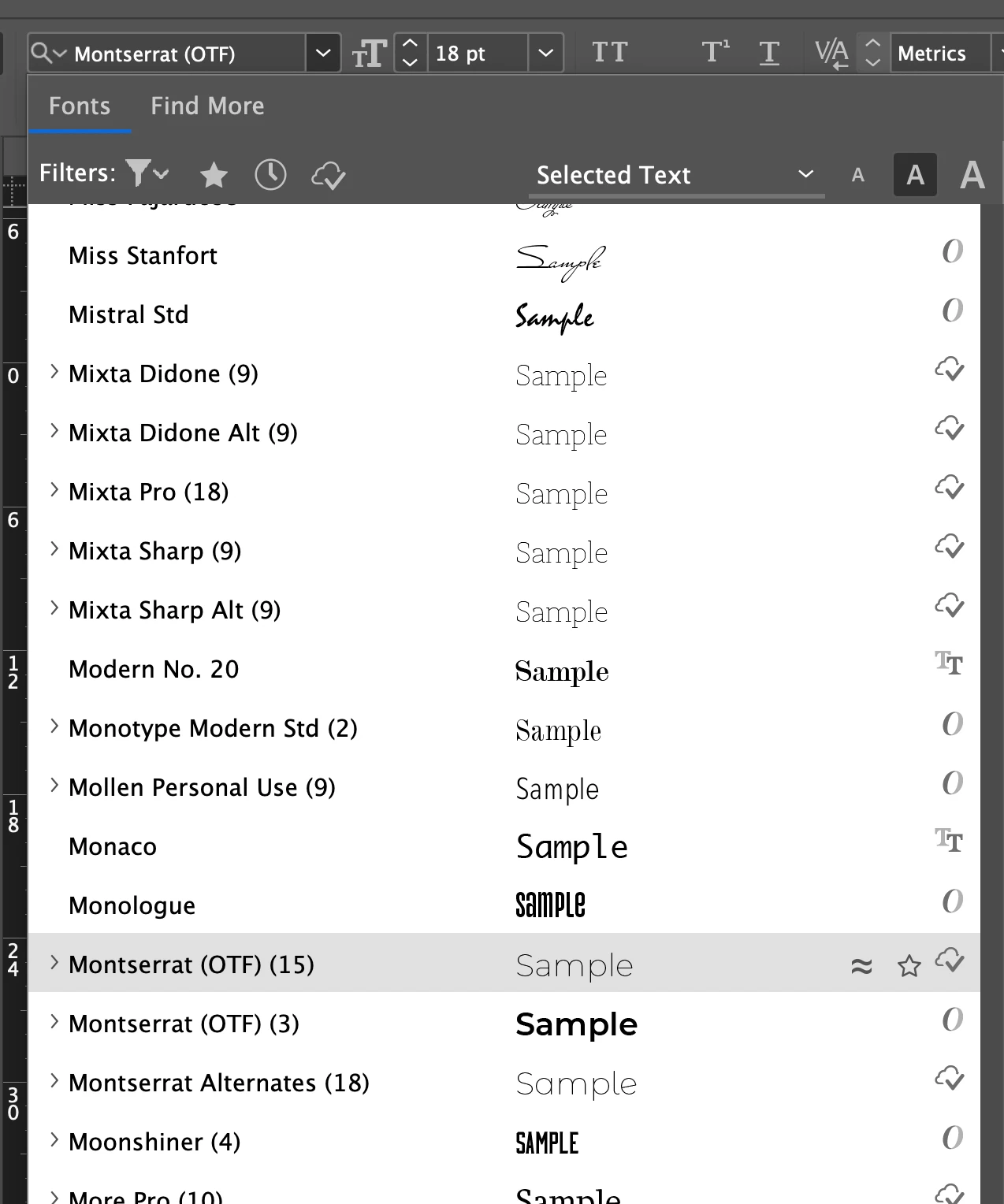
I am updating a document from two years ago. I’m attempting to convert Montserrat to the version served by Adobe fonts, and the Find/Replace Fonts dialog will not allow me to select all of the weights I have activated. The typeface appears to be split between two identical entries, both titled “Montserrat (OTF)” - one entry contains three weights, the other contains the remaining 15.
When I attempt to replace the old, deactivated font in Find/Replace Fonts, I select the first of these duplicate entries, and I have the option below to choose between three weights. If I select the second of the entries, I can still only access those same three weights. There is no way I can see to select any of the remaining 15 weights of the typeface, so Find/Replace becomes useless and I have to manually make these changes across the entire document, and within all of the Paragraph and Character Styles.
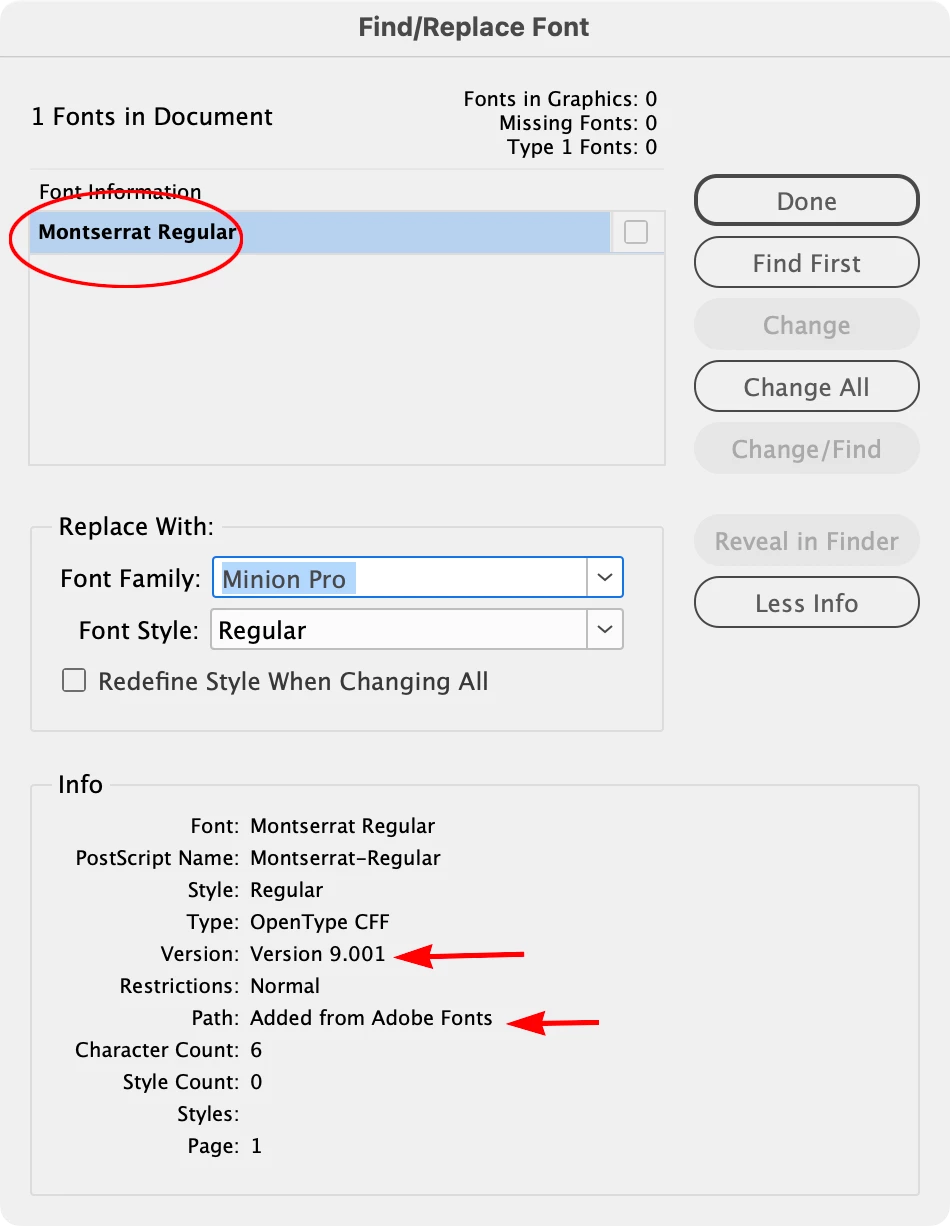
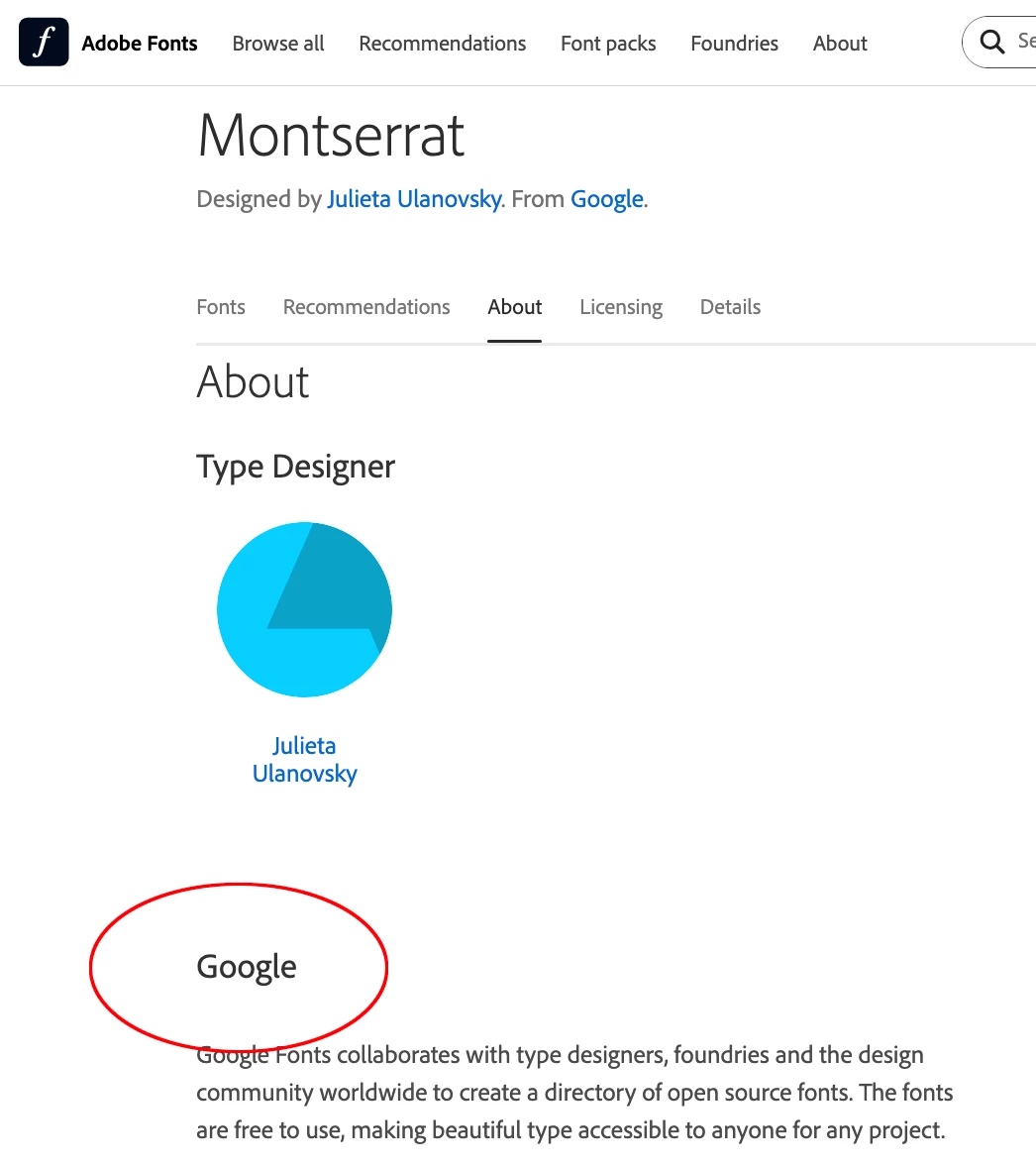
I have deactivated and deleted all other versions of Montserrat, only activating the Adobe Fonts version.
This has been an ongoing problem with many typefaces over the years, but i’m trying to use this specific problem to figure out what’s happening.
My system:
Mac Studio M1 Max
Tahoe 26.6.2
Indesign 21.5.1
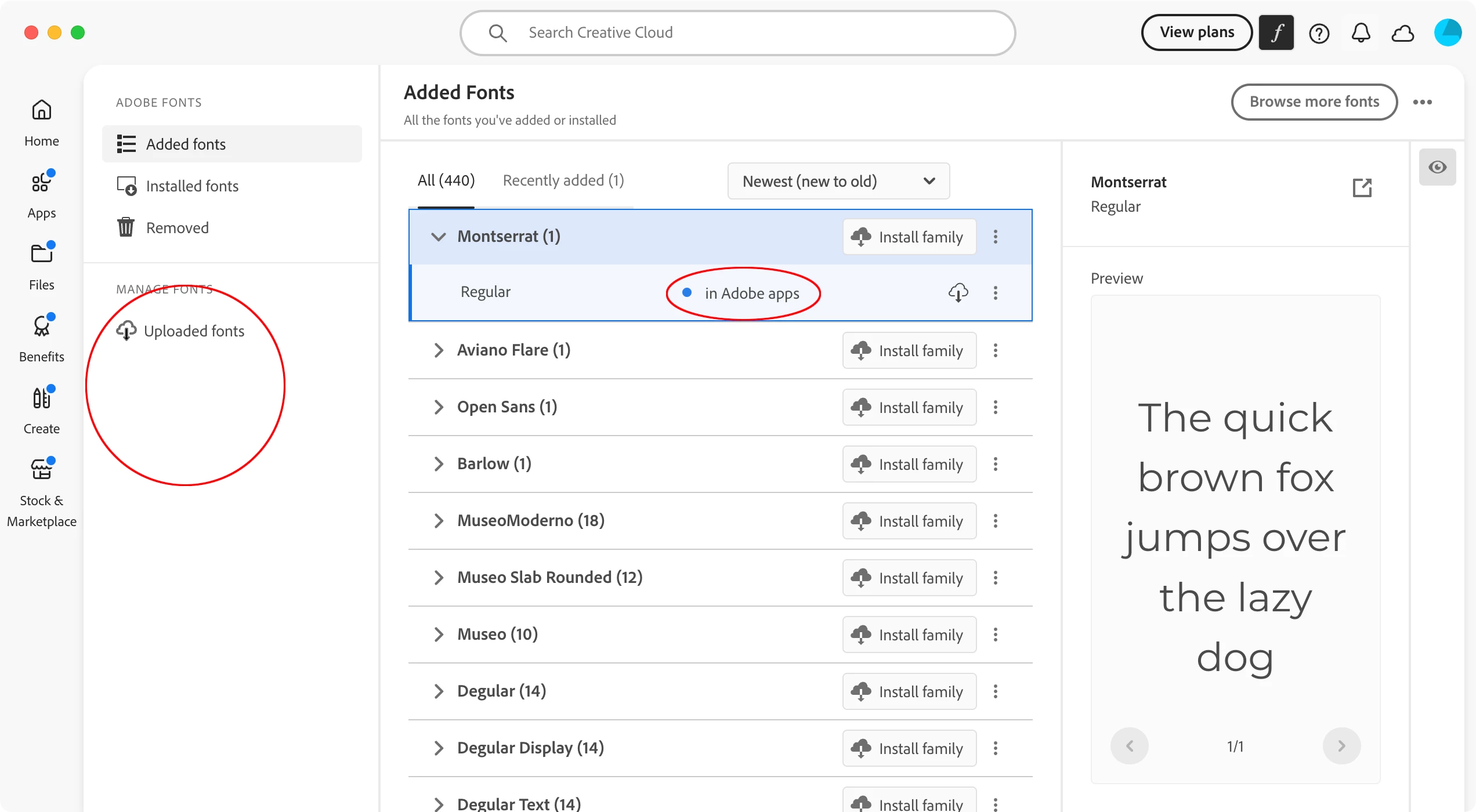
Some Screenshots:

 AdChoices