Participant
August 8, 2023
Question

Something in indesign export settings causing weird misaligned border to be added to prints

  • August 8, 2023
  • 2 replies
  • 490 views

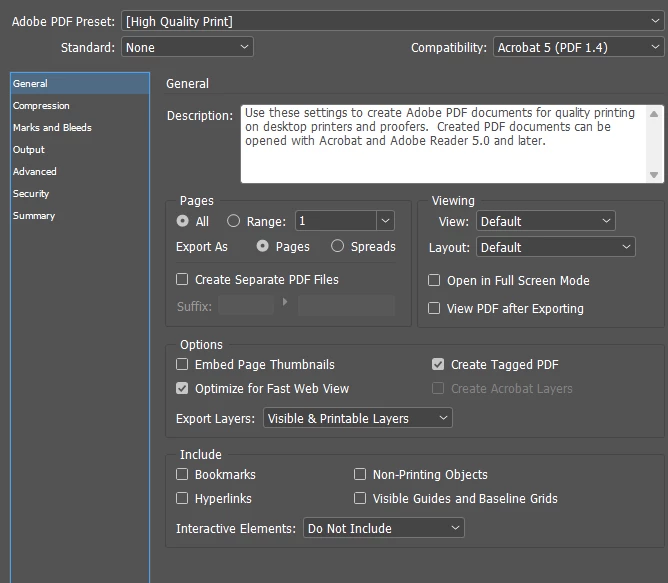
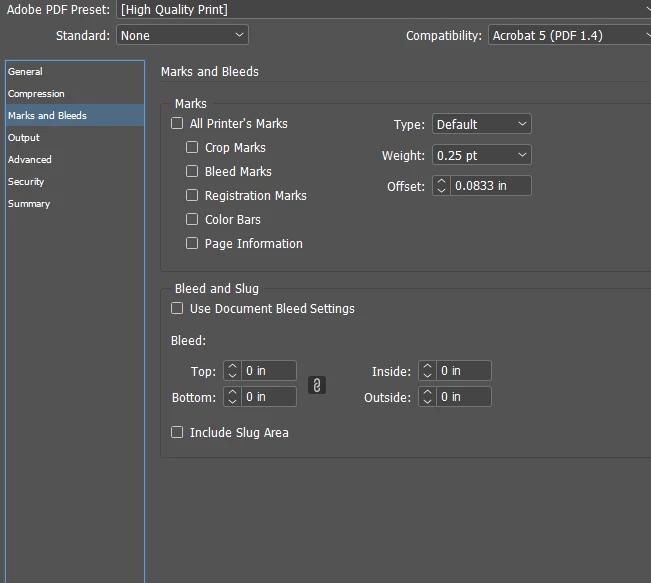
Doing basic prints like 8.5x11 and 11x17 for posters in our grocery store. With everything I print there is a strange border that is misaligned and added to one side but not the others, there's no pattern to it other than that somewhere on each print there will be an extended border on one side, I have tried removing the bleed options, I've tried almost every combination I could in terms of removing bleed or border and now I'm stuck. Curious if anyone else has had this experience and if it ended up being something else? My indesign is completely up to date and it only affects documents I export from my computer. Very odd. Maybe a printer driver error? Thanks in advance.
This topic has been closed for replies.

2 replies

Robert at ID-Tasker
Legend
August 8, 2023

Can you show an example of the misprint? 


Participant
August 8, 2023

Yes, here is the print issue

James Gifford—NitroPress
Legend
August 8, 2023

If you mean the white borders... it's because very few printers can print to page edge. Nearly all have around a 1/4 inch print margin, which will vary with minor alignment issues if you try to print to the full page.


Only a very few "photo" inkjet printers can routinely print right to a page edge.

James Gifford—NitroPress
Legend
August 8, 2023

Printing directly from InDesign can often have oddities as it and the printer disagree on details.  🙂


Try exporting to PDF and printing from Acrobat. That often bypasses many issues like this. 

Participant
August 8, 2023

I was printing from Acrobat, If not an indesign issue it may just be a driver/printer issue? not sure.