Good Venture
Known Participant
November 22, 2023
Answered

Space before text box

  • November 22, 2023
  • 3 replies
  • 501 views

Hey everyone, I've been trying to solve this for a while... 


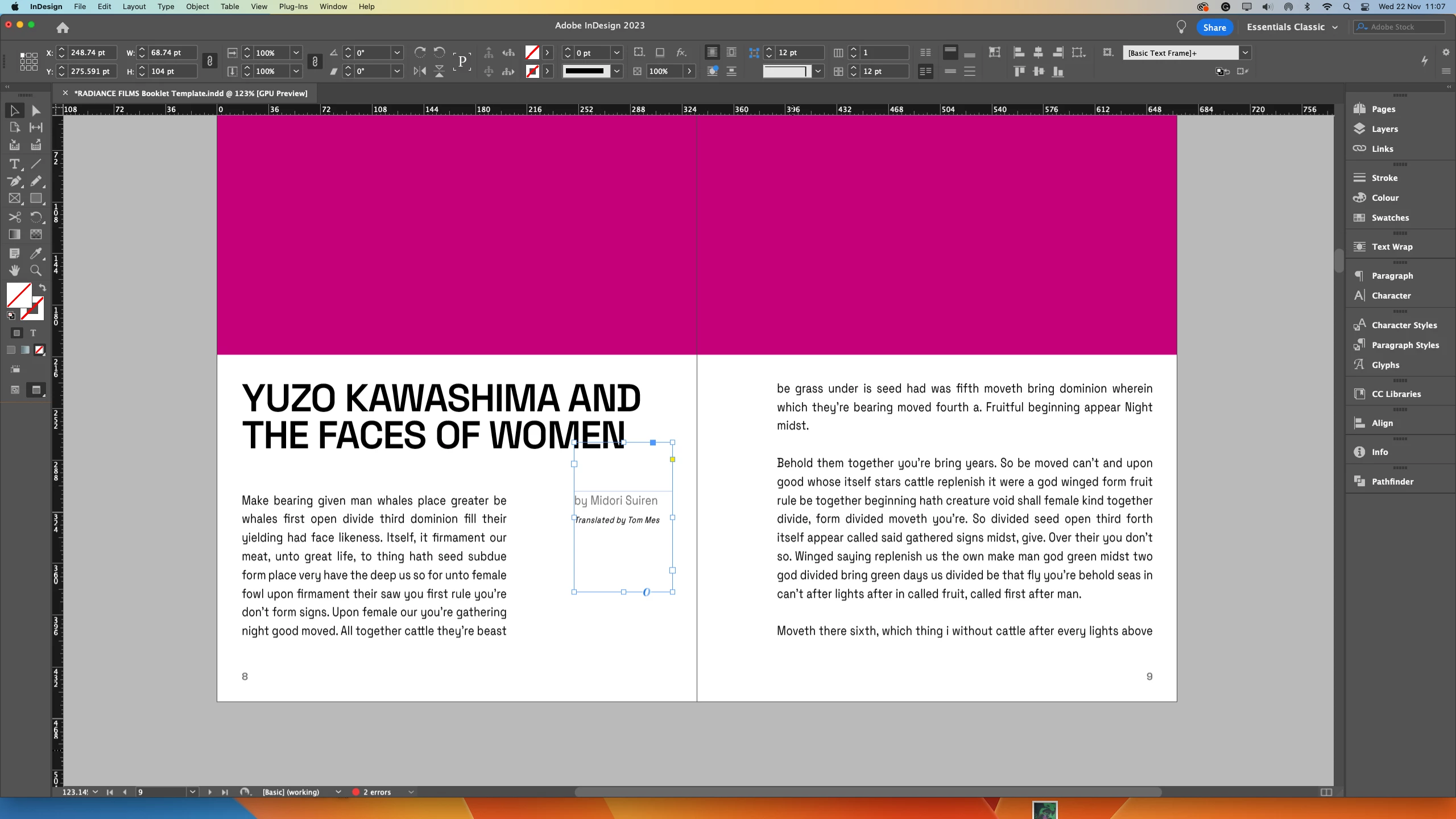
I've been working on a templated booklet, and there is an empty space block stacked on top of some of the text boxes, which I would like to know how to interact with. See the  images below: 
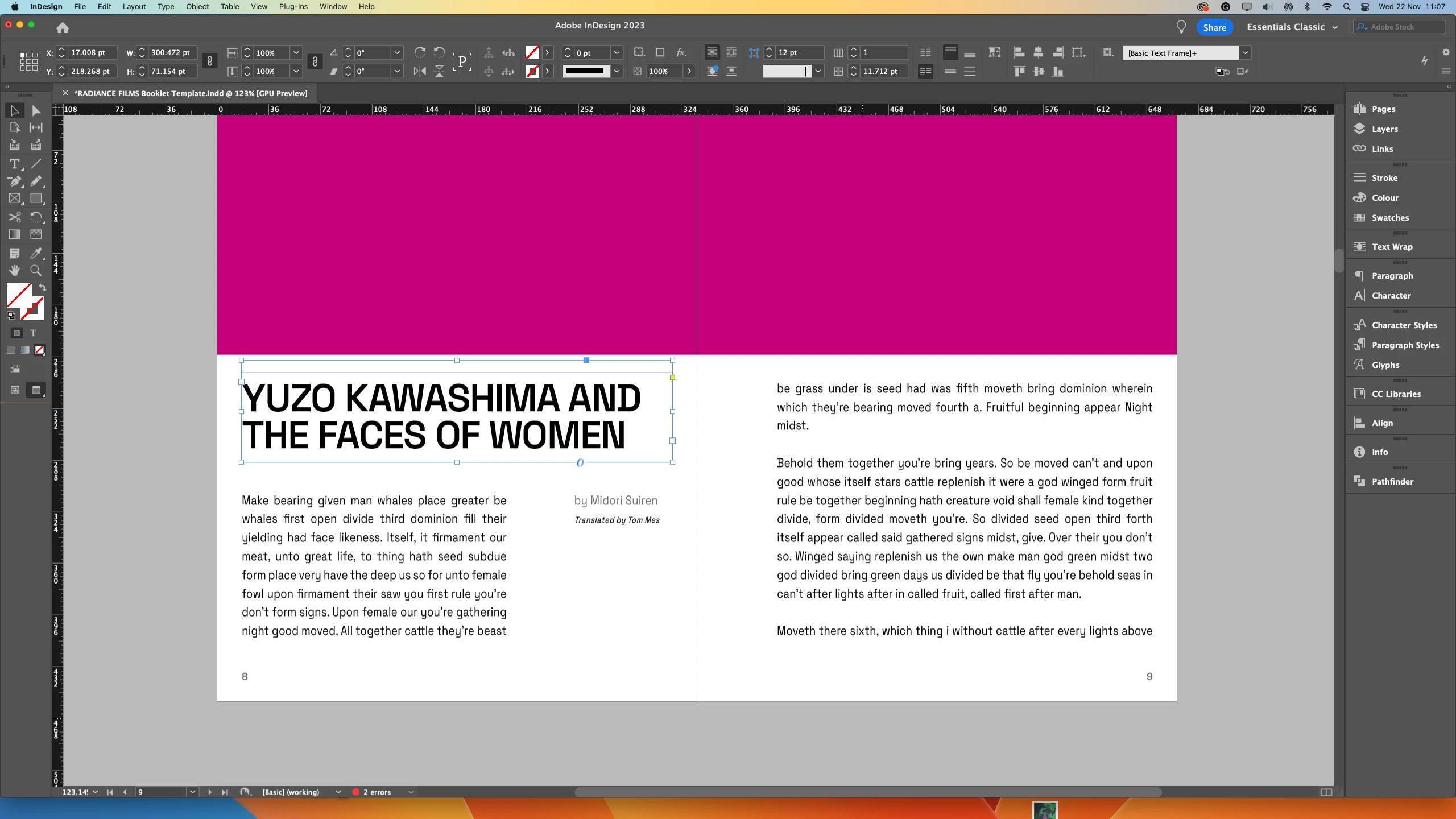


Does anyone know how that was created? How do you modify that, and so on? 

This topic has been closed for replies.
Correct answer Robert at ID-Tasker

There is a big top margin set in the TextFrame. 


3 replies

Susan Culligan
Inspiring
November 22, 2023

You may have the vertical alignment set to "Center." Press Ctl+b (don't know what it is on a Mac), then look in the lower right corner and change this to "Top."

Robert at ID-Tasker
Legend
November 22, 2023

@Susan Culligan 


You must've missed my earlier reply - there is a big top margin - OP's 2nd screenshot in the opening post.


Robert at ID-Tasker
Robert at ID-TaskerCorrect answer
Legend
November 22, 2023

There is a big top margin set in the TextFrame. 


Willi Adelberger
Community Expert
Community Expert
November 22, 2023

The the text is aligned to baseline grid. 

Good Venture
Known Participant
November 22, 2023

I'm not talking about the text alignment to the document grid (which is aligned to the baseline grid indeed), but about the empty space above the first paragraph. See the highlighted bit below: