Thank you for sharing your TOC file, Seascape. Now I understand the confusion. You do have the three styles set up, and the leading values are good, but ChapterTitle and ChapterSubtitles are based on Font for All LLL Titles, so changing the spacing on that style changes the spacing on all three. The Based On option lets you link styles to each other, so that changes in one style ripple through the styles that are based on it. So:
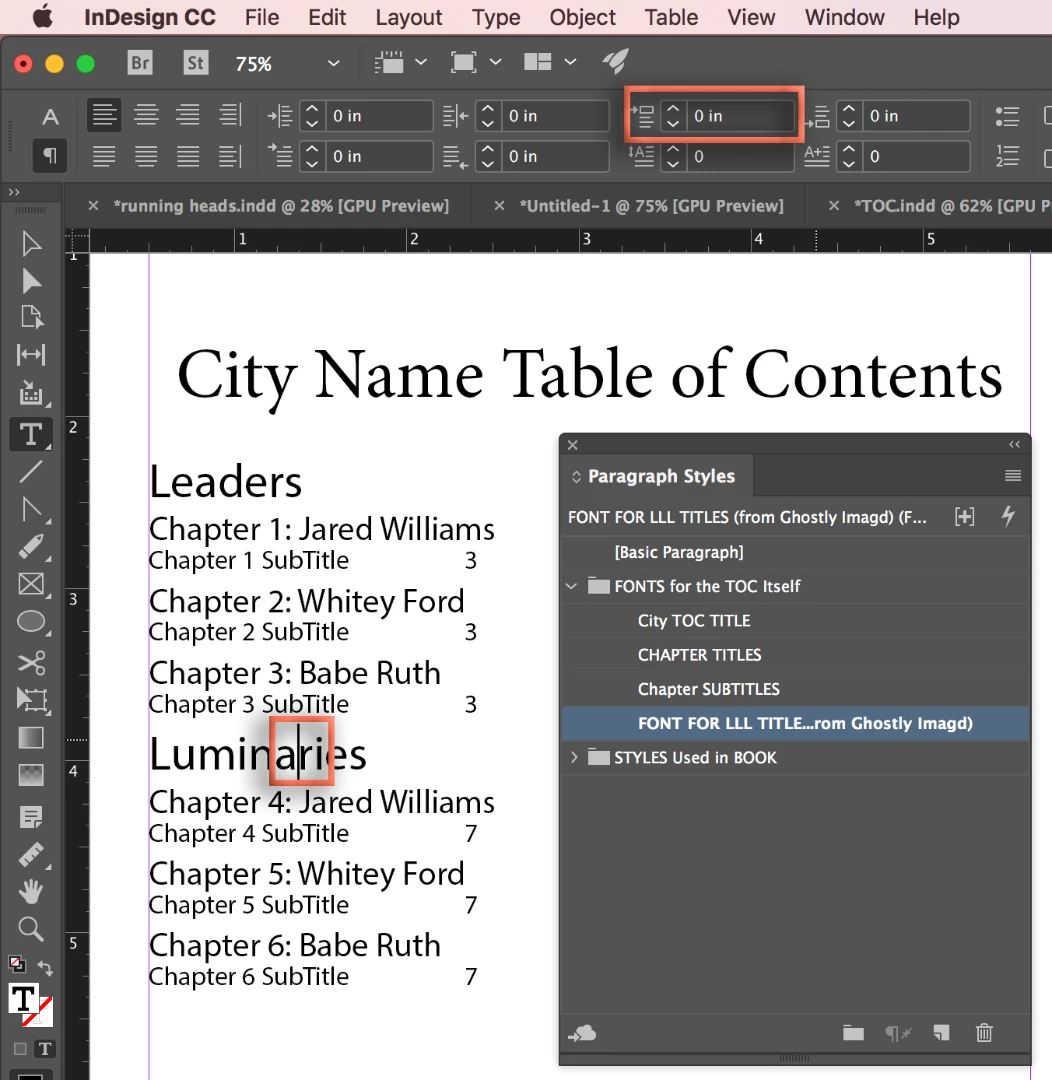
Put your cursor on Luminaries. Change the Space Above value.
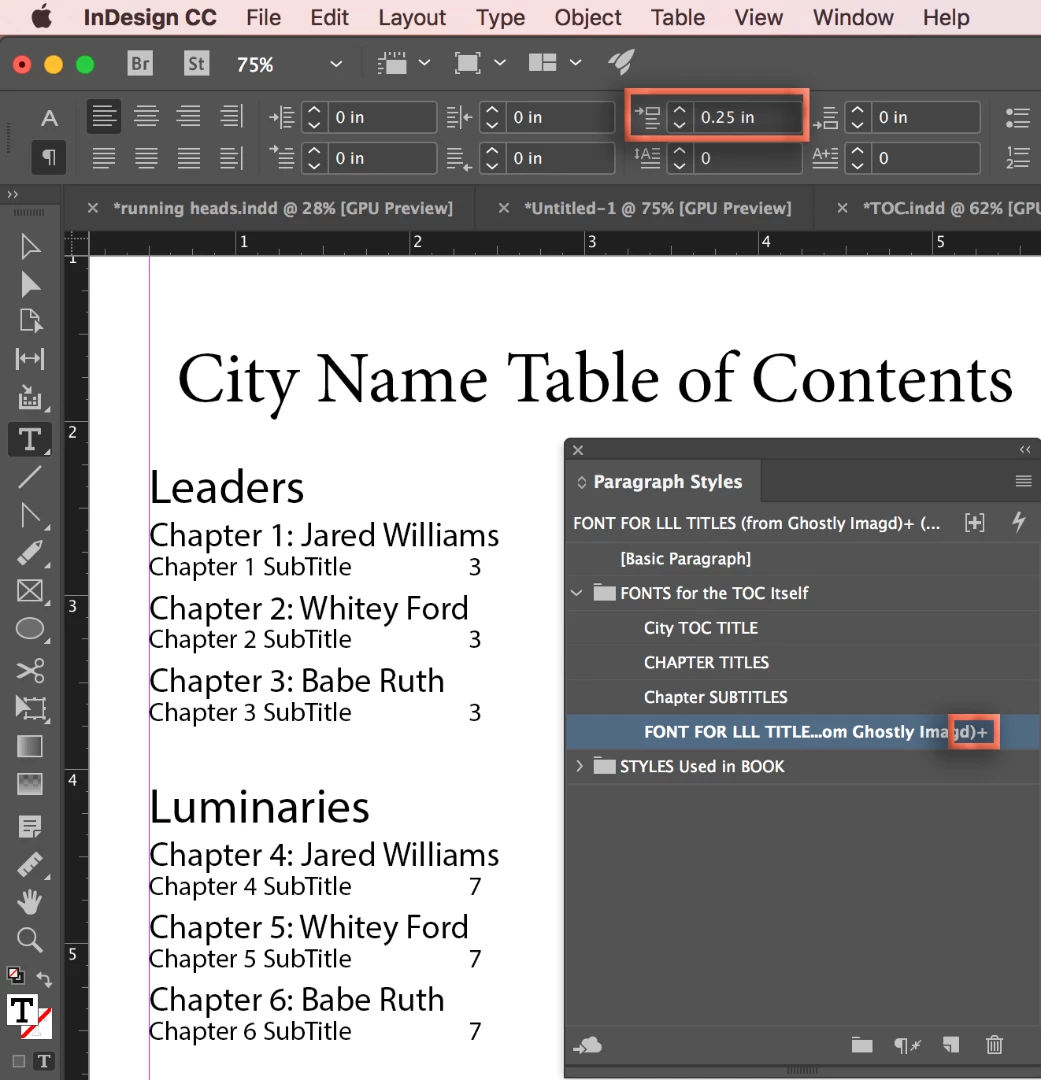
This add the desired spacing, but produces an override in the Paragraph Styles panel. (Indicated by the +)
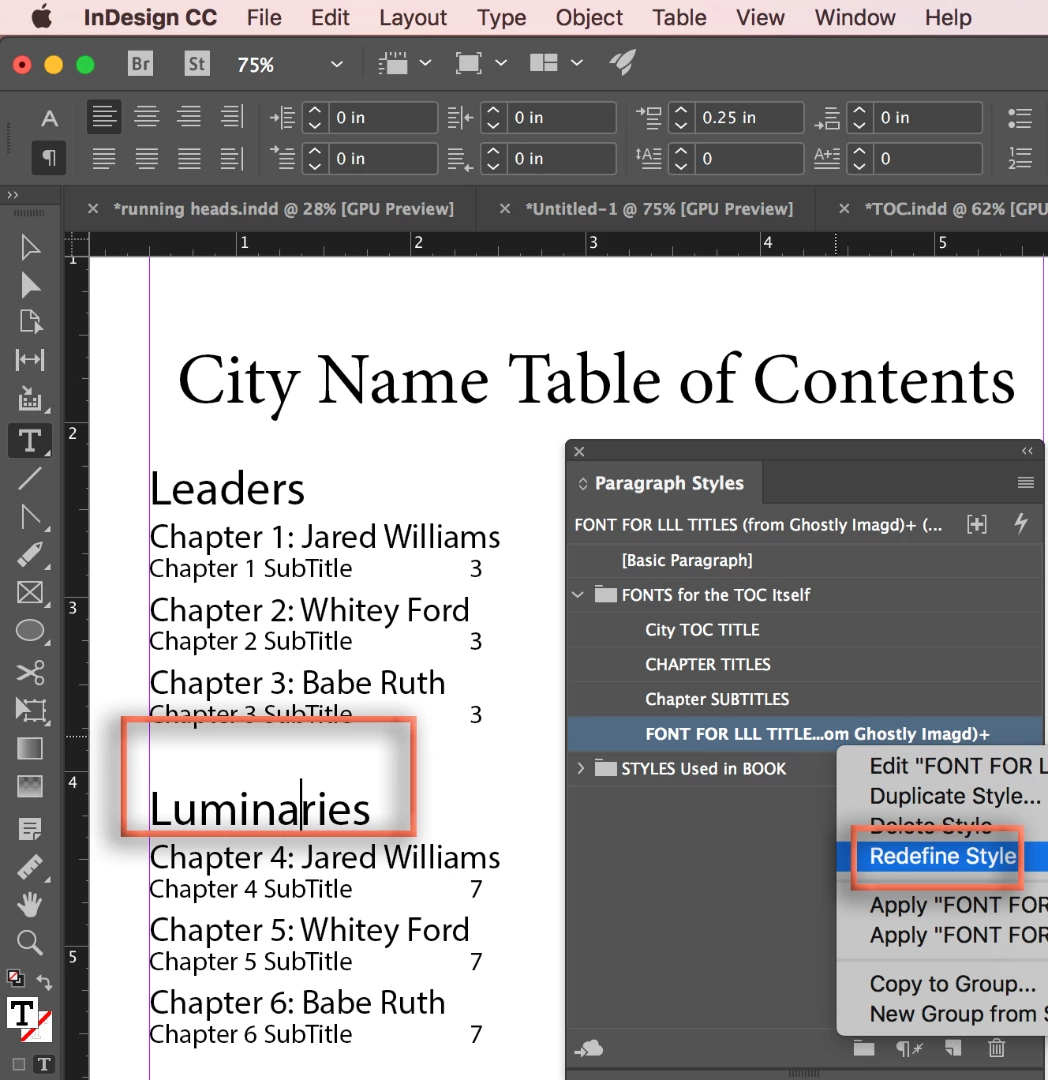
Right click Font for LL Title > Redefine Style.
This removes the override but because this is the parent style, the other two styles are updated as well.
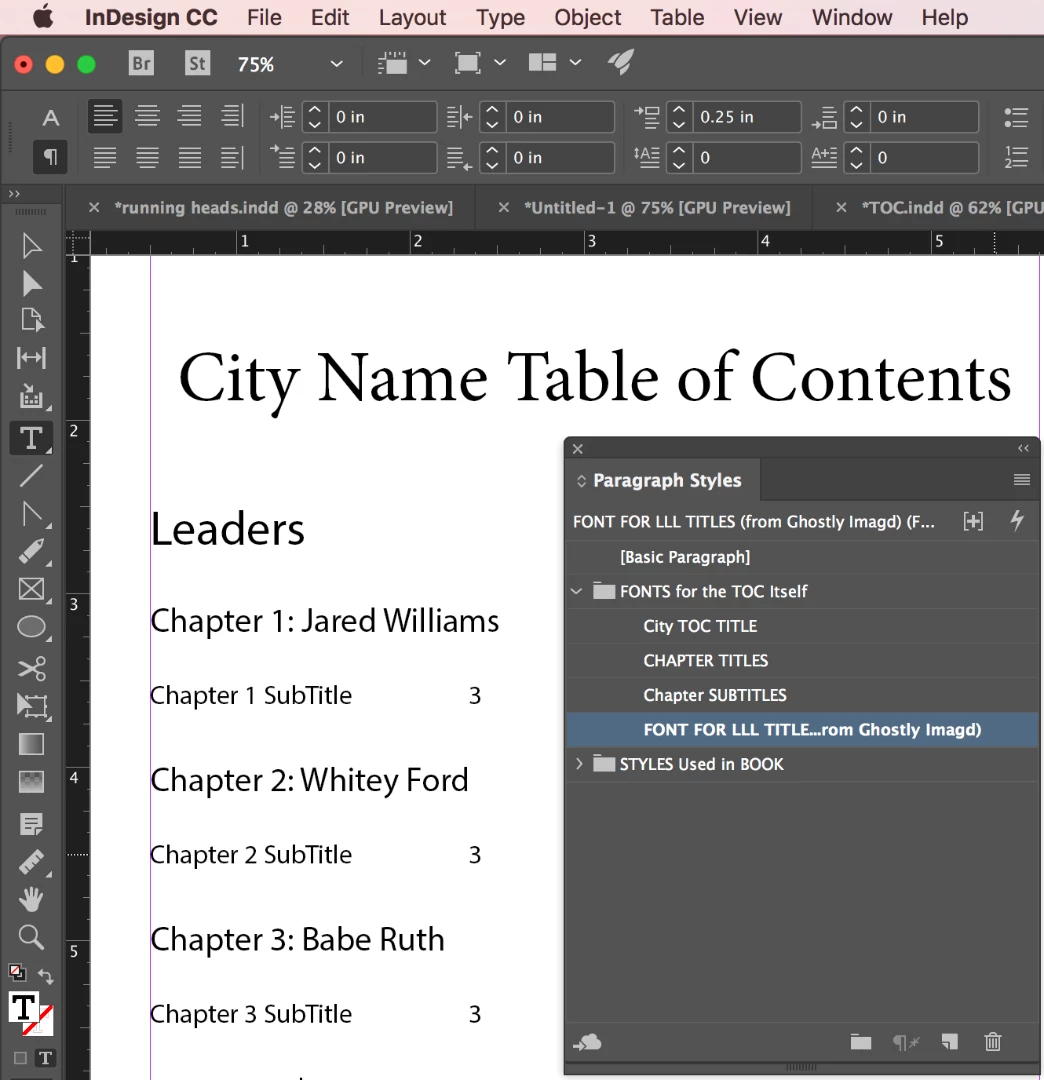
With your cursor on Chapter 1: Jaredn Williams, remove the Space above. Right click ChapterTitles > Redefine Style.
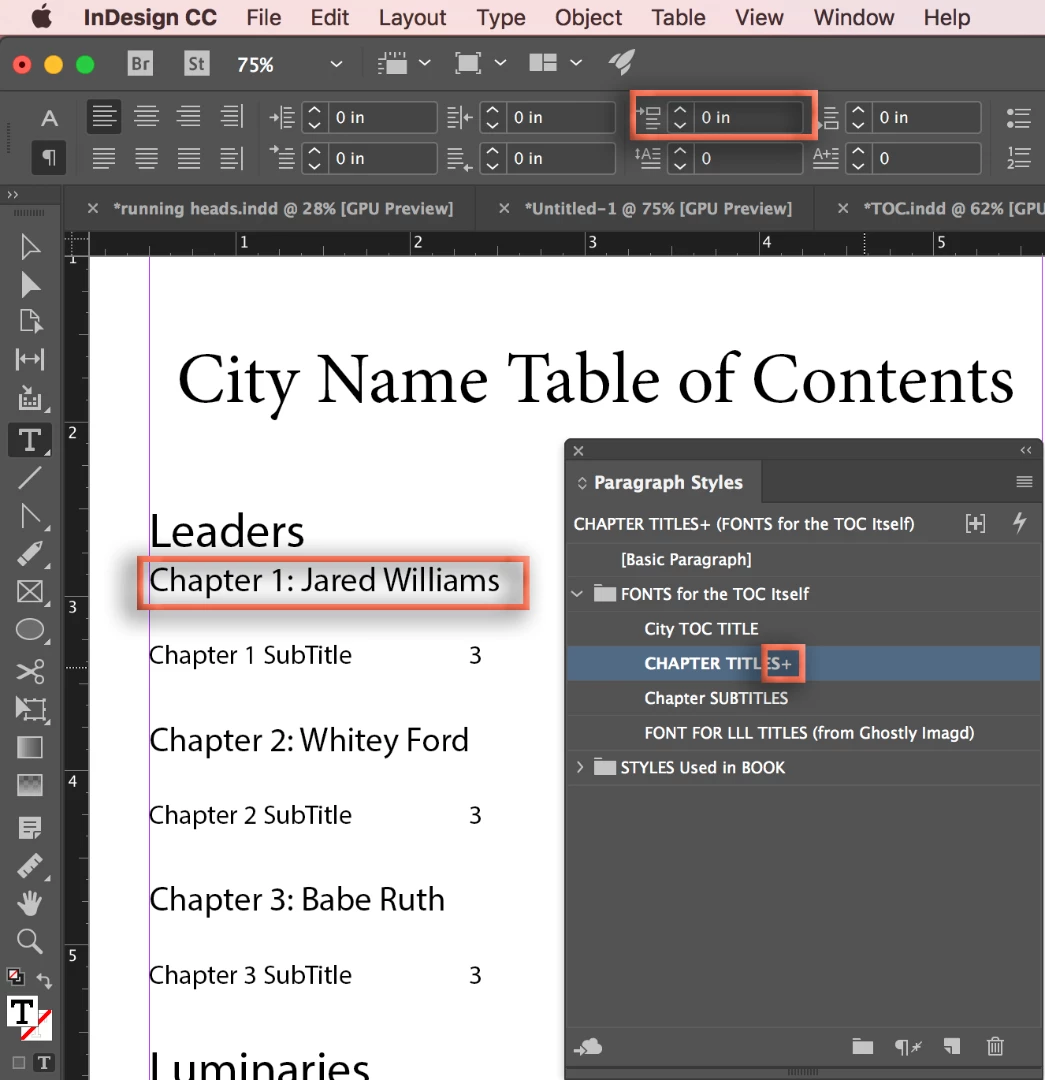
This breaks the link on just the spacing value from the parent style. I think this is what you are looking for.
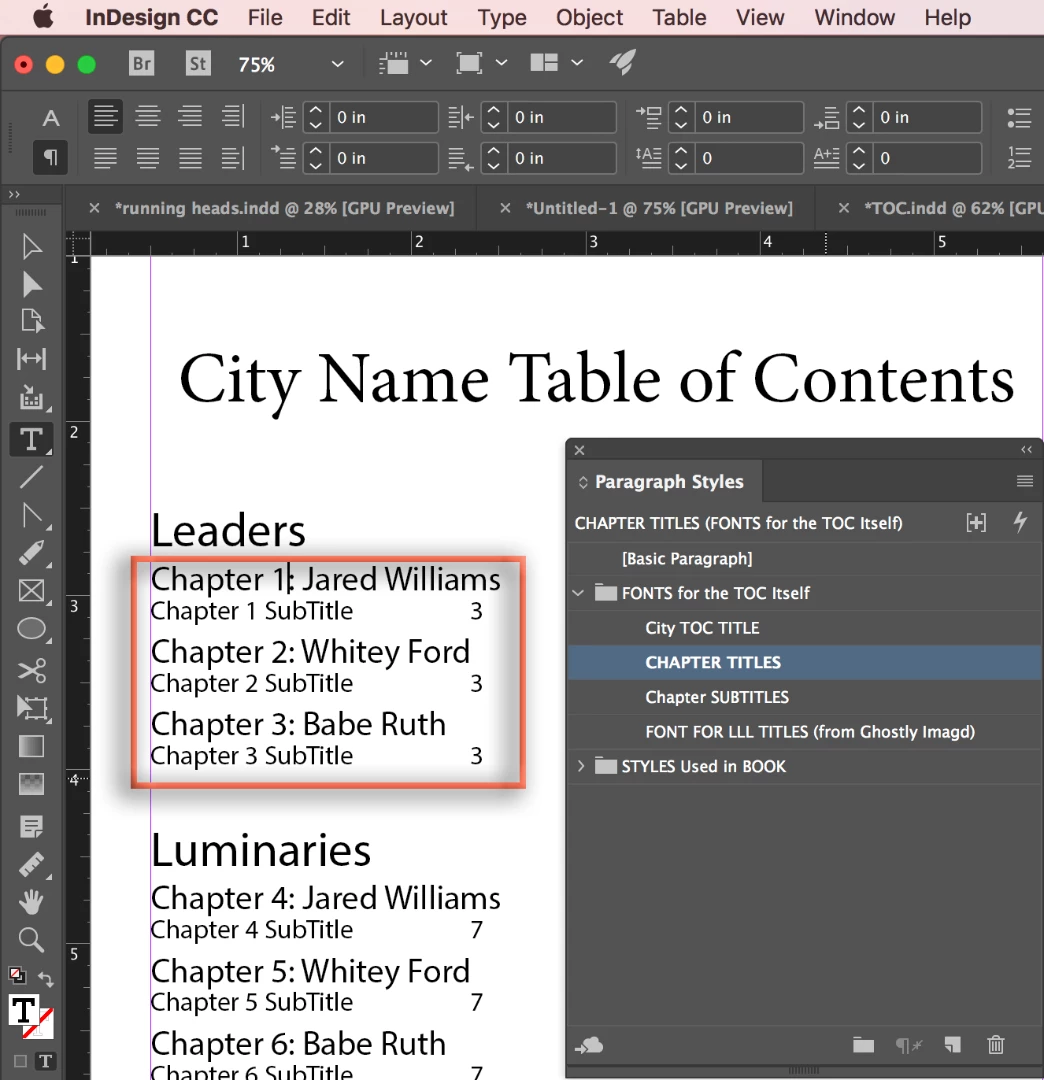
~Barb


 AdChoices