


Spell Check Won't Run at all
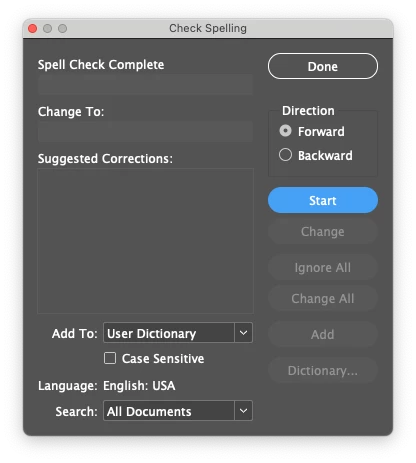
Finalizing a layout and though we have looked at this many times for spelling and grammatical errors, I still prefer to run "Check Spelling" as a option before going to print. However, nothing is happening at all. I have looked at everything under the sun online and have found zero answers that will fix this issue.
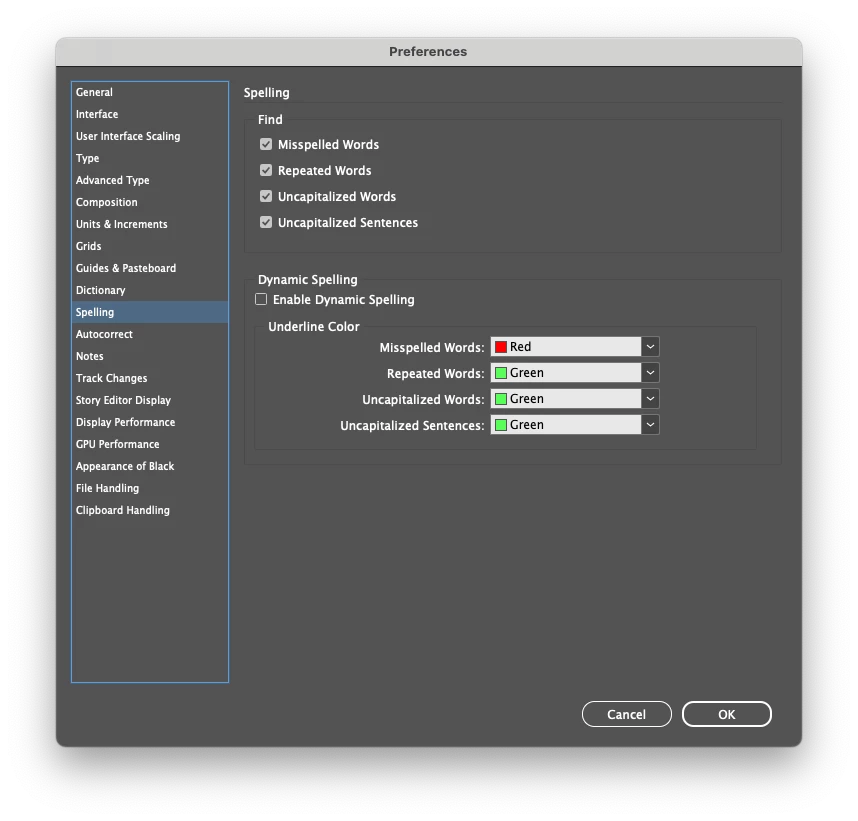
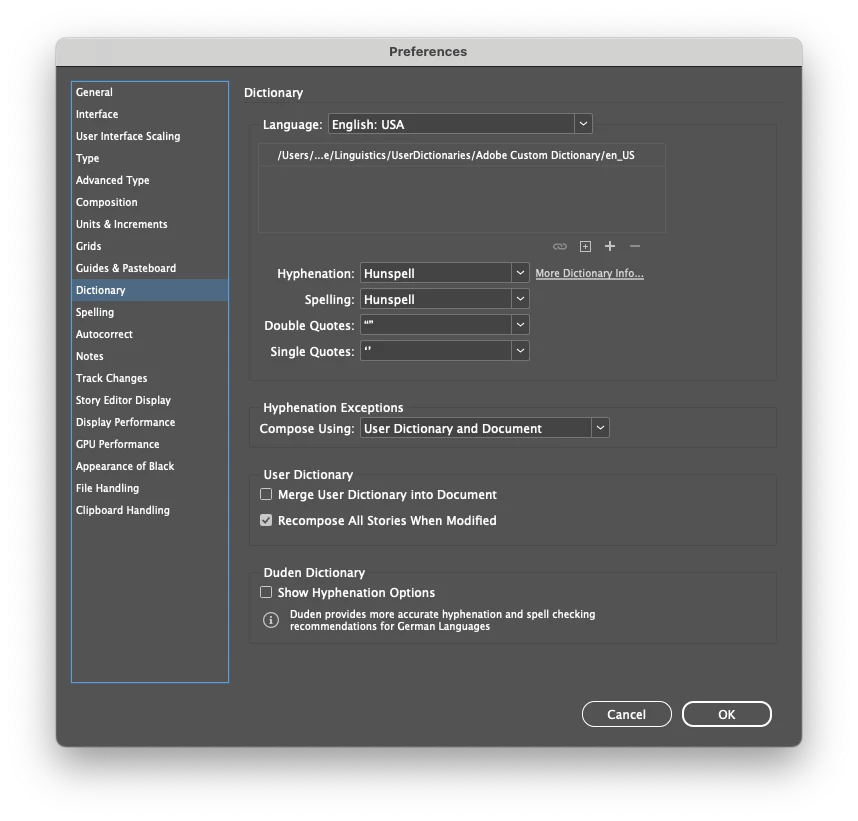
Currently using a Mac (OS Sonoma 14.5) with the latest verison of InDesign (v. 19.5). Attached are the images of my preferences (spelling and dictonary) as well as the Check Spelling window. I'll hit "Start" and nothing happens. I even intentionally misspelled something to see if it would work. Nothing.
EDIT: Please note that I removed version 19.5 and reinstalled the previous version (19.4). Spell check works totally fine with this verison. Additionally, I had a coworker check their InDesign v. 19.5 (Windows based) and the spell check worked fine for him. So this is Mac specific.
If there's a solution that I have missed, please share it as time is a factor here. Thanks! 🙂
 AdChoices