
Participating Frequently
March 10, 2025
Question

Splitting one cell into two columns?

  • March 10, 2025
  • 3 replies
  • 328 views

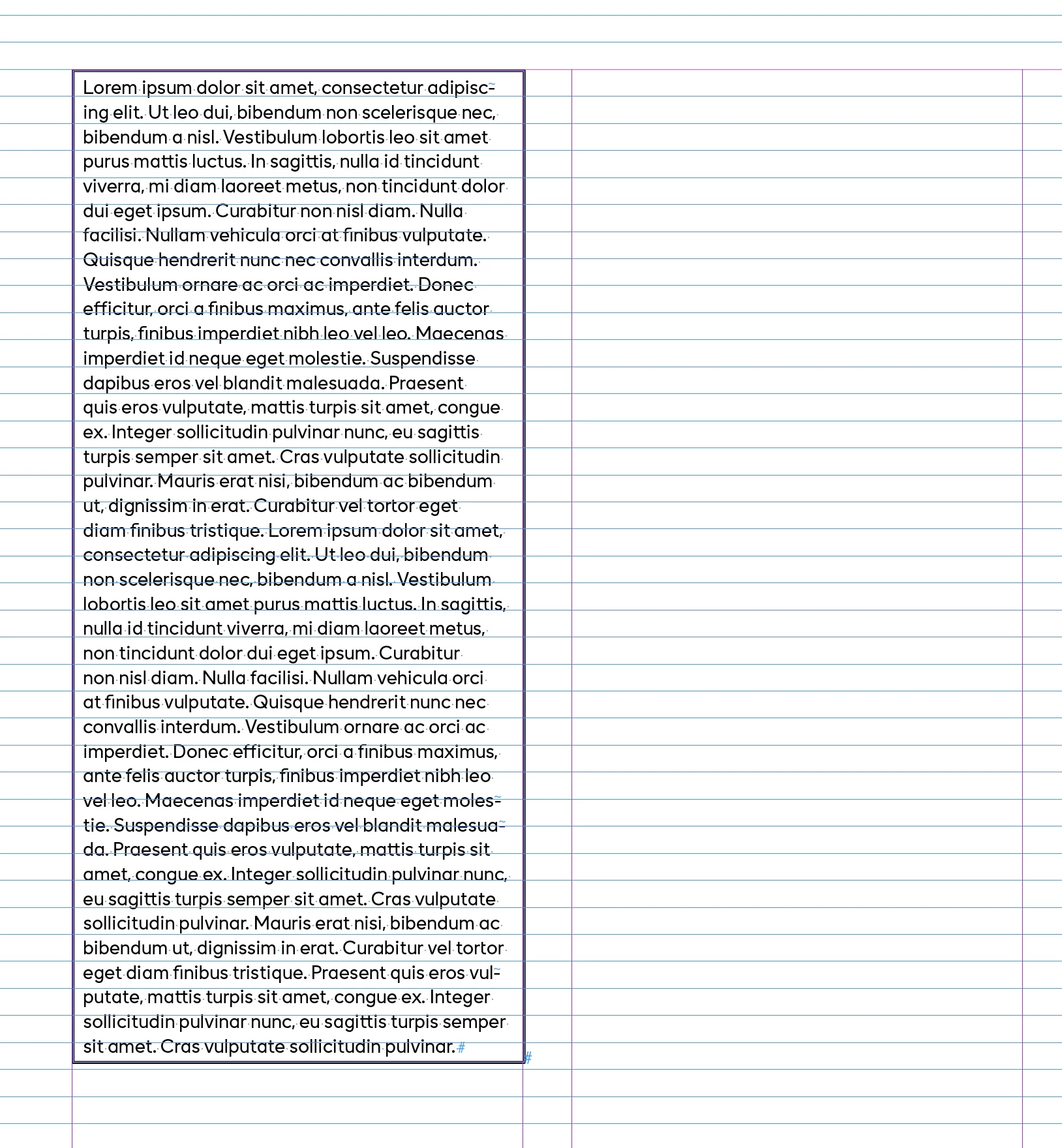
Hi, Is it possible to split a single cell into two columns? I have several cells containing a large amount of text that need to be divided into two columns. How can I achieve this? The reason I need it to be in a table is that some text will have frames, some will have a background, and some will be plain—all while maintaining a continuous flow. Thank you in advance!
 

3 replies

Robert at ID-Tasker
Legend
March 10, 2025

What kind of background? 


Maybe you can use shading in ParaStyle?


btapAuthor
Participating Frequently
March 10, 2025

Just a background colour that follows the text. Instead of table, normal text boxes with paragraph shading was on my mind too.

Since my document will contain a lot of different elements (text, long text boxes with background, pictures, graphical elements on 4 columns) I thought it would be good to have everything in a table to keep the flow on everything 

Robert at ID-Tasker
Legend
March 10, 2025

@btap


Forget about tables - too much headache in your case.


jmlevy
Community Expert
Community Expert
March 10, 2025

Cells can't be divided in columns and text can't flow from one cell to another. You need to set up your layout with regular frames that you will thread.

btapAuthor
Participating Frequently
March 10, 2025

Ok, I see. Thank you so much for your answer!

btapAuthor
Participating Frequently
March 10, 2025

Correct: I would like to "break" one cell into two columns.