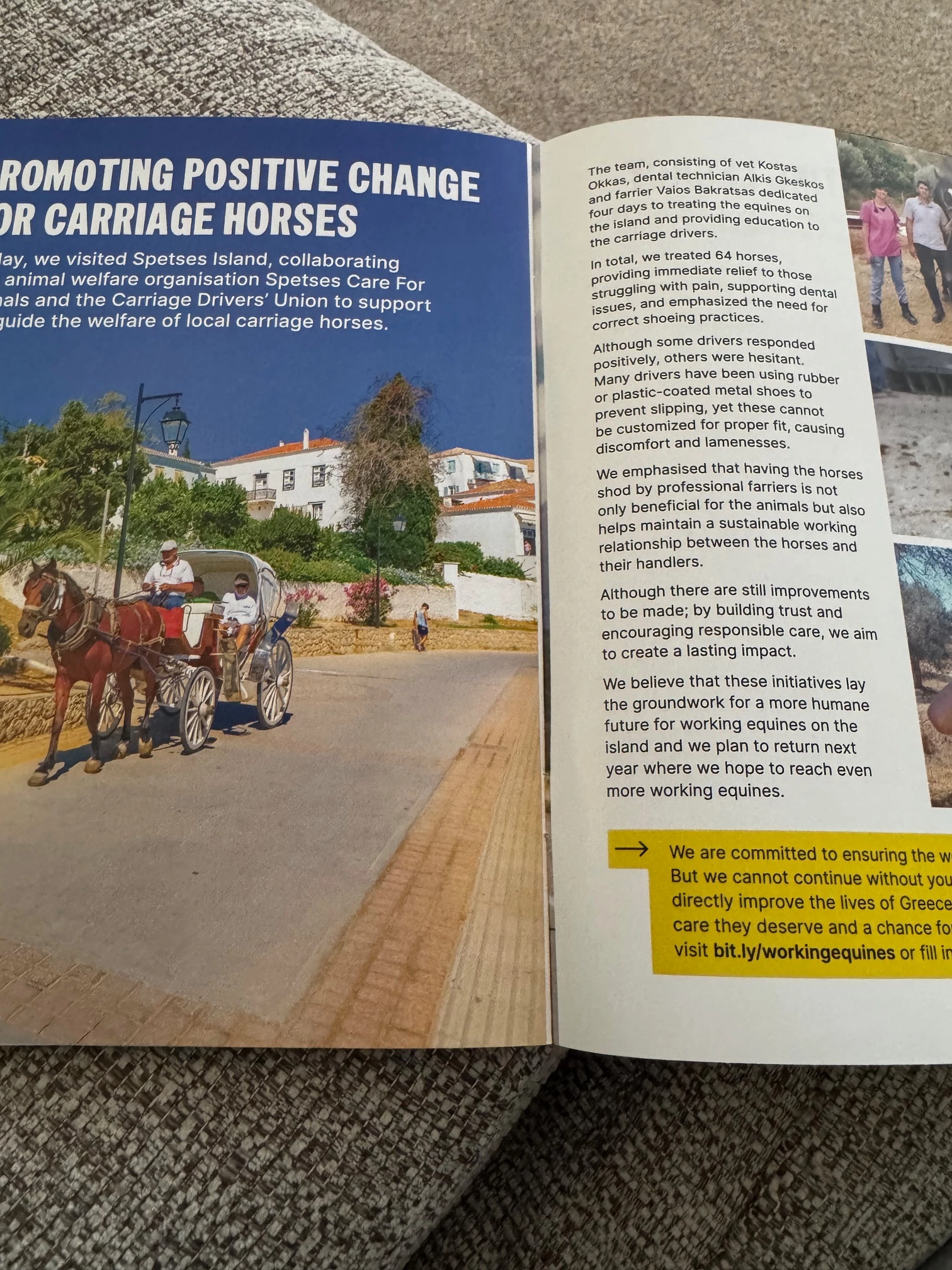
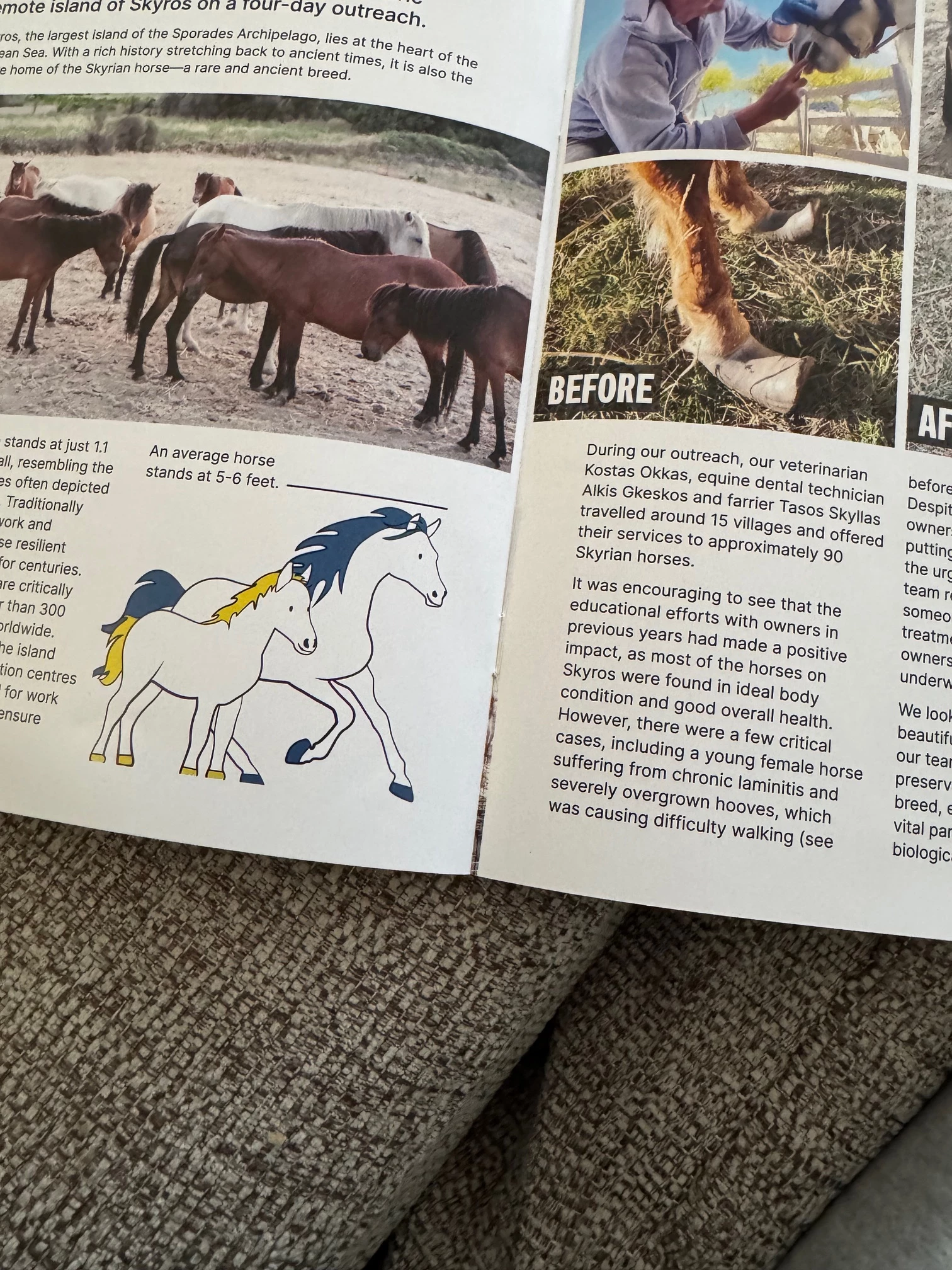
Take out the staples from the booklet, so you have three folded A4 sheets. You'll see that the photo on the left side of the folded sheet, which should end exactly on the fold, is instead slightly across the fold. This could be as Bob says because of poor imposition, but I think it is more likely that either the sheets aren't folded in half exactly, or if they are folded in half exactly then they have been guillotined inaccurately so the center of the sheet doesn't exactly match the edge of the photo.
If you are supplying your printer a 12 page A5 file, I can't think of anything you can have done in InDesign that would cause this - it's almost certainly an issue related to how the booklet has been printed and saddle-stitched.
I can't see it will be related to page creep, that's an issue that affects the right edge of the booklet - the edge you open to read the pages.




 AdChoices