Inspiring
April 24, 2024
Question

Start Workspace: Recent Documents

  • April 24, 2024
  • 3 replies
  • 537 views

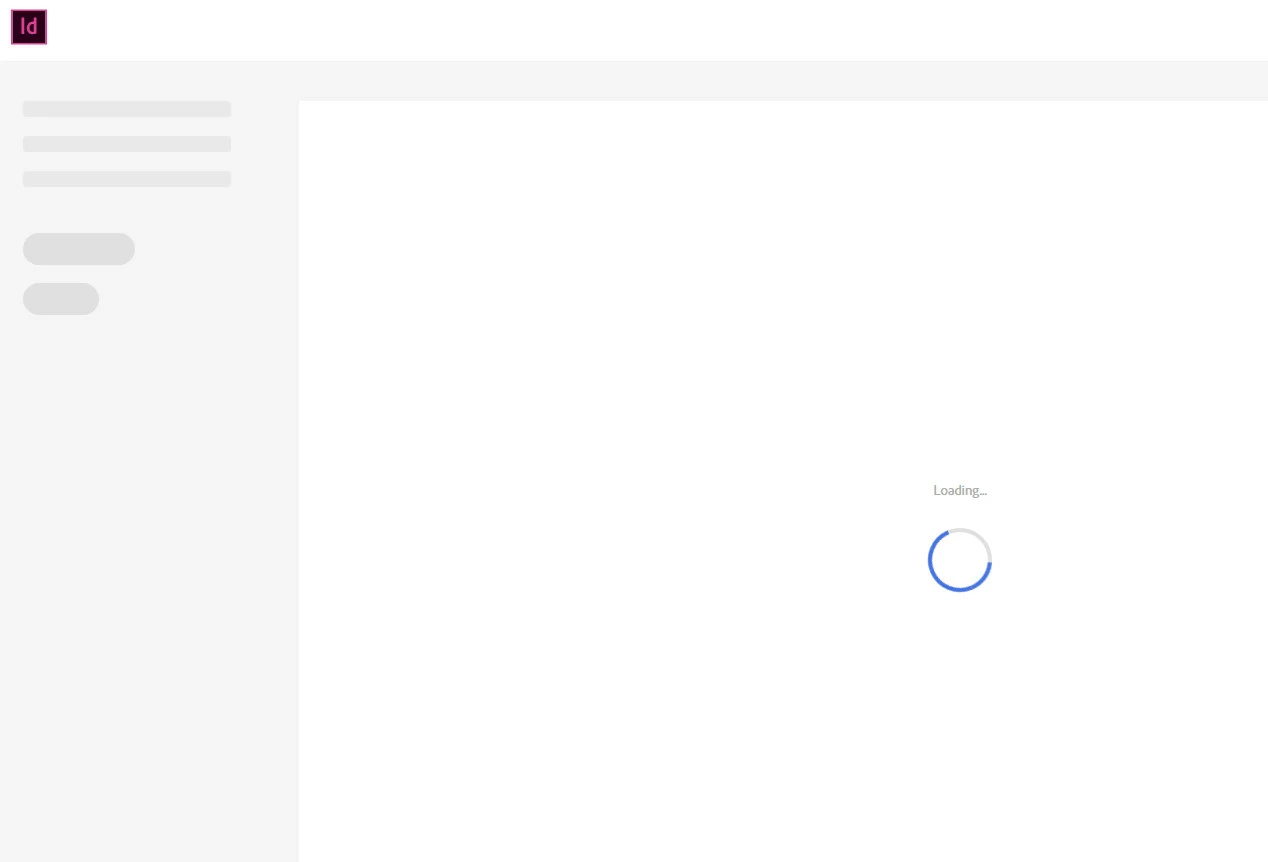
Since this morning, when I open my Indesign CC 2019 today, the recent file screen endlessly tries to load but doesn't succeed.

I know I can disable the function and crack on but it's a handy page. Help!
This topic has been closed for replies.

3 replies

Barb Binder
Community Expert
Community Expert
April 25, 2024

Hi @Gummo Marx:


If the upgrade doesn't solve it, please tell us exactly how you reset preferences. There are a few different options and knowing what you have done so far will help us help you. 


~Barb

~Barb at Rocky Mountain Training
Inspiring
April 25, 2024

I want to fix this before moving up, for my own curiosity - when I have software that I've used for ages doing something untoward, I'd like to know what event may have caused it, particularly if there's a potential issue on my PC beyond the realms of InDesign.

I reset the prefs using Ctrl+Shift+Alt when hitting the shortcut.

Barb Binder
Community Expert
Community Expert
April 25, 2024

Hi @Gummo Marx:


Did you see a variation of this dialog box after you launched InDesign? The timing is tricky—if this box didn't open, then the preferences were not reset. 


You haven't told us what version you are on yet—InDesign 19.3 and 19.4 make this much easier – you can choose Preferences > General > Reset Preferences on Quit. 


Both the keyboard-on-launch option and the new Reset Prefereces on Quit only remove some of the potentially problematic files/folders. If this first level approach doesn't work, you can read the link Robert posted, or a similar one here: https://www.rockymountaintraining.com/adobe-indesign-rebuilding-preferences-cache/


~Barb

~Barb at Rocky Mountain Training
Harshika Verma
Community Manager
Community Manager
April 25, 2024

Hi @Gummo Marx,

We are sorry to hear you are unable to launch InDesign. Would you mind updating InDesign to the current version (19.4) from the Creative Cloud Desktop app and then trying to relaunch InDesign?


Let us know if that helps.


Thanks,

Harshika

Inspiring
April 25, 2024

I am able to launch and use InDesign - it's just that the recent file gallery (with the thumbnails) doesn't appear any more.

I'd prefer to fix the issue first before moving up.

Robert at ID-Tasker
Legend
April 24, 2024
Inspiring
April 25, 2024

Thanks Robert - I'd tried and failed with that.

Robert at ID-Tasker
Legend
April 25, 2024
quote

Thanks Robert - I'd tried and failed with that.


By @Gummo Marx


What do you mean "failed" - doesn't help?


Then maybe you need to use CC Cleaner?