Participant
November 29, 2022
Answered

Static Layer on Interactive Indesign Layer not showing

  • November 29, 2022
  • 4 replies
  • 632 views

I have simple buttons with a rollover effect in InDesign: no destination, just a rollover effect. I just added a static
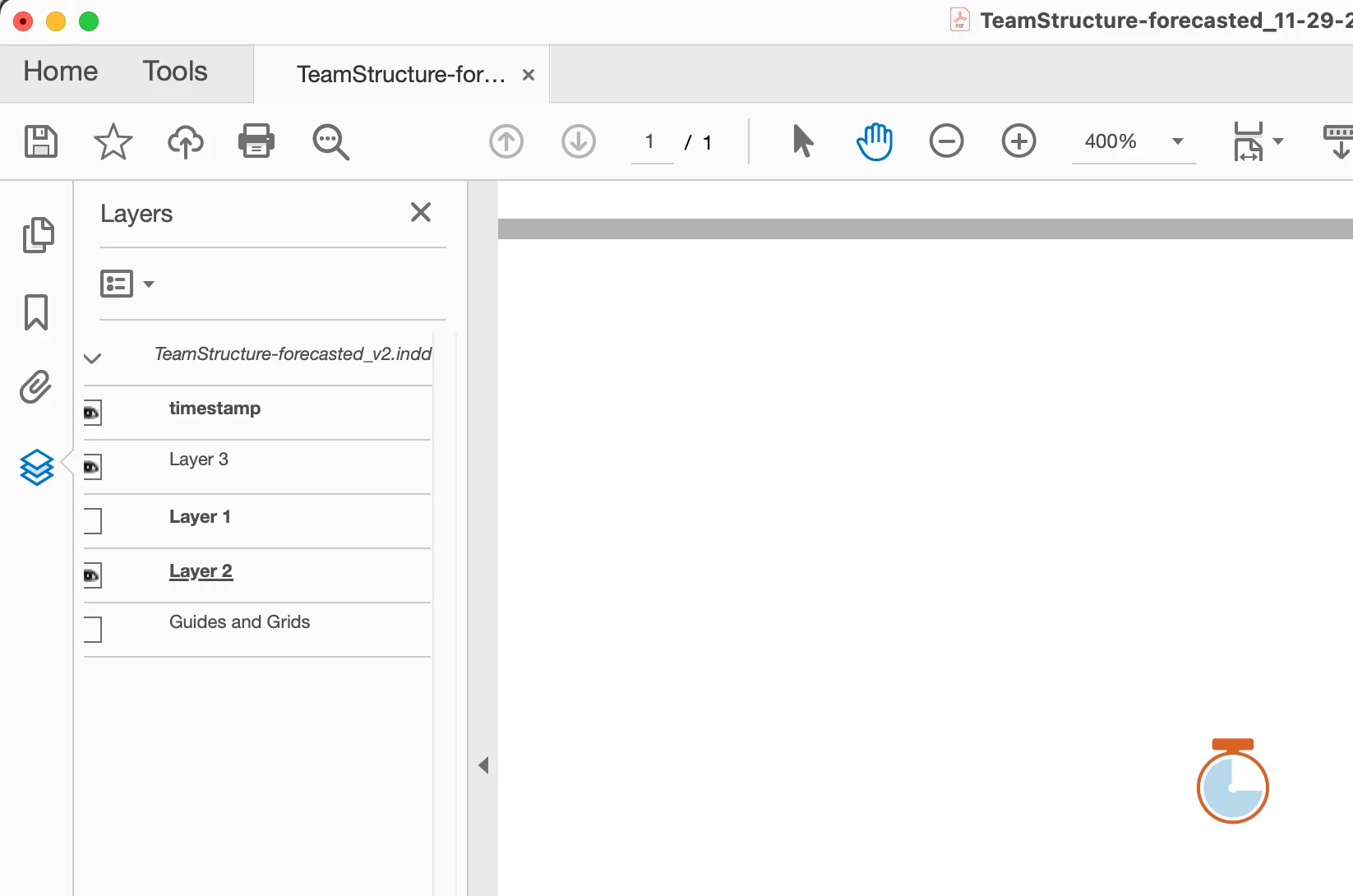

   

layer ON TOP of the buttons with a simple icon, which needs to show on top of the button, regardless of what the button is doing.  Once it's exported to an interactive PDF, that icon layer hides under the button. Screen shots are attached. Any ideas? 
This topic has been closed for replies.
Correct answer JR Boulay

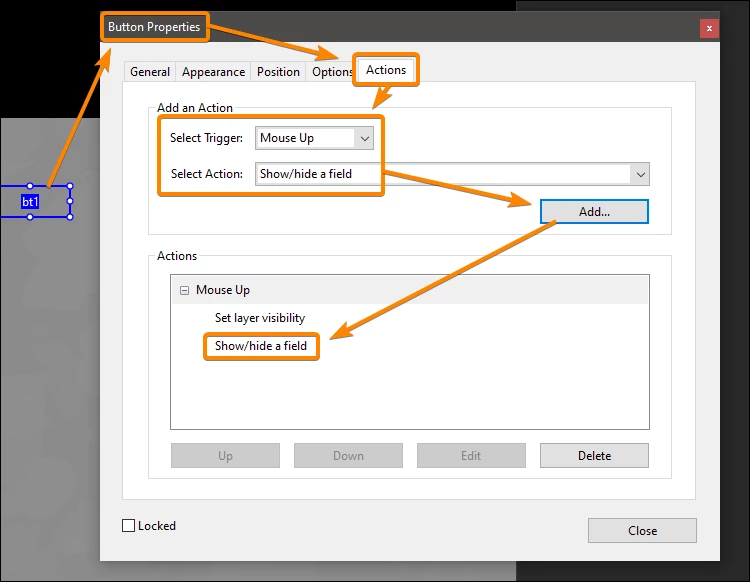
The solution is to hide the button when the layer appears and vice versa.


4 replies

JR Boulay
Community Expert
JR BoulayCommunity ExpertCorrect answer
Community Expert
December 1, 2022

The solution is to hide the button when the layer appears and vice versa.


Acrobate du PDF, InDesigner et Photoshopographe
Participant
January 4, 2023

Very helpful- thank you!

Bill Silbert
Community Expert
Community Expert
November 30, 2022

Perhaps a workaround would be to to make the button a compound path using the shape of the static icon to create a hole in the button's shape. Then put the static icon on the same layer as the button to exactly fill that hole. This way there is no actual interactivity covering the static icon. This is only theoretical but it would be worth a try.

JR Boulay
Community Expert
Community Expert
November 30, 2022

In InDesign each element is attached to a layer.

This is misleading because in a PDF document this is not the case, form fields "float" on top of everything else including layers.

Acrobate du PDF, InDesigner et Photoshopographe
BobLevine
Community Expert
Community Expert
November 29, 2022

Normal behavior. Interactive items always go to the top of the stack.


Perhaps turn the static item into a button to fake it but that's going to present other issues. Sounds like something that needs complete rethinking.