


Known Participant
July 13, 2023
Answered
Step and Repeat is creating a 10GB InDesign File.
- 5 replies
- 822 views
- Translate
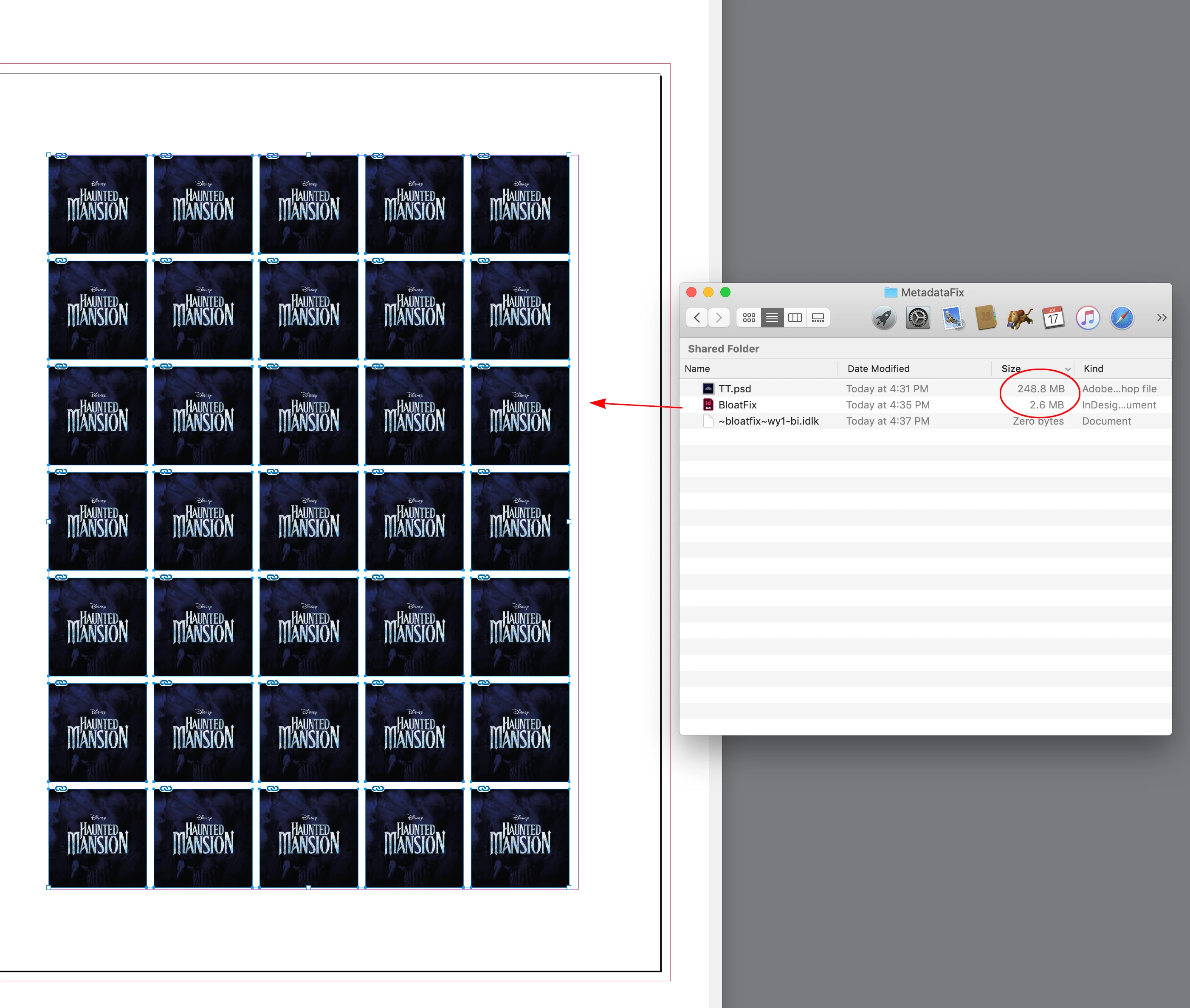
I am experiencing a very disturbing problem when creating InDesign documents. I have a single linked photoshop file, repeated 35 times in an 8.5x11 document. These are small stickers/labels done in a step and repeat style. InDesign appears to be embedding the link and multiplying the file size for every instance. I'm ending up with an unusable 10.88GB InDesign file.
Please see the attached screen captures and points below for further details.
- Performance is dismal when opening and saving. 5+ minutes to save and close.
- The document is unusable as I get a message about not being able to undo literally every second. I click OK, and immediately the message comes up again. Again, see screenshot.
- Note the extremely high memory usage for InDesign when working with this document, nearly 30 gigs, see screenshot.
- This behavior has also been replicated on a PC running Windows 11, and with separate art work files. In one instance the InDesign file went up to 30GB.
- I've tried "Save As" and I've tried deleting preferences.
- The size of the linked photoshop file is very reasonable - 400 MB.
- I've triple checked, the links are not embedded in the document.
- MORE IMPORTANTLY: For the time being I've figured out a workaround (save the linked file as a low-res JPG, I end up with a 5MB file), but this is not a permanent solution. I have been using InDesign since 2004, I have never seen this behavior before in any configuration. I have step and repeated much larger/intensive graphics without issue.
Any insight would be greatly appreciated.

 AdChoices