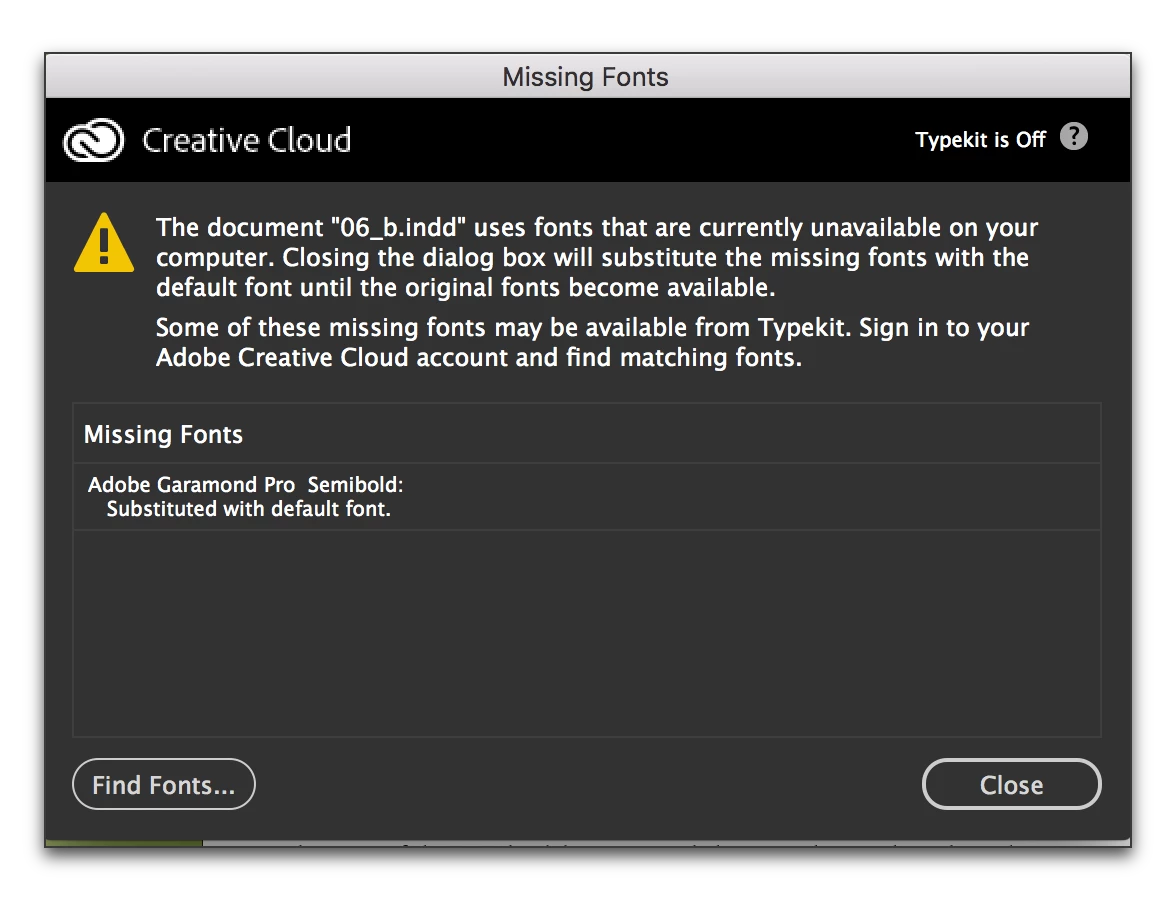
Still trying to turn-off the Creative Cloud app's pop-up when a font isn't loaded or an image linked.
OK, I turned off "TypeKit" in Creative Cloud's preferences weeks ago, found it myself on hunch.
I've searched repeatedly for a way to permanently, forever and ever, turn off "Creative Cloud." Still can't find an answer that addresses the root problem: an annoying marketing application that I will never, ever use, and that I can't permanently ban from being re-installed on my hardware.
In response to the one helpful answer that turns up in searches: the wretched "Creative Cloud" pop-up menu still always - ALWAYS - comes up when I open an InDesign file that uses fonts that I've manually closed, for font management reasons, AND images that have lost their link because I moved a folder during a cleanup.
I do not now nor will I ever use these "Creative Cloud" ... marketing "features" ... I've been a heavy high-end user of Adobe software since Illustrator 88 and do not need this annoying interruption every time I open a file. I am not going to use your "Cloud" fonts, ever. And if I was ever going to buy illustrations from you, I certainly won't now and into the future.
As I keep saying to you guys, what the heck is wrong with you? Can't you keep your marketing weasels under control?
 AdChoices