
Stop text flow changes when anchoring
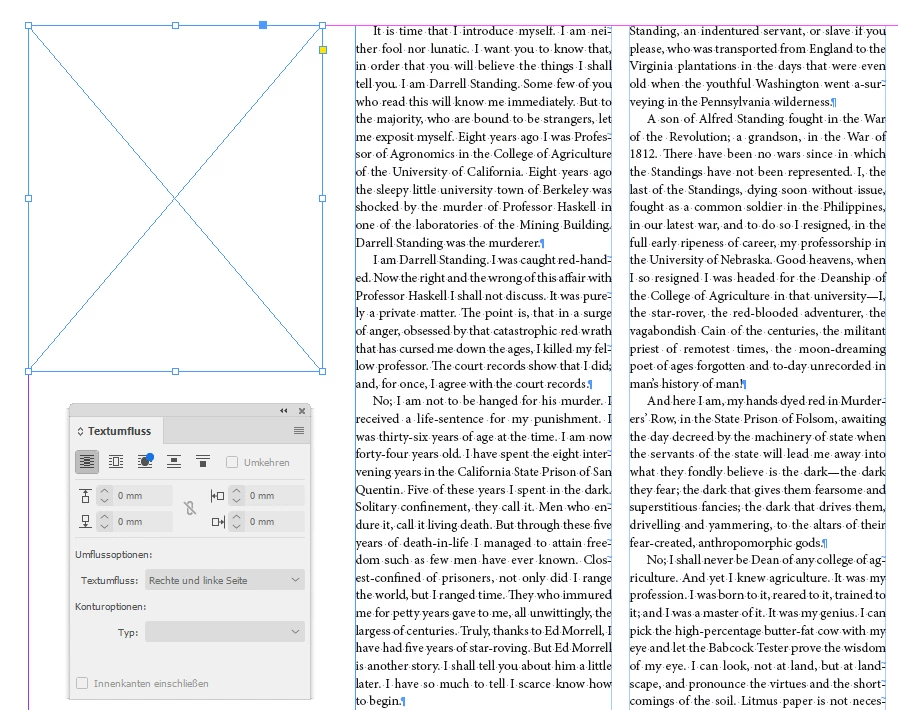
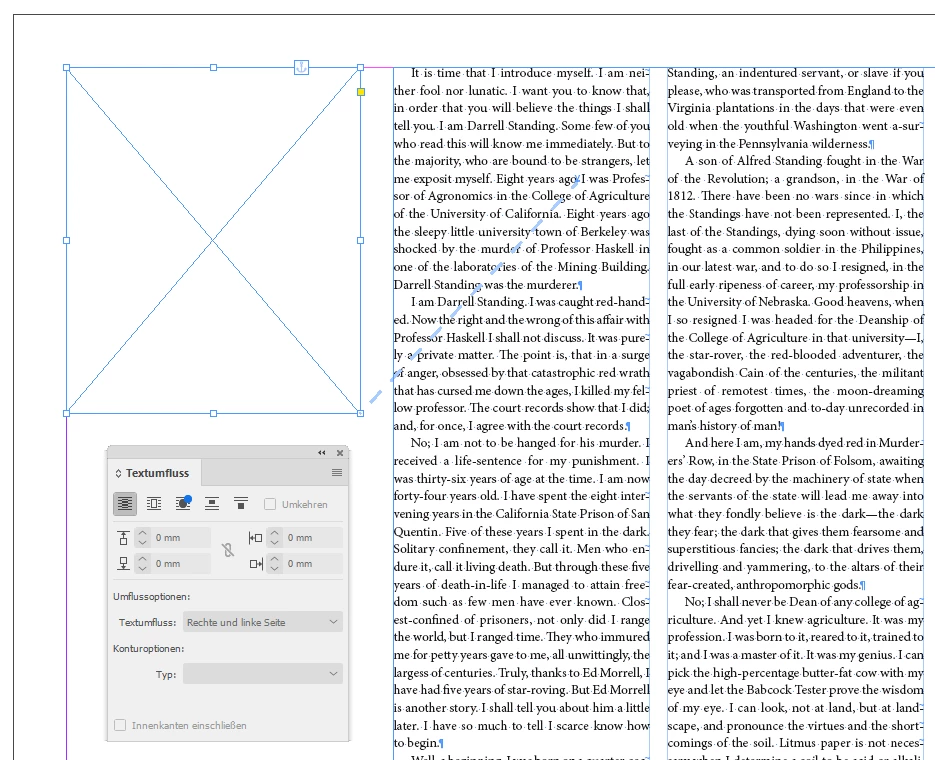
To start, this is not the issue of anchoring an object to a line and losing the text wrap of the line. I understand the technique of anchoring it to the line after to avoid that. The issue I'm having is that my entire text flow changes no matter where I put the anchor. It's baffling and frustrating and I can't find anywhere that talks about this.
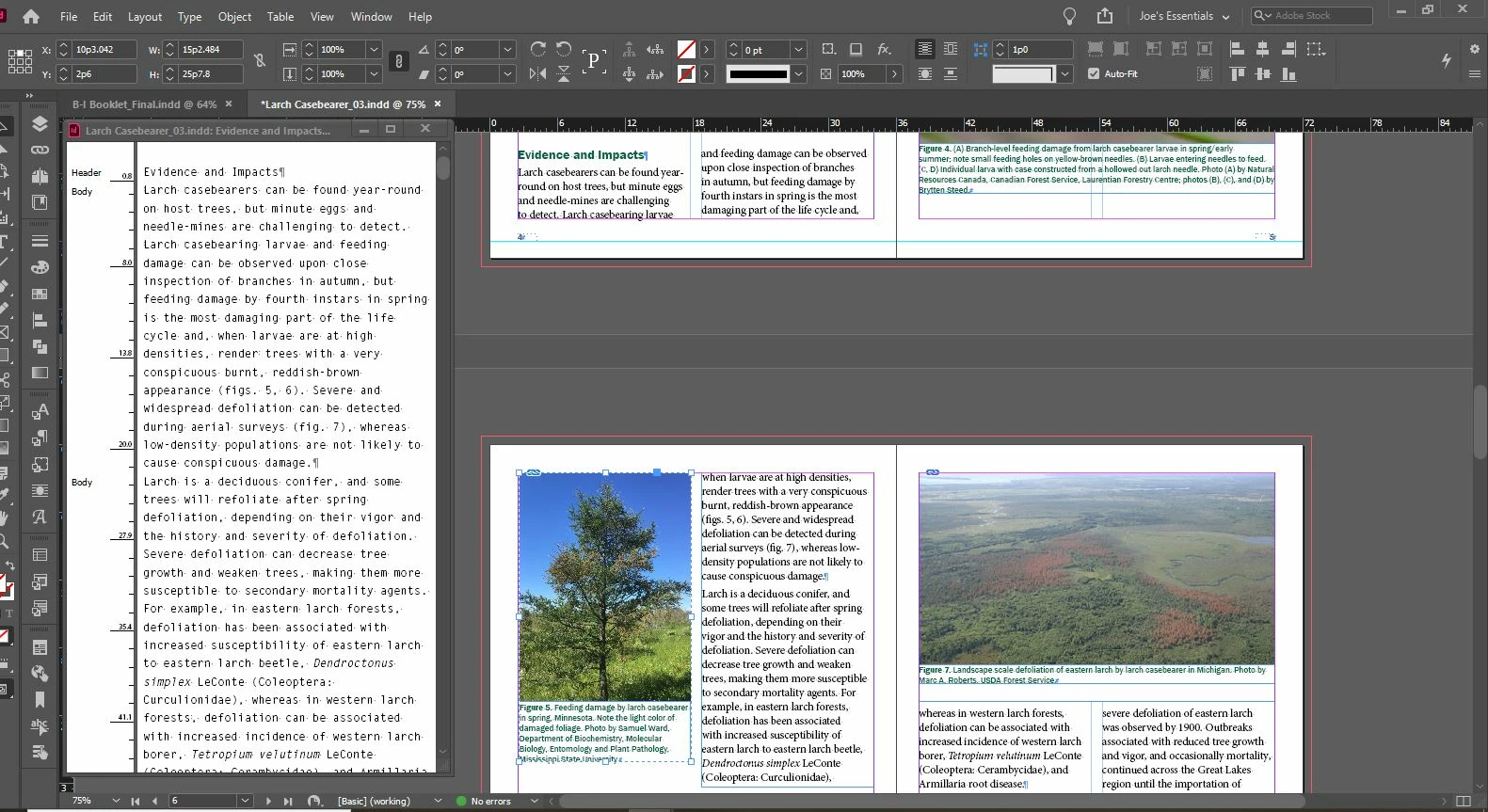
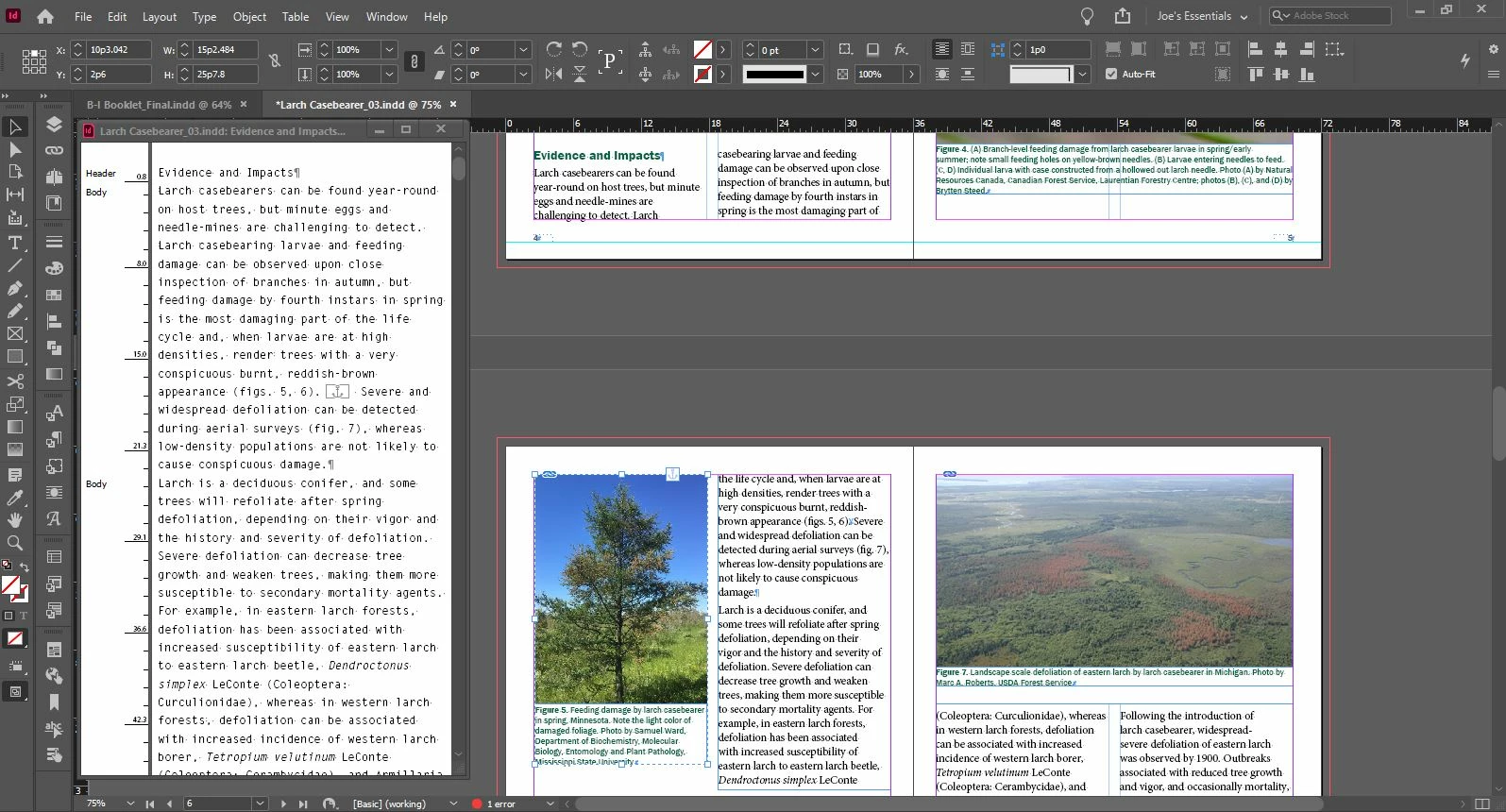
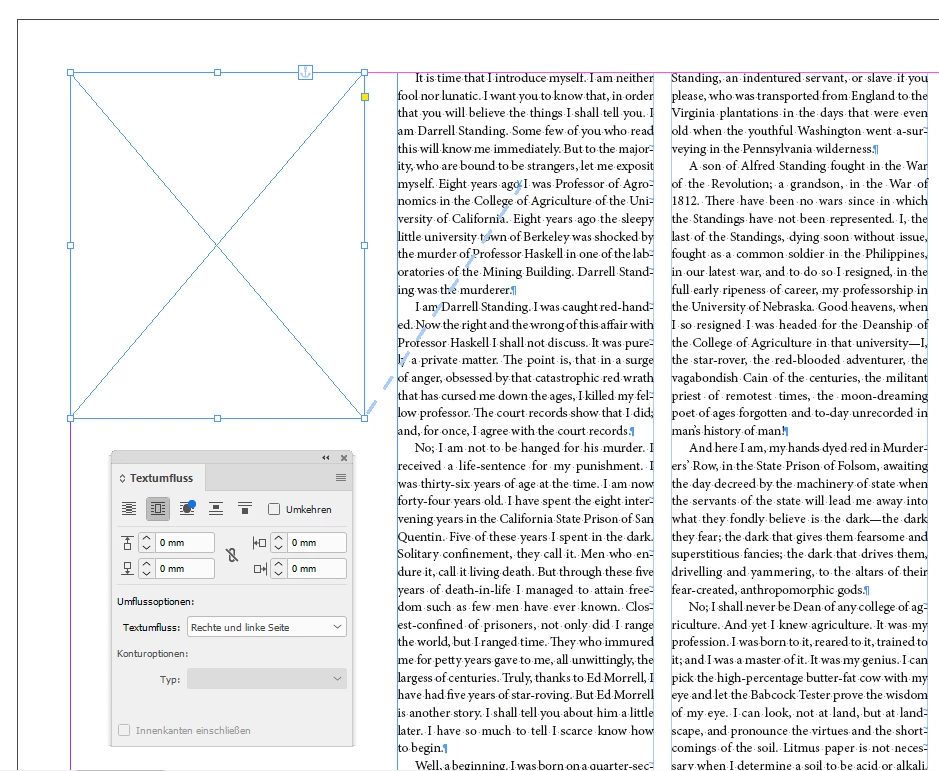
I have two screenshots to demonstrate, one pre-anchoring and one post-anchoring. The image frame is totally separate from the text frame. When I anchor the image to text in the bottom spread, it changes how the text flows/wraps in the entire paragraph, including the threaded frame in the top spread. Normally I just accept this, but in this example it's having a cascading effect on the text through the remainder of the document. So I've had it with this problem and have come here for help. I suspect there is some setting or box to check that will prevent this from happening. I watched a video this morning where someone anchored a floating object like this and their text didn't change one bit, so it has to be possible. I frequently use anchors for accessibility, and I'd really like to find a way to do it that doesn't affect my layout.
Let me know if you need more info about my styles, settings, etc.
 AdChoices