Question
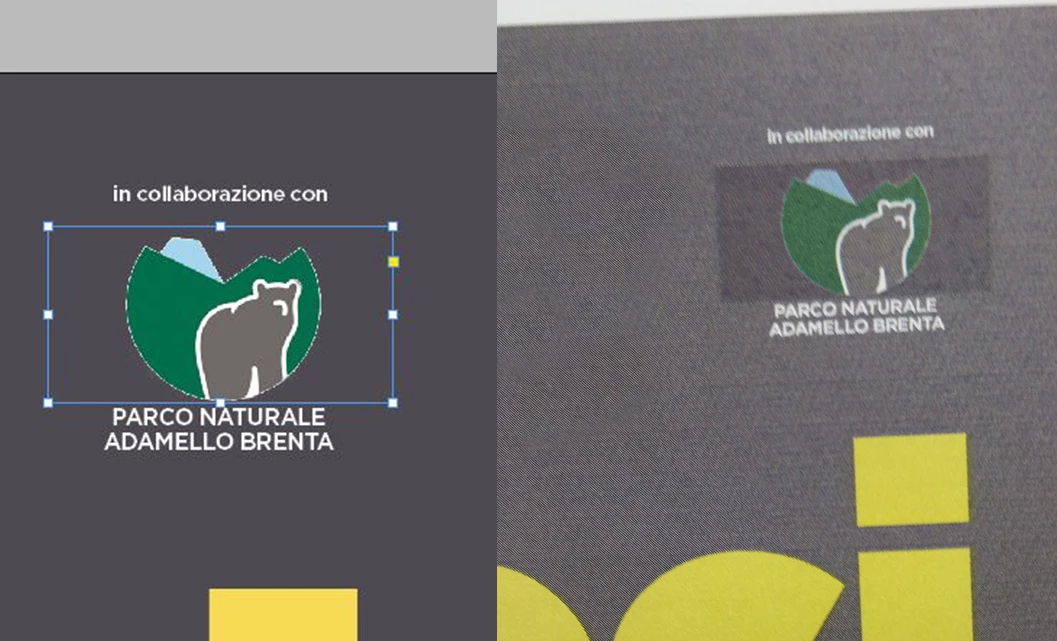
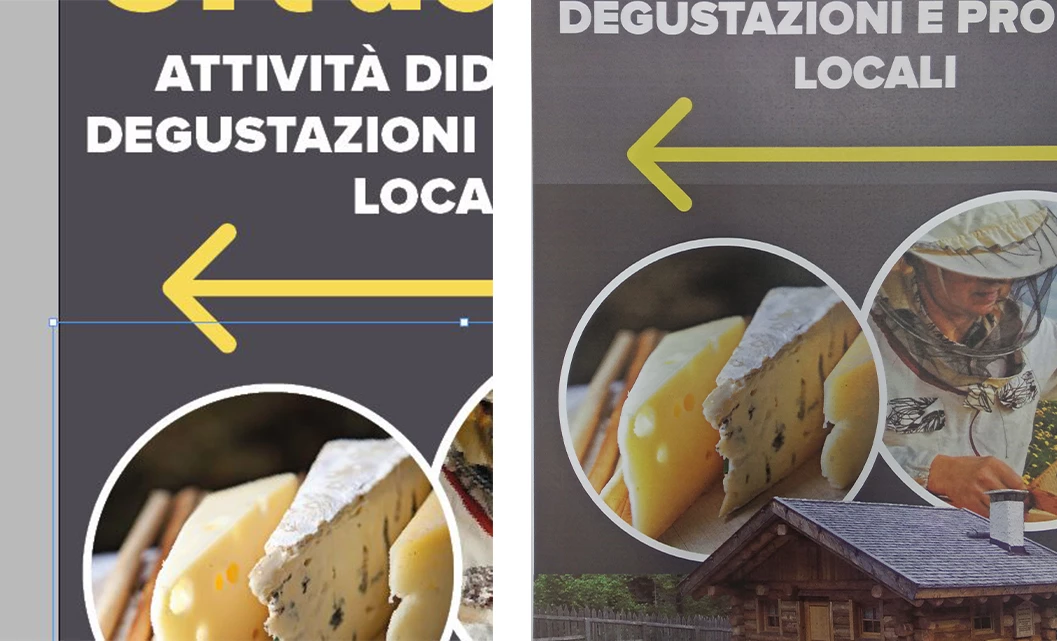
Strange color on transparent images on flat background, only in print.
Hi everyone, I have a print problem caused by the transparency of some objects.
All of them are .psd (some rbg some cmyk) and everything is fine on screen but when I print I get a different color that is exactly the "rectangular" of the object.
This is driving me mad.
See attachments:
I found 2 solutions:
- Make one psd object as big as the document
- Export pdf from Indesign, open in Ps at 1200dpi and save it again as pdf
As you can see these are NOT the solution of the problem but it's a temporary workaround.
Any ideas?
Thanks!
 AdChoices