
jessevankeken
Participant
November 9, 2016
Answered

Strange image distortion bug

  • November 9, 2016
  • 7 replies
  • 14528 views

Hi,

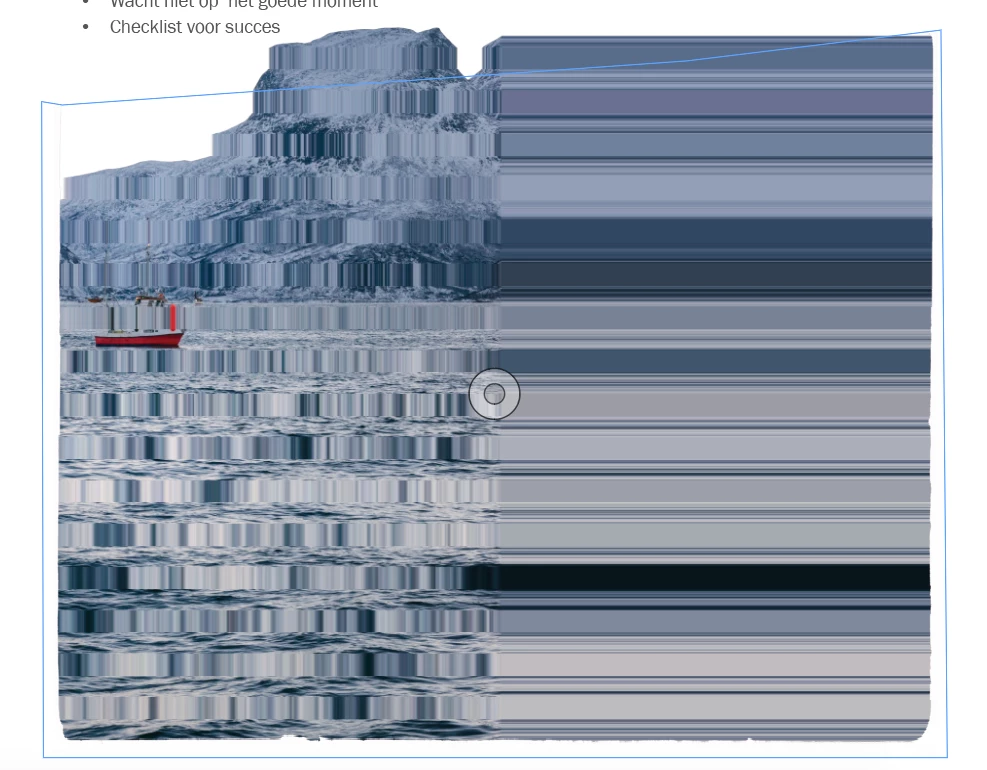
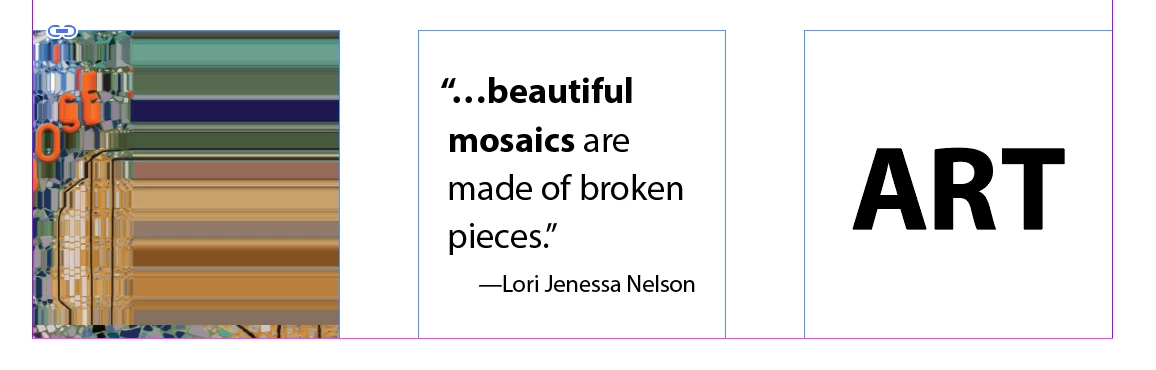
I'm working with indesign cc 2017 and lately my images in indesign are acting strange (see picture below). If the picture is being moved it will change back to the original image. But after some time it changes back to the distort image. Anyone else have this problem? Thanks
    This topic has been closed for replies.
    Correct answer Steve Werner

    I have seen this on my own computer and on at least a dozen classroom computers—so both Macs and Windows. One file that comes to mind is the Classroom in a Book lesson on color. It's a one-page document, and is not what I would call a "heavy" document.

    I'll send it to you, Anasuiya.


    When this happens, since it's a GPU bug, instead of quitting out of the GPU (in Preferences), you can just choose View > Preview on CPU. The shortcut is Shift-E, which toggles between GPU and CPU. I use this shortcut if I see a display anomaly to test if it's GPU related.

    7 replies

    lindag7892952
    Participant
    September 10, 2018

    Oh my goodness. Hours lost and Adobe support helped me figure it out. I was using the cursor arrow on the right (grey) instead of on the left (black). Whoops!

    [All caps "shouting" converted to proper case by moderator.]

    Known Participant
    November 2, 2017

    I have the same problem and often too with text boxes that appear to be a solid colour. If I nudge them up or down then they redraw. I'll try the GPU off.

    jane-e
    Community Expert
    Community Expert
    November 2, 2017

    Which version, Peggy Sue? Release 2018 has come out since this question about 2017.

    Known Participant
    November 2, 2017

    I'm still using ID cc2017 - I'm waiting a bit before I upgrade.

    iMac (Retina 5K, 27-inch, Late 2015)

    The other problem I have had, is a slow redraw. So when I move a block of text, it moves, but the image of where it was remains. I'll see if I can replicate it and post an image in this thread.

    Known Participant
    September 11, 2017

    Same problem here, nothing more to add except that I'm also using an iMac (Retina 5K, 27-inch, Late 2014).

    Participant
    September 11, 2017

    Go to preferences and un-check "GPU-Acceleration", it'll fix it until Adobe updates this feature to become more stable.

    Mike Witherell
    Community Expert
    Community Expert
    August 28, 2017

    Basically, it appears that GPU-Acceleration, a newer feature, is not ready for prime-time. Go to Preferences and switch it off altogether, and the problem will go away. InDesign will still operate acceptably quickly.

    Mike Witherell
    Participant
    September 8, 2017

    I had the same issue, now it looks fine after switching off the GPU-Acceleration,

    Thanks for the help!

    Erica Gamet
    Inspiring
    February 27, 2017

    I have this from time to time in very light documents. I just assumed it's because my OS is way out of date (or that I had been drinking without realizing it)! Figured it was a re-draw/GPU issue. Thanks!

    joechump
    Inspiring
    February 7, 2017

    I've posted this elsewhere but might help someone:

    Also experiencing the same issue as above - images sometimes randomly distort and get 'squished'. Export is fine though. Seemed to fix when right clicking the image and selecting High Quality Display.

    Also you might find that if you go to view>display performance you might have 'Allow Object-Level Display Settings' ticked. This would

    presumably override the global display settings making some images appear more pixelated than Guybrush Threepwood's todger.

    For good measure I selected Clear Object-Level Display settings.

    These are useful settings if you are working on a large document or a particularly huge image is slowing you down because you would be able to set that single image to low quality whilst keeping the rest high quality. However, there seems to be a bit of a bug (?) in CC where these settings are automatically switching and causing confusion. And really, I've seen low res images in my time but these look like 8-bit toilet scrapings.

    Participant
    February 25, 2017

    Helpful post and entertaining. '8-bit toilet scrapings'!  

    Anasuiya Gupta
    Adobe Employee
    Adobe Employee
    November 9, 2016

    Hi Jesse

    On which OS are you working? Win or Mac? And, also mention the version.

    Regards

    Anasuiya Gupta

    jessevankeken
    Participant
    November 9, 2016

    Hi!

    I'm working on Mac, version 2017.0, build 12.0.0.81

    Anasuiya Gupta
    Adobe Employee
    Adobe Employee
    November 9, 2016

    Hi Jesse

    Please answer the following questions:

    1. Is it an iMac or a Macbook? Do you have GPU in InDesign enabled?

    2. Is it with a specofic file or with every image? If with a specific file, then please email that as a package to anasgupt@adobe.com

    3. Is the issue seen with only images or graphics or a particular format like eps, jpeg, pdf, etc?

    Regards

    Anasuiya Gupta