
Strange Problem with page numbering - InDesign
I am having a difficult problem with page numbering as follows:
I set up a large book, with some unnumbered intro pages, then pages i-vi, and then Pages 1 to the end. Everything was great, but then --
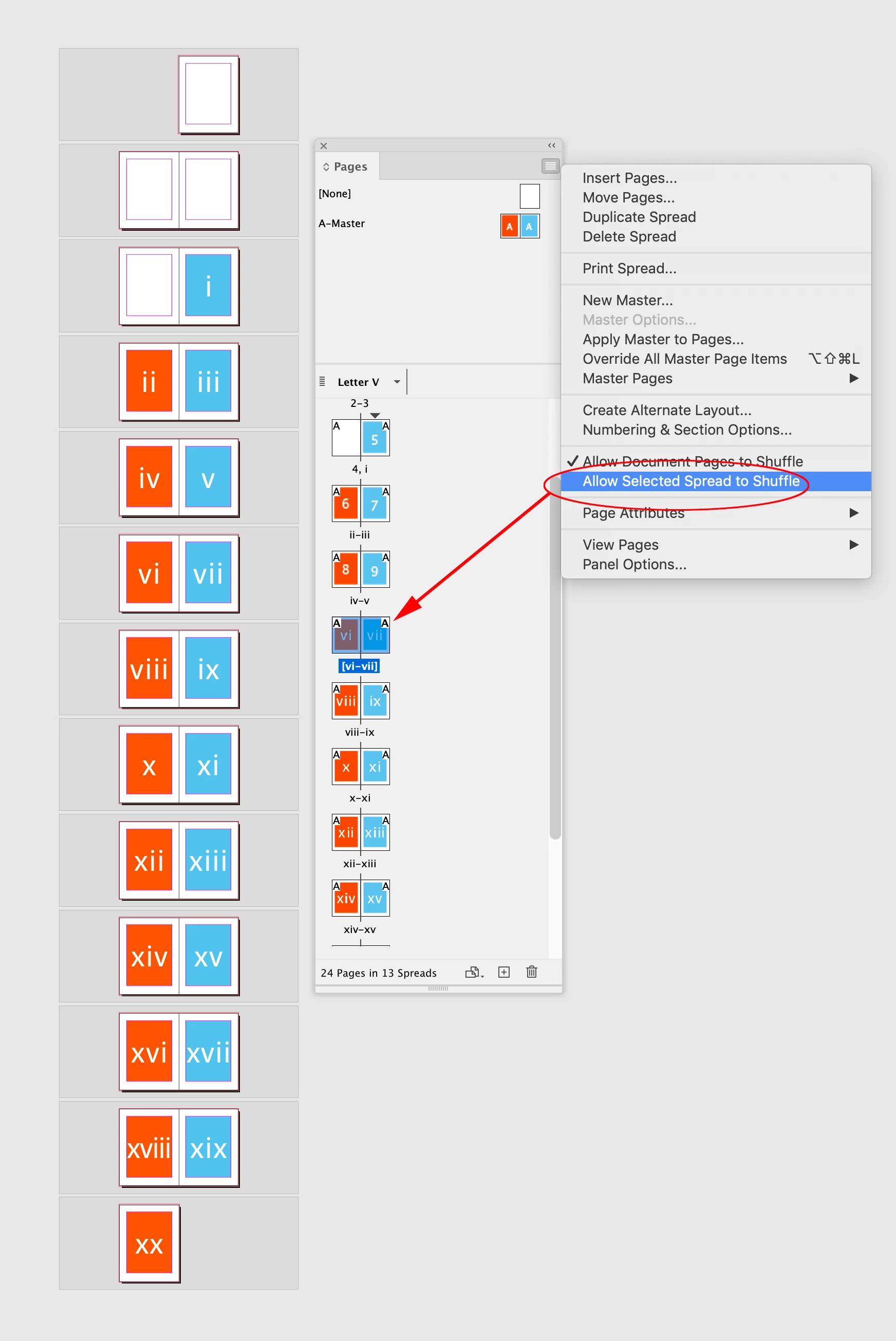
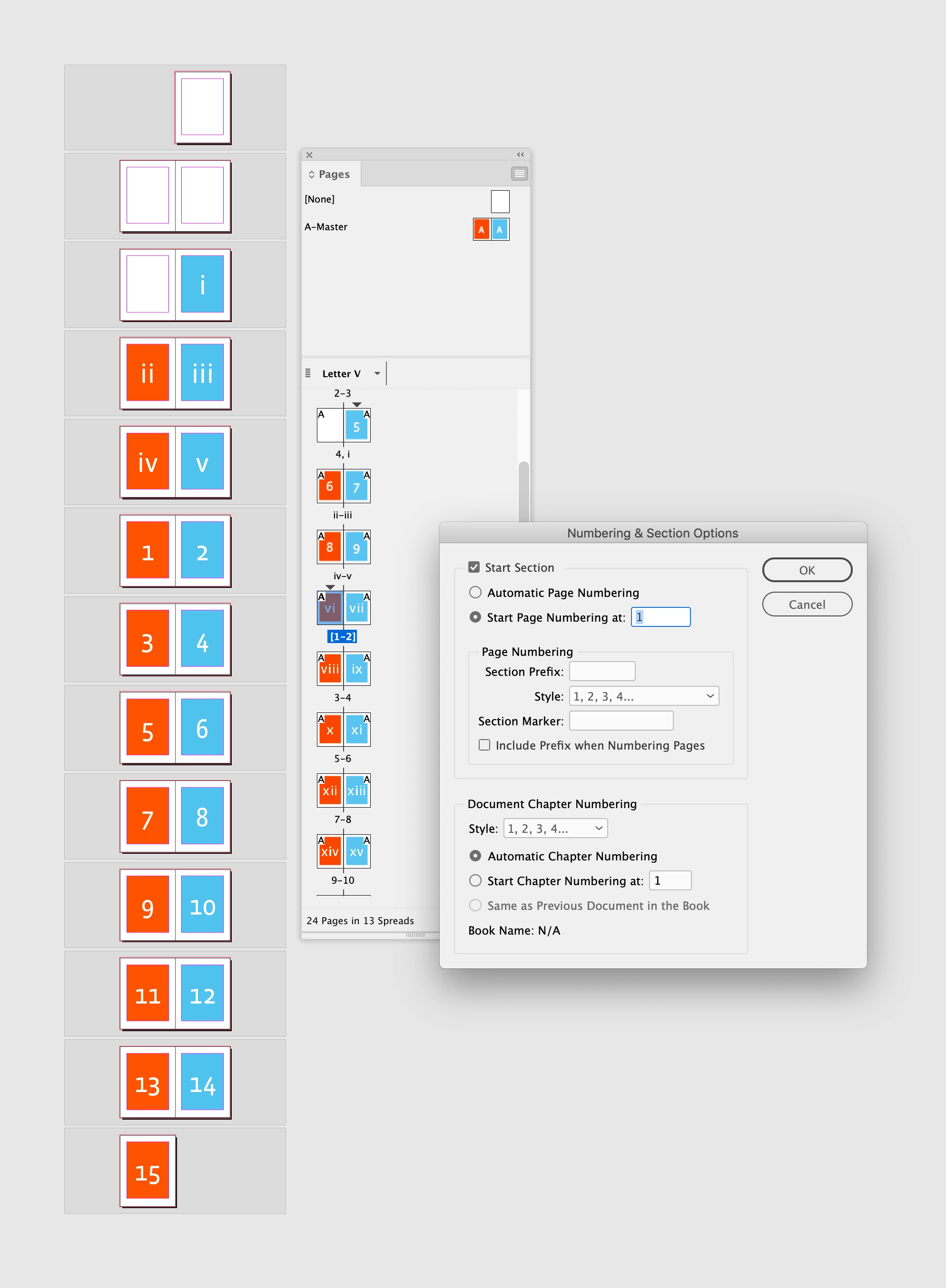
Due to some formatting changes, the material in pages i-vi now only needs five pages, i.e., i-v. So I need to redefine the sections and have page 1 start one page earlier, without otherwise disturbing the spread/layout.
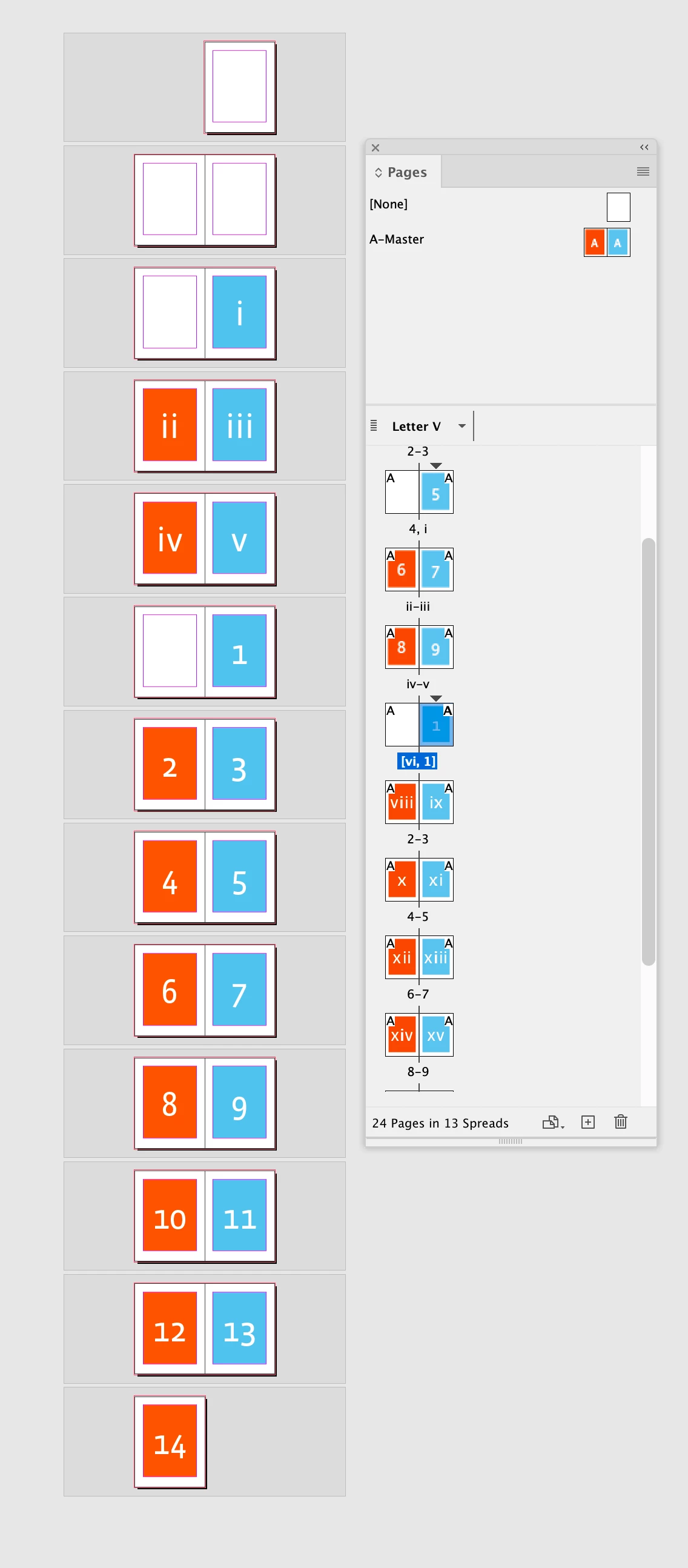
For some reason that I cannot fathom, it is not letting me do this. I've tried deleting and re-entering the sections (there are only three -- the unnumbered title pages, the i-v numbered pages, and the rest of the book). Every time I try to create a new section for page 1, it numbers it '6'. If I then try to make it start at '1', it messes up the layout, forcing the page to the right side of the spread and removing the corresponding left side of the spread. (So that there is a dangling right side page.) This page 1 needs to be on the left side of a two-page spread.
Any help with this would be much appreciated.


 AdChoices