denisen35942289
Participating Frequently
November 8, 2019
Question

Style changes in text box with new version
  • November 8, 2019
  • 2 replies
  • 498 views


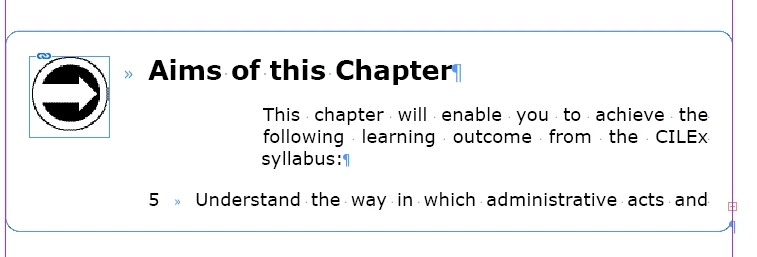
The 2020 update has amended the above styles to indent too far in although the style has not changed. The top paragraph "This chapter . . ." should line up with 5 below. Can anyone please advise how we resolve this and what has changed to make this happen?

This topic has been closed for replies.

2 replies

Omachi
Legend
November 8, 2019

If you are using left indent and using text wrap in image, you may be affected by the fix of InDesign 15.0.

See 4th item of next page .

https://helpx.adobe.com/indesign/kb/fixed-issues.html

Text indentation does not work on bulleted text along with text wrap


The reference position of indent has changed when using pageitem with text wrap.


hammer0909
Community Expert
Community Expert
November 8, 2019

Are you able to share the file? It would be especially helpful if you could share the previous version of the file before it was converted. You can use a DropBox/Google Drive/Creative Cloud link.

denisen35942289
Participating Frequently
November 8, 2019

Hi Chad Thanks for your reply, I can send you the previous InDesign version, can I have your email address please? Many thanks

hammer0909
Community Expert
Community Expert
November 8, 2019

I think Omachi is on the right track. InDesign fixed an issue in 2020 where bulleted items had to contain a large left indent because the text wrap of an object wouldn't affect it properly when the bulleted item wrapped around an object. What's strange about your file is that some of the items aren't bulleted lists but almost behave as if they were. Your other boxes that contain bulleted items are behaving as expected in the new version of InDesign. Essentially, you need to remove that left indent to get them to behave correctly when working in 2020. I hope that helps.