Participant
January 23, 2024
Question

Style Pack Script Errors (Beta)

  • January 23, 2024
  • 1 reply
  • 243 views

Hi there,

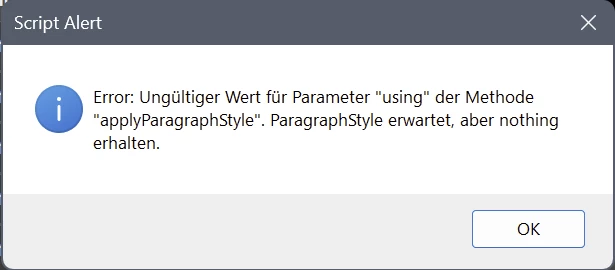
When trying to create "Style Packs" (German: Stilpakete). I get Error Messages thrown.

  1. when selecting any Numeration Style:

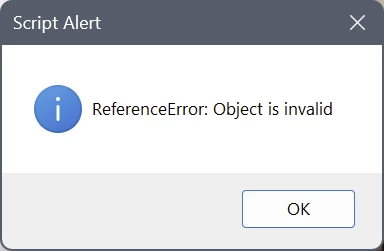
2. trying to save any style pack
The style packs do not appear in the list of style packs afterwards,
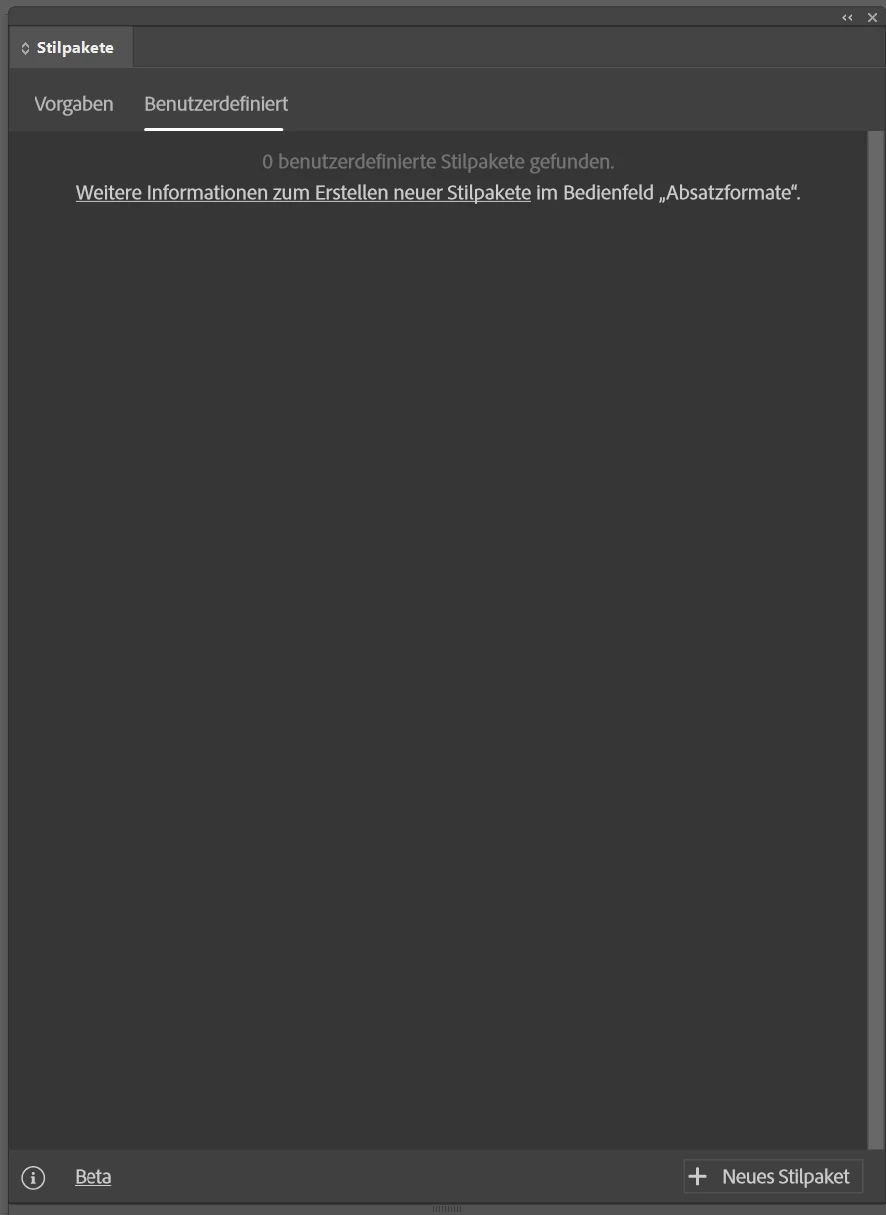
 

but there are folders created in this list:

 

InDesign version: 19.1 x64

Windows 11 Pro - 10.0.22621


Greetings


This topic has been closed for replies.

1 reply

Community Expert
March 10, 2024

Hey

I can't read the errors you're receiving.
I was under the impression that Style Packs only worked in the English versions of InDesign for now.
Maybe that's changed. 


If you can share more on your workflow that would be interesting.

Thanks

Participant
May 16, 2024

I experience this issue as well but my language is set to North American English.


Workflow:


1: Open "Style Packs" box. Select "New Style Pack" button. The appropriate box opens.

2: I give it a name, then select a style for Heading. Instantly, this appears, no matter which Style I pick:


3: If I click "OK" to this error, I am returned to the New Style Pack dialog. The appropriate selection has been made:


4: I am able to continue adding Styles, though I have to "OK" that error more each time I pick the next Style. When I click "Create Style"...


5: The Style Pack is visible in the Style menu:


6: However it is not in the Style Packs list:


And I cannot use the Pack in other documents.


I'm on InDesign 19.4 x64, Windows 11 Enterprise 22631.3447