Participant
October 1, 2017
Question

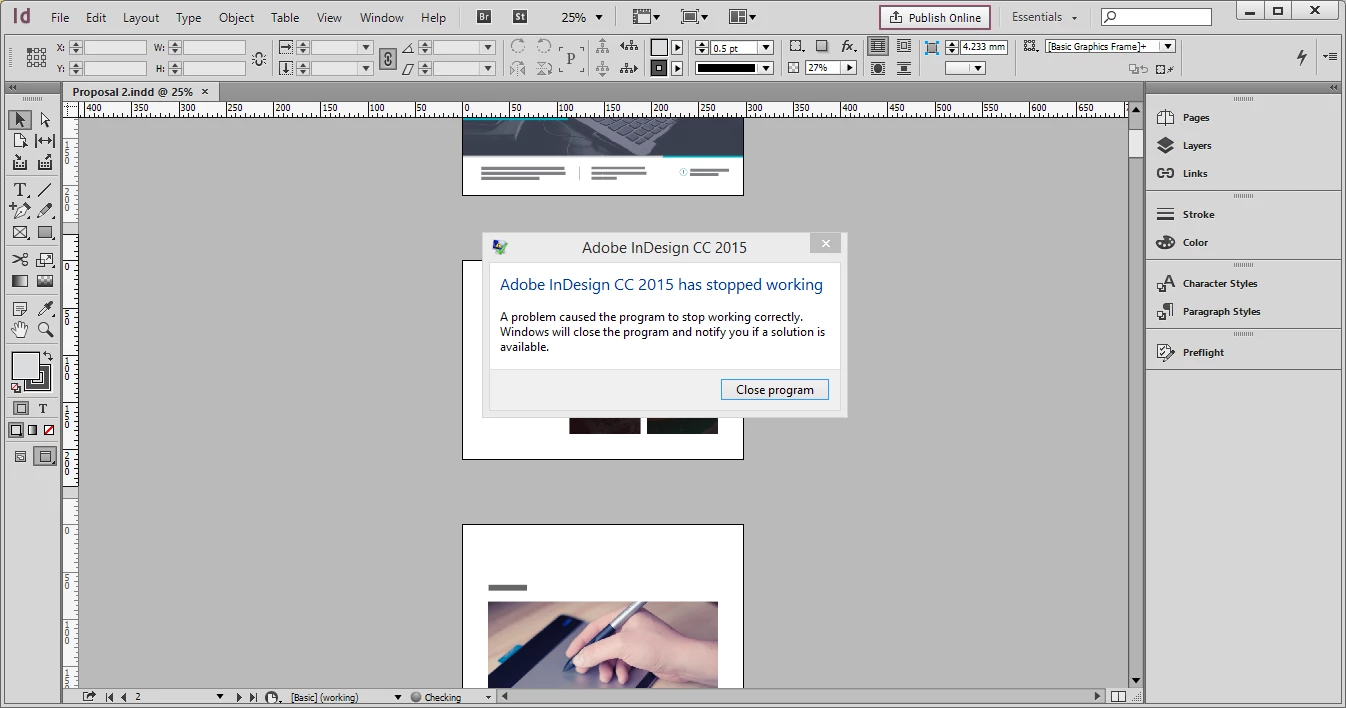
Suddenly damaged indd file !

  • October 1, 2017
  • 4 replies
  • 321 views

I have adobe InDesign and I'm working on, Today i worked on my file the indesign suddenly displays an error message every time I open this file , my work was corrupted

Can you fix the file ?
This error on this file only although it's run in past with no error

    This topic has been closed for replies.

    4 replies

    Barb Binder
    Community Expert
    Community Expert
    October 1, 2017

    These awful moments force us to start taking the steps to protect ourselves in advance: making incremental back-ups and using cloud storage as per all the good advice above^^. We've all been there.

    For now, read through this document:

    Troubleshoot damaged InDesign documents

    And there is a company that can help you recover corrupt files when you don't have a back-up available and don't want to start over:

    Markzware DTP File Recovery Service

    ~Barb

    ~Barb at Rocky Mountain Training
    Legend
    October 1, 2017

    Auto-save is not backup. You really mean you don't backup your files? What will happen when your disk fails ( they always do eventually)? And you need to backup many generations of files, not just the latest. People often make 10 a day as they work.

    BobLevine
    Community Expert
    Community Expert
    October 1, 2017

    Personally, I prefer using Dropbox and now OneDrive which keeps incremental backups automatically as well as protecting files in the cloud.

    Legend
    October 1, 2017

    do you mean you didn't make backups? This sort of this is inevitable, it's vital to protect yourself.

    Participant
    October 1, 2017

    Auto save is active, But from where I can restore back good version ?

    Derek Cross
    Community Expert
    Community Expert
    October 1, 2017

    As has been mentioned, countless times on this forum, it's vital to make regular incremental back-ups of your work and to keep copies elsewhere.

    Legend
    October 1, 2017

    You need to use a backup.

    Participant
    October 1, 2017

    How ?