
Swatch Panel Pains - Where are my Folders and Libraries?
- February 24, 2023
- 2 replies
- 2396 views
Hello!
I have noticed that every time I exit and re-enter InDesign, my swatch panel seems to "reset". Yesterday while I was working I had cleared out all my unused swatches and kept only my branding folder which included all the colors I would need for the document.
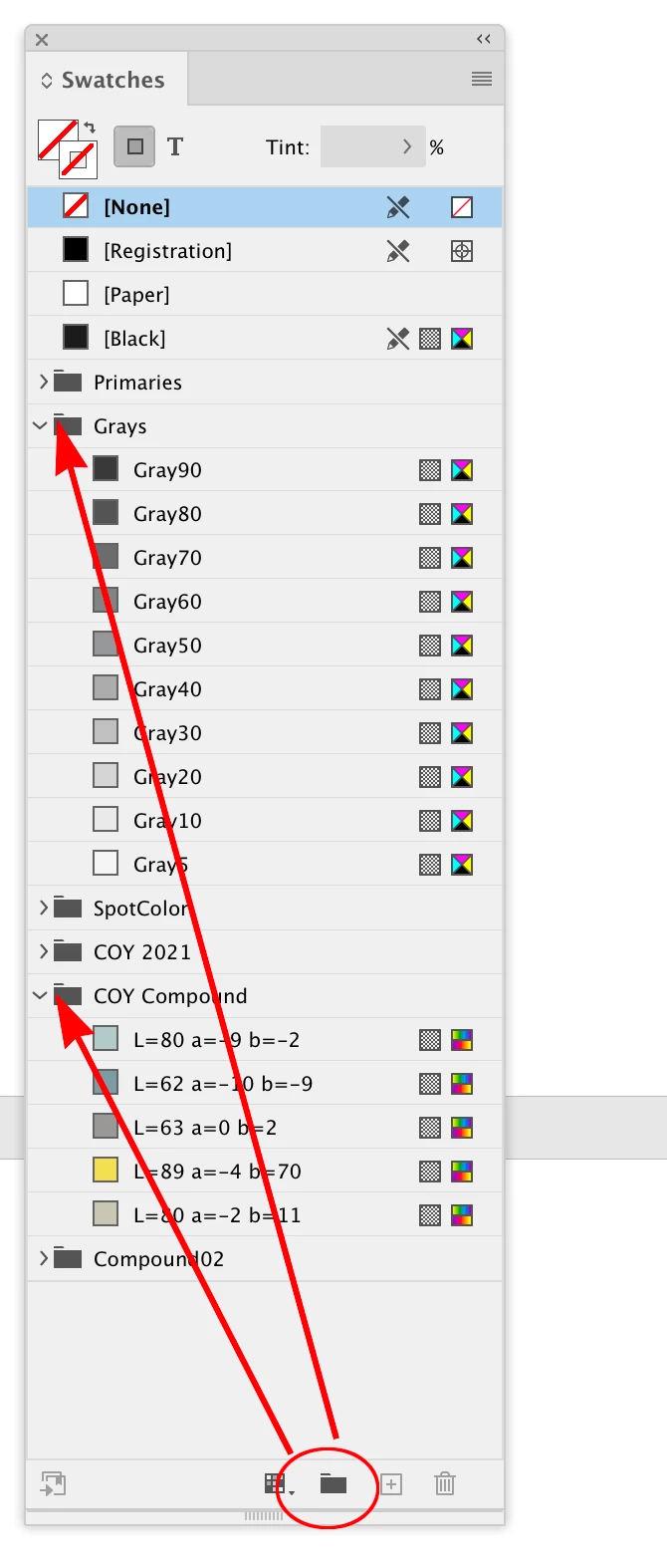
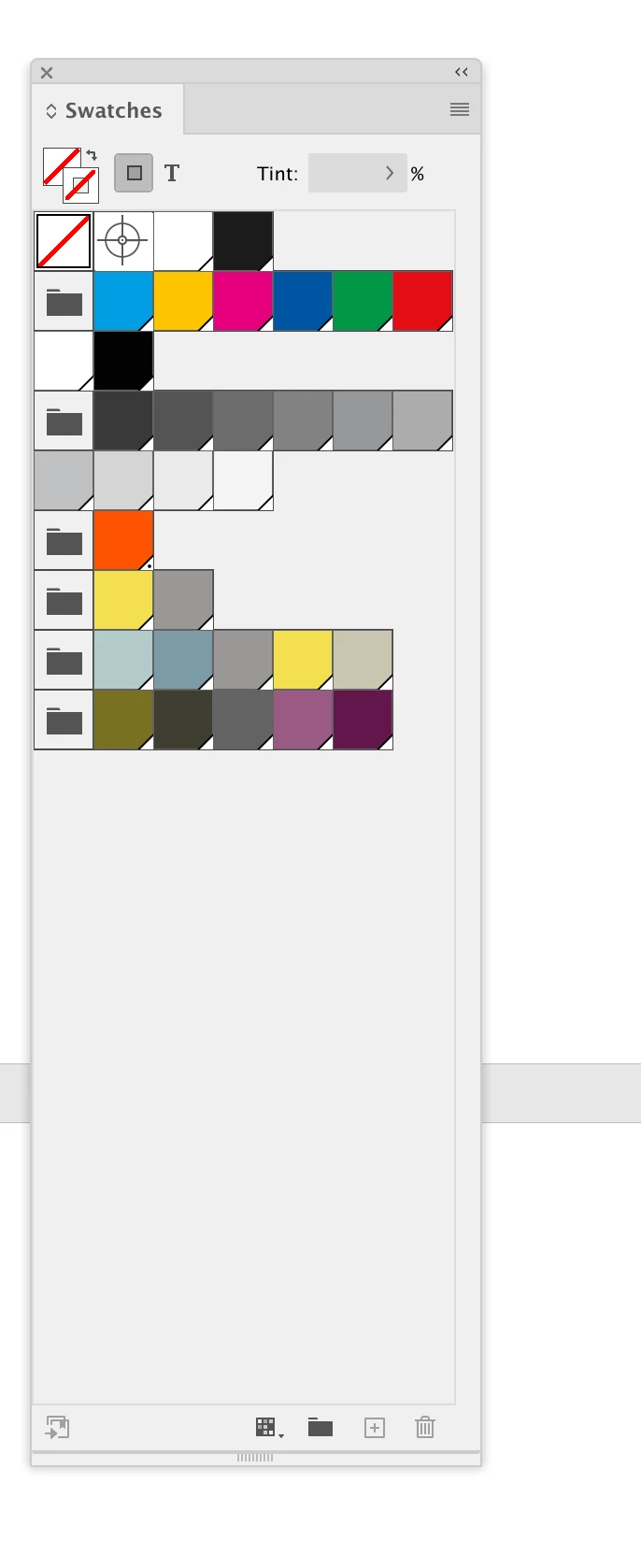
I re-entered the document today, and my swatch panel is back on it's bs. It's not showing a bunch or random colors, all in list view. Additionally, the library icon is missing (standing books on a bookshelf that's usually in the lower left corner of the panel window).
I've got it switched back to my icon view, but where is the library icon and where are my user-created folders?
Thanks for your help in advance!
--------------------------
EDIT:
I think the main problem is that the swatch panel seems to be totally different in InDesign than it is in Illustrator.
Is there no way to access swatch libraries in InDesign? In Illustrator I was able to create color groups, create pattern swatches from photos, and I can't seem to do either in InDesign.
Since InDesign can't seem to create pattern swatched, I did it in Illustrator. But now that I've created it, there's no way to access it.
 AdChoices