

Frans van der Vleuten
Known Participant
December 3, 2024
Question

Switching between Arabic and Roman settings

  • December 3, 2024
  • 1 reply
  • 583 views

Hello,


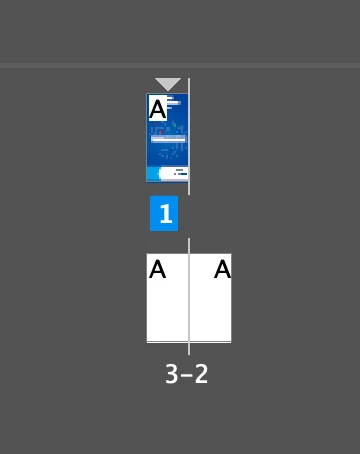
A few weeks ago I needed to make some Arabic documents. I reinstalled my Indesign to Arabic (not the language). Now I need t o work on Roman, left to right lay-outs again. 

How do I switch back to Roman, without reinstalling the whole thng again?
 Thank you


This topic has been closed for replies.

1 reply

Olivier Beltrami
Legend
December 3, 2024

@Frans van der Vleuten You have to go back to the non-Arabic version of InDesign (see instructions at https://www.qppstudio.net/webhelp_xv4/mena-version-of-indesign.htm). Note that this is just a minor update and goes very quickly. Olivier

Olivier Beltrami
Legend
December 3, 2024

For some reason the closing parenthesis got caught in the URL of my previous post. The correct URL is:

https://www.qppstudio.net/webhelp_xv4/mena-version-of-indesign.htm

Frans van der Vleuten
Known Participant
December 3, 2024

As I told you in the topic, this is NOT about the language. This is about the lay-out. You can install InDesign with an Arabic lay-out, with English language.

How can I change between these two layouts?