

Question
Table cells smartly apply border on different rows and columns
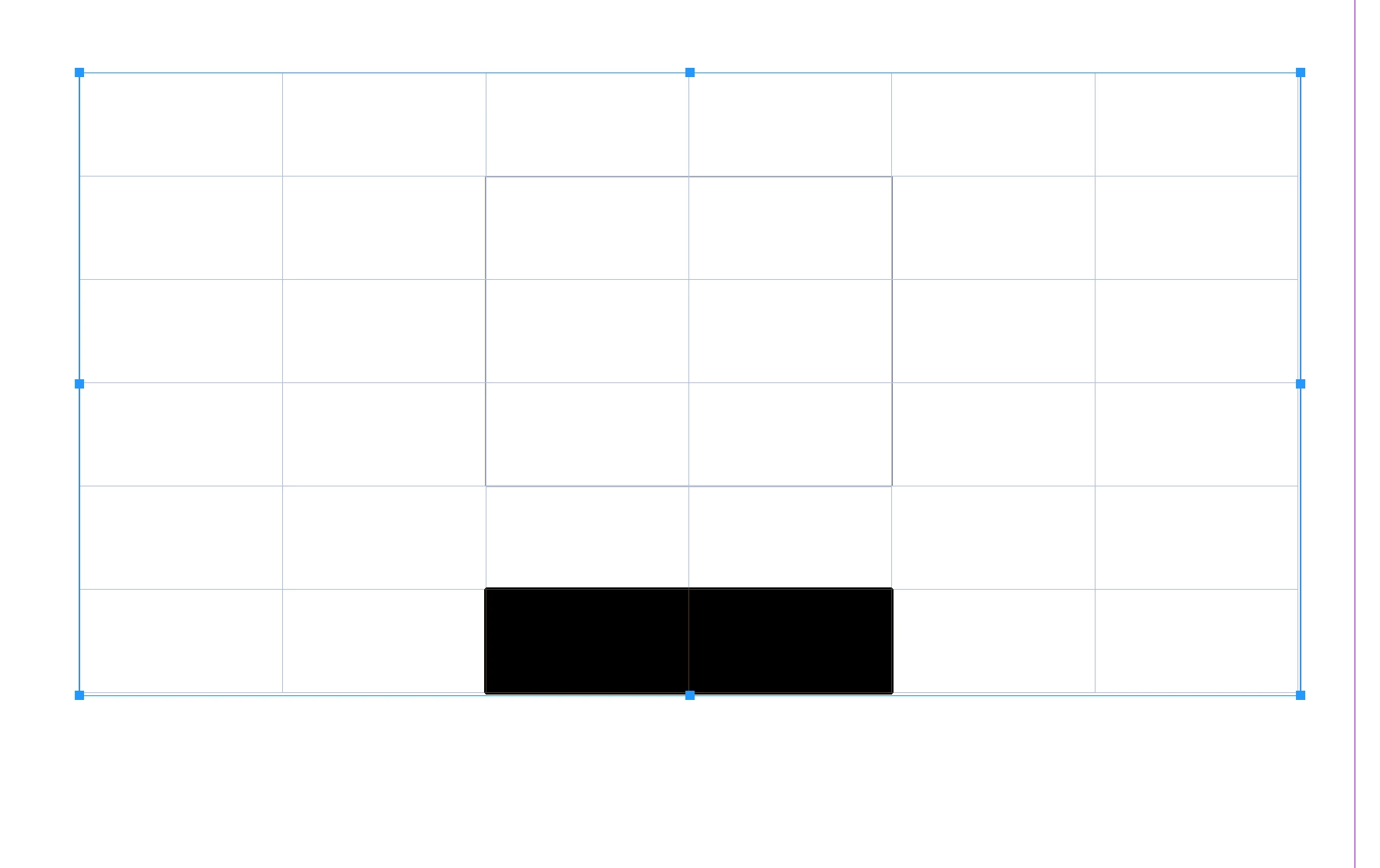
hi all, i am working in indesign file on a project of annual report which contain 350 pages , where there is many many tables in report, and see in this image i applied 4 cells stroke 0.25 by selecting above below and right and left cell wall , or we can select by simply right click and then select border, now the problem is that i want to create style or shortcut for this operation how we can do that fastly ... where cells rows and columns are different on every page. i want just border on different cells , like 2 rows bottom i select i want to apply border quickly , i tried creating cells styles but cant get the accurate results some time bottom wall missing when apply style vice versa .,


 AdChoices