Known Participant
May 6, 2025
Question

Table Contact Matrix

  • May 6, 2025
  • 2 replies
  • 401 views

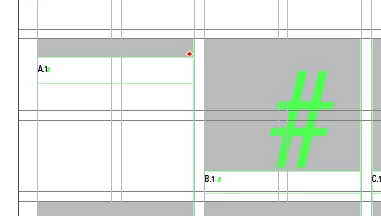
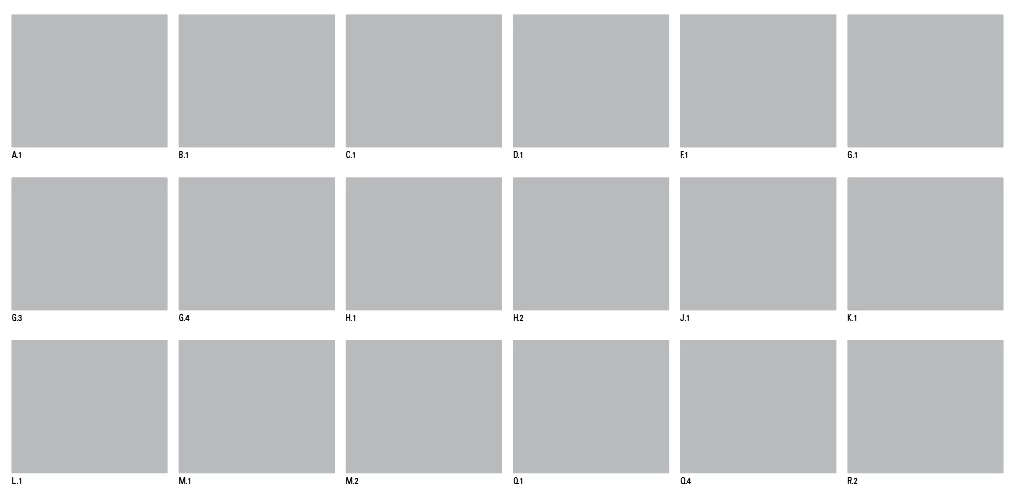
I am trying to build a template matrix that will allow people to insert images in the top cell to correspond with the title in the bottom cell. Not all of the types will be used on each publishing, so looking to have the grid flow from left to right, then down the rows. Some in between sign types may be needed as well (Like B.2 between B.1 and C.1). It would be ideal if the user wouldn't have to set the cells height if they make a new pair.


Current Setup:

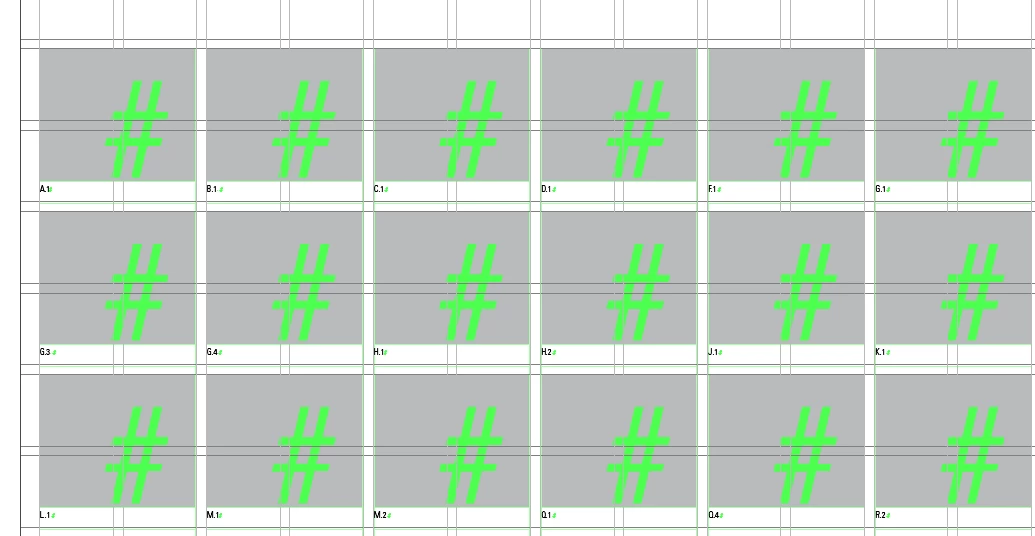
  • 42 rows, in pairs with the gray cell and then the title cell
  • 4 text boxes stacked with flowing text, each with 6 columns
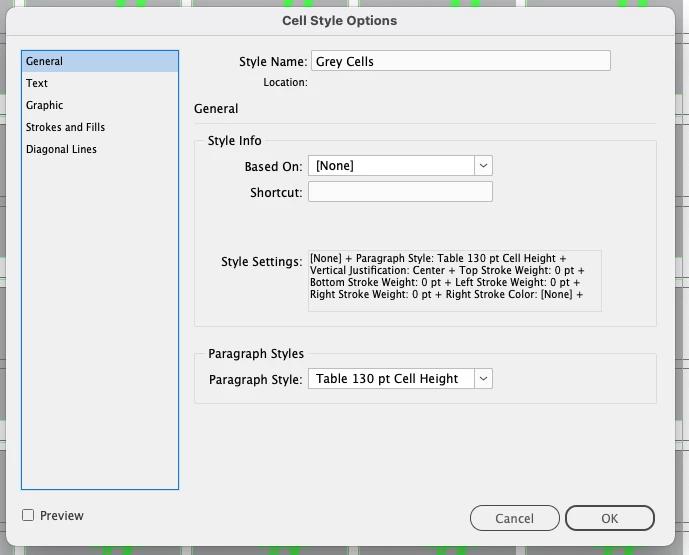
  • As INDD doesn't allow to set the cells height in the cell style, i am using a paragraph style associated to the cell style to set the height


The problem is once I put an image into the cell, the paragraph style is wiped (obvi) and then the cell shrinks and the image is shown as overset.


I am looking to not build multiple boxes on the page that people would have to rearrange if they subtract or add a new type. is there a better way to do this?
 

2 replies

Robert at ID-Tasker
Legend
May 6, 2025

You could place group of objects - image/rectangle + caption/TextFrame - as InLine objects in the Story. 


Known Participant
May 6, 2025

really want to keep the grid including the heights and spacing. if they are all inline, its going to get all over the place. 

Robert at ID-Tasker
Legend
May 6, 2025
quote

really want to keep the grid including the heights and spacing. if they are all inline, its going to get all over the place. 


By @jcontois37


No, InLined object behaves like a character - reflows. 


If you make your "main" TextFrames as rows - and link them together - objects will reflow when added / removed. 


Mike Witherell
Community Expert
Community Expert
May 6, 2025

Have you tried to define these 2 differing cells with 2 Cell Styles?

One if for a graphic, the other is for text (including a paragraph style).

Mike Witherell
Known Participant
May 6, 2025

I have but you cannot set the cell height in cell styles so not sure how to keep it clean without people havign to adjust the cells manually.