Participant
August 5, 2020
Answered

Table Line Removal Indesign

  • August 5, 2020
  • 2 replies
  • 512 views

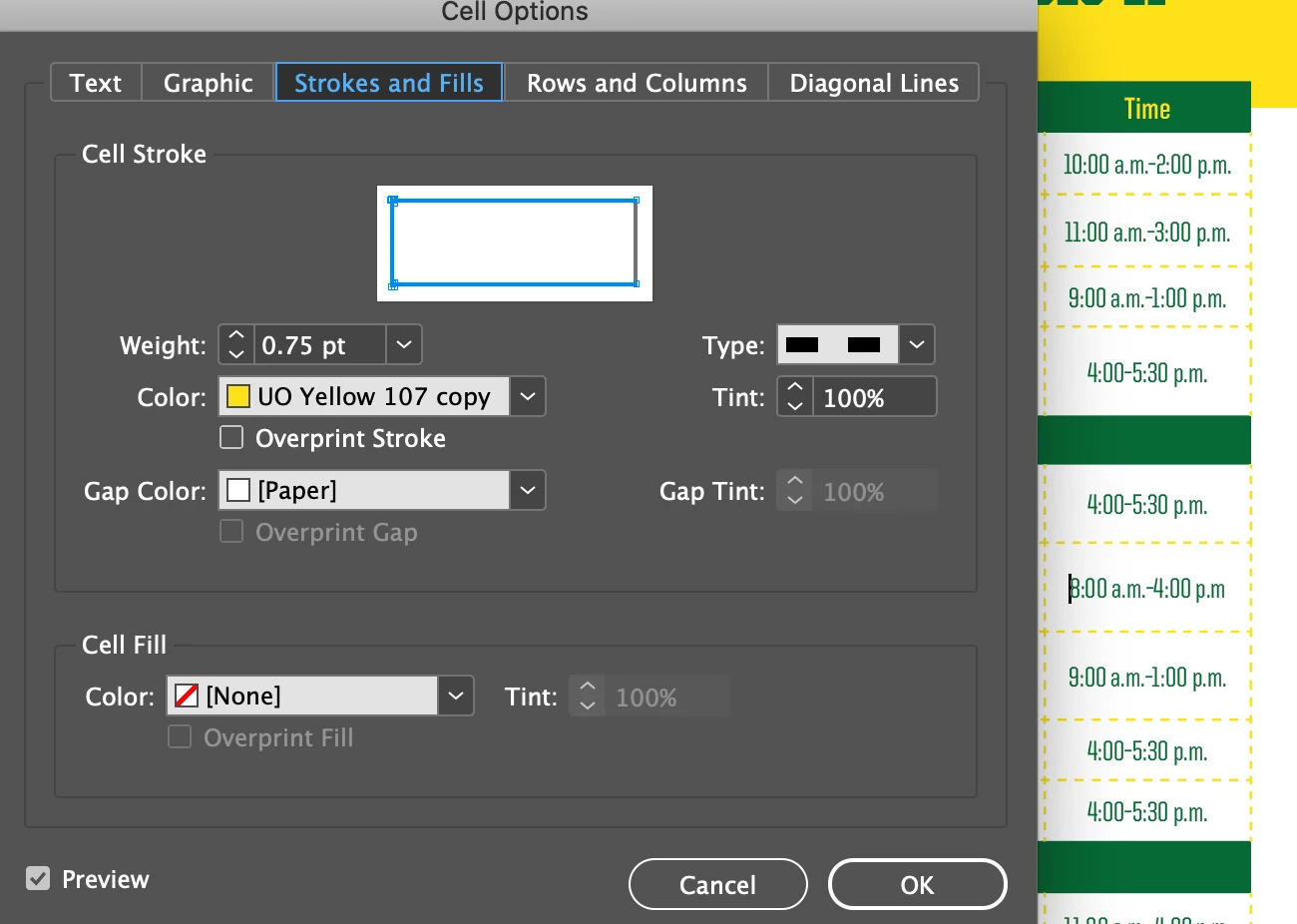
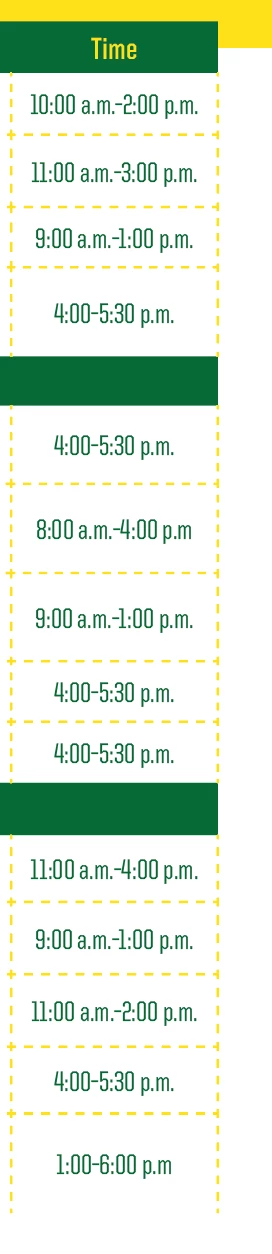
Hi there! I have a table and I would like to remove the dotted column line on the right side of the cells. It should resemble the bottom of the column where I do not want a dashed border line. There doesn't seem to be an overall border style applied and I can't seem to remove the side line when I go to cell options.
This topic has been closed for replies.
Correct answer Laubender

Adding: The selected stroke is in "blue" in the widget for the cell strokes.

So your screenshot is showing three strokes selected, the left one, the top and the bottom one.

You can select/deselect a stroke if you click the blue or gray stroke in the widget.


Regards,
Uwe Laubender

( ACP )

2 replies

LaubenderCommunity ExpertCorrect answer
Community Expert
August 11, 2020

Adding: The selected stroke is in "blue" in the widget for the cell strokes.

So your screenshot is showing three strokes selected, the left one, the top and the bottom one.

You can select/deselect a stroke if you click the blue or gray stroke in the widget.


Regards,
Uwe Laubender

( ACP )

Legend
August 5, 2020

In cell options, select only the indicator for the stroke you want to remove, then set its stroke weight to 0