
Known Participant
March 19, 2024
Answered

Table of Contents has a few entries out of order

  • March 19, 2024
  • 1 reply
  • 388 views

The order was correct, but when I was doing a final proofreading, I noticed the table is now out of order for a few specific entires. For example, "Feats of Mental Prowess" have jumped from the Chapter 4 into Chapter 3.
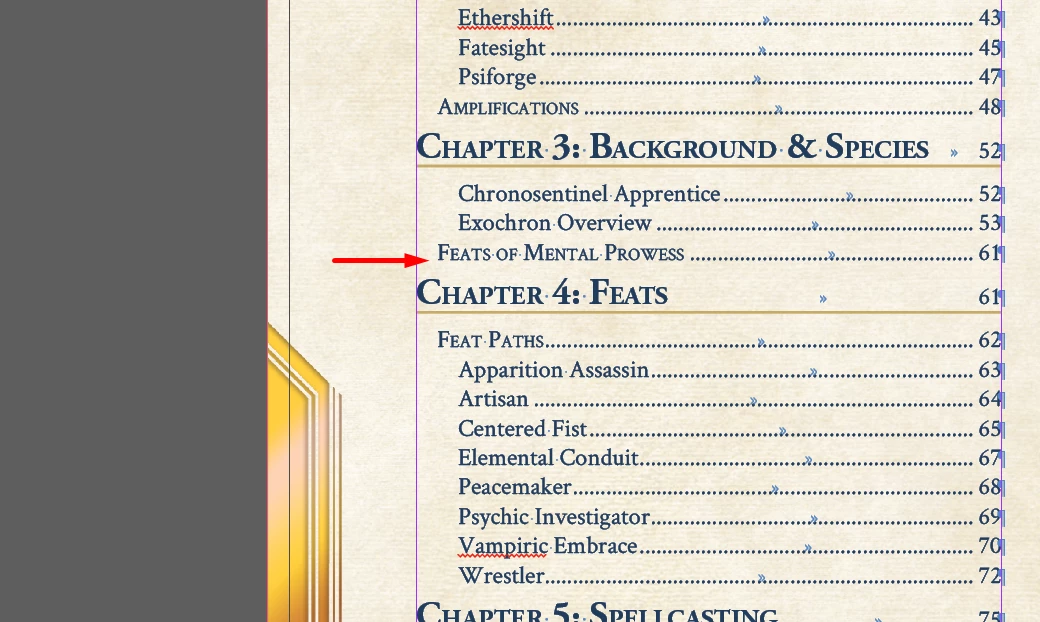


They are still clearly in this chapter
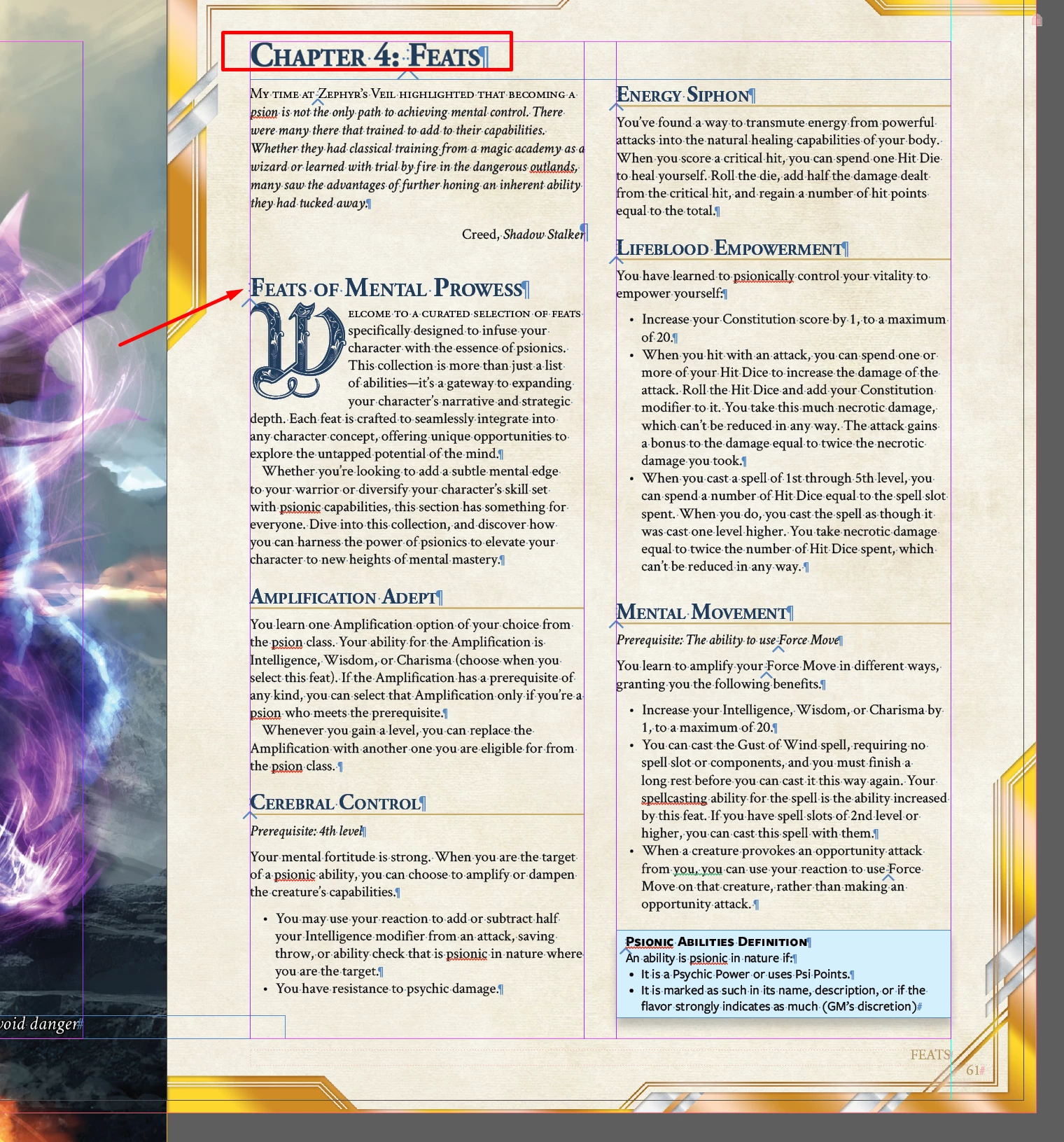
 

I found a couple of similar threads talking about the location of the content on the page, but it didn't seem to matter where I placed a new version of this, even if it was on the subsequent page, page 62, as a test to try to fix it. It always appeared in the previous chapter. 


How do I fix this?


This topic has been closed for replies.
Correct answer Dave Creamer of IDEAS

It's probably a fraction of a point to the right of the two-column box. Move it to the left and see if it fixes the problem. 


As @Willi Adelberger mentioned, you can keep them in the same text box and use the Span Columns feature. That would completely eliminate the problem.

1 reply

Dave Creamer of IDEAS
Community Expert
Community Expert
March 19, 2024

Is the chapter title in a separate text frame?


David Creamer: Community Expert (ACI and ACE 1995-2023)
Known Participant
March 19, 2024

Yes, though all chapter titles were separate since they have a different number of columns. I linked it and that did seem to resolve it. I'm not sure why it was working, then suddenly stopped, but everything else still looks ok, and I can get that formatting to work with my minimal knowledge.


Thanks for the thought!


Willi Adelberger
Community Expert
Community Expert
March 19, 2024

You should put them into the same frame at least in the same story. If the number of columns is different use the span column functionality in the paragraph styles. You can both, divide and span paragraphs over all columns of a frame.