Chardb
Known Participant
May 3, 2020
Question

Table of Contents skips last few chapters for no apprent reason

  • May 3, 2020
  • 2 replies
  • 359 views

I have a book with 31 chapters. When I make a table of content, it only shows 26 chapters in the TOC. I have checked chapter 27 and the rest and all headings have the same styling as previous. Updating the TOC does not help. Deleting and creating a brand new TOC does not help either. Looked at the TOC in story editior, it also only shows 26 chapters as if the rest do not exist.
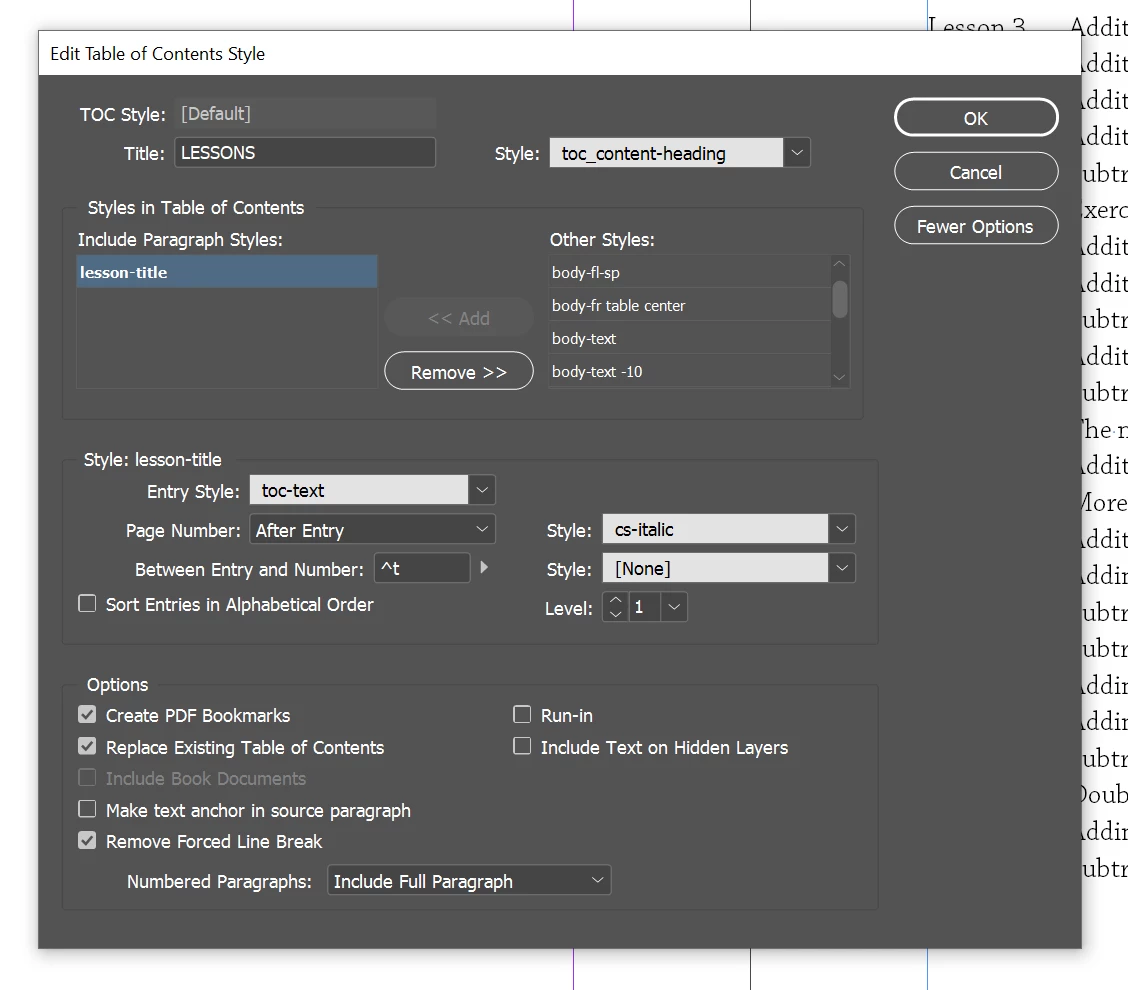
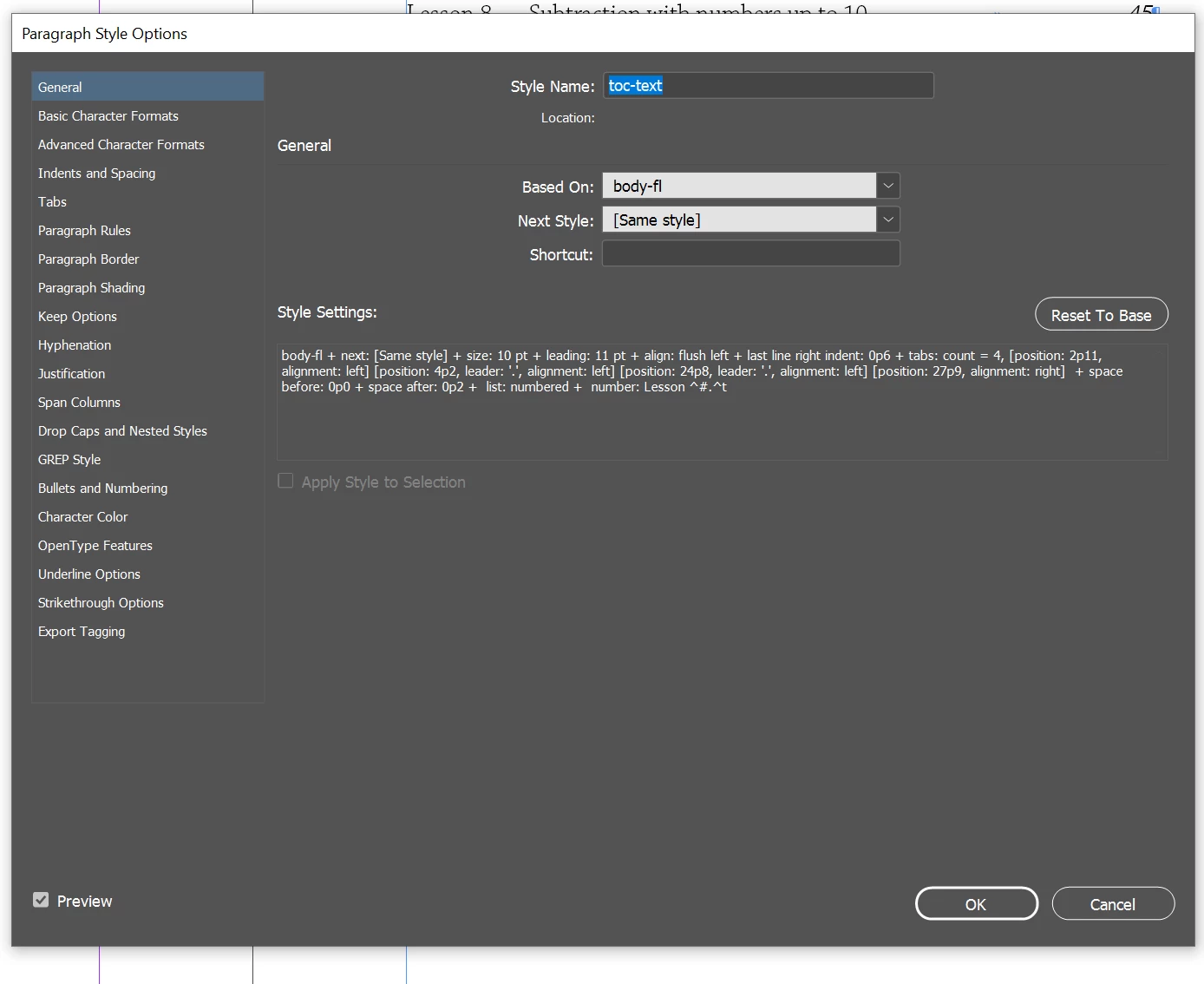
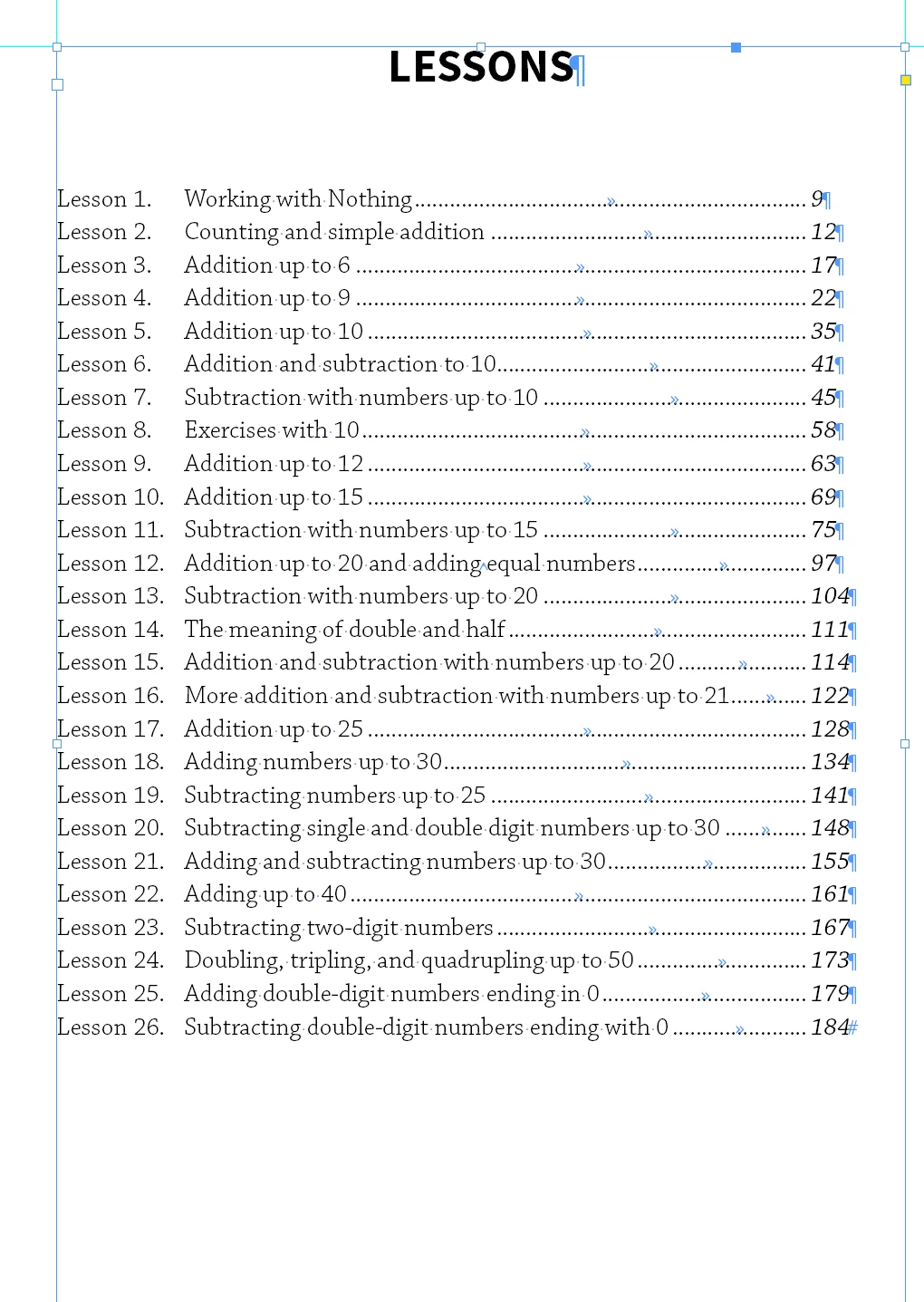
I am wondering if any one has a solution to this?

Thanks.


This topic has been closed for replies.

2 replies

Frans v.d. Geest
Community Expert
Community Expert
May 4, 2020

Book? Or Chapters?
Take a look at your very first screenshot: "Include Book documents" is greyed out and can not be selected.

This indicates that you did not open the document from within the book panel but just opened the document(s) on its own.

That will not work.

Only open the documents from within the Book panel.

But, if you mean you have one document(!) with 31 chapter heading, then check if the paragraph style for all those chapter heading are the same. It could be that chapter 27 etc. has gotten a different paragraph styles.

So first of all: do you indeed mean a book file, so 31 seperate documents collected in the Book pane, or do you mean one document with 31 chapters?

jane-e
Community Expert
Community Expert
May 4, 2020

"I have a book with 31 chapters."


If you actually have a Book, then please show the Book panel and be sure to click the checkbox in the TOC to include the Book.


If you have an InDesign file with Chapter headings, then the most common reason is that you have Style Groups and "lesson-title" style is in more than one group. Re-tag the headings that are missing in the TOC with the correct style in the correct group.


Check this first, and let us know if it works.


~ Jane