
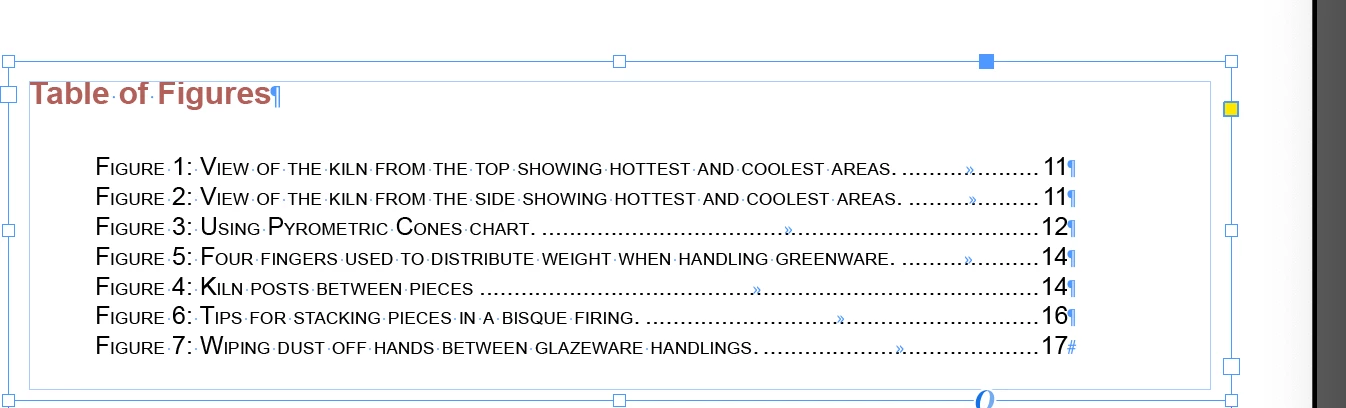
Table of Figures is not in numerical order
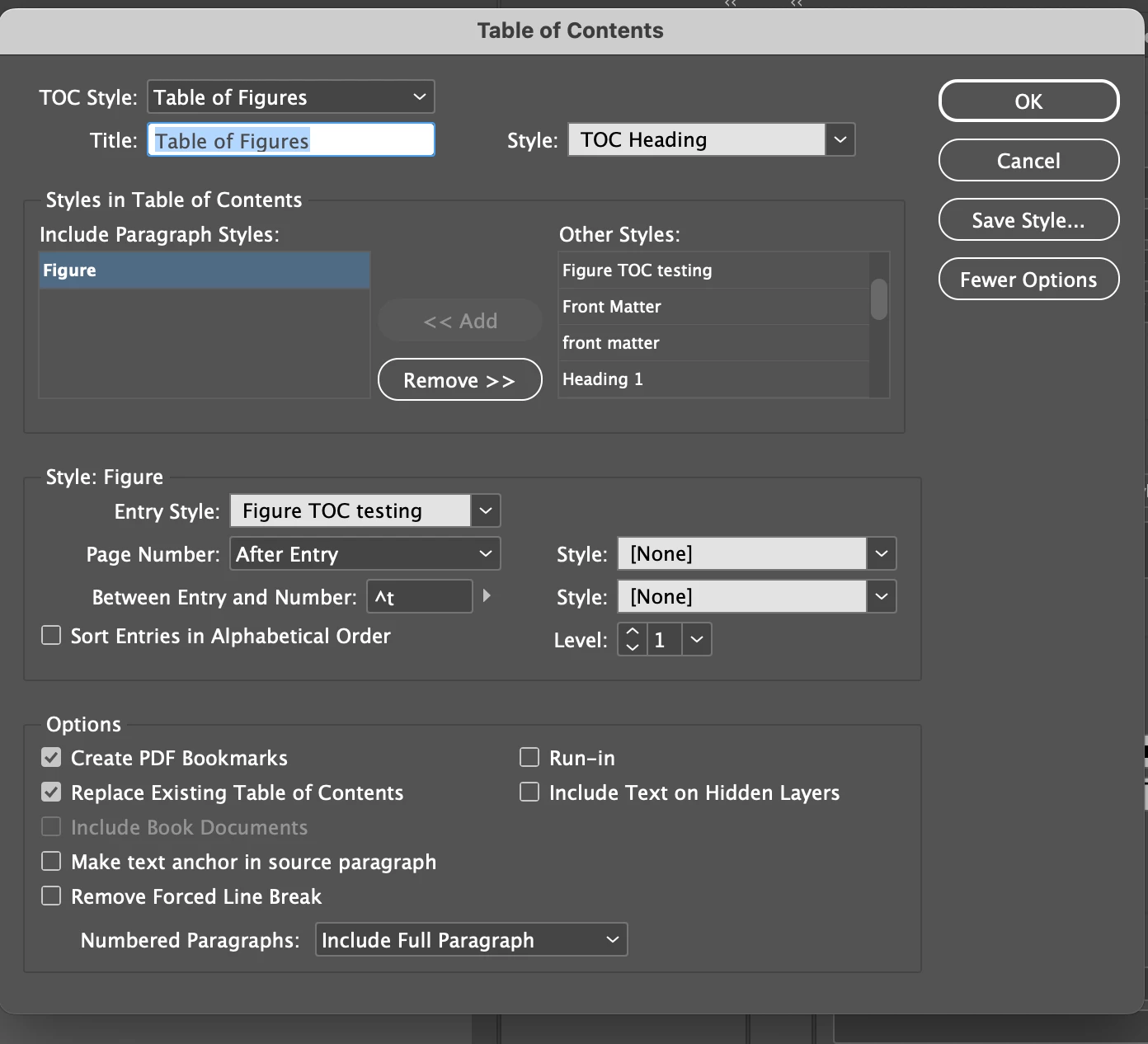
I have a table of figures and two numbers are out of order. Figure 4 and 5 are out of order (I've included an image). How do I get the table of figures to be automatically in numerical order? I've created the Table of Figures using the Layout>Table of Contents option. I've included an image of my settings.
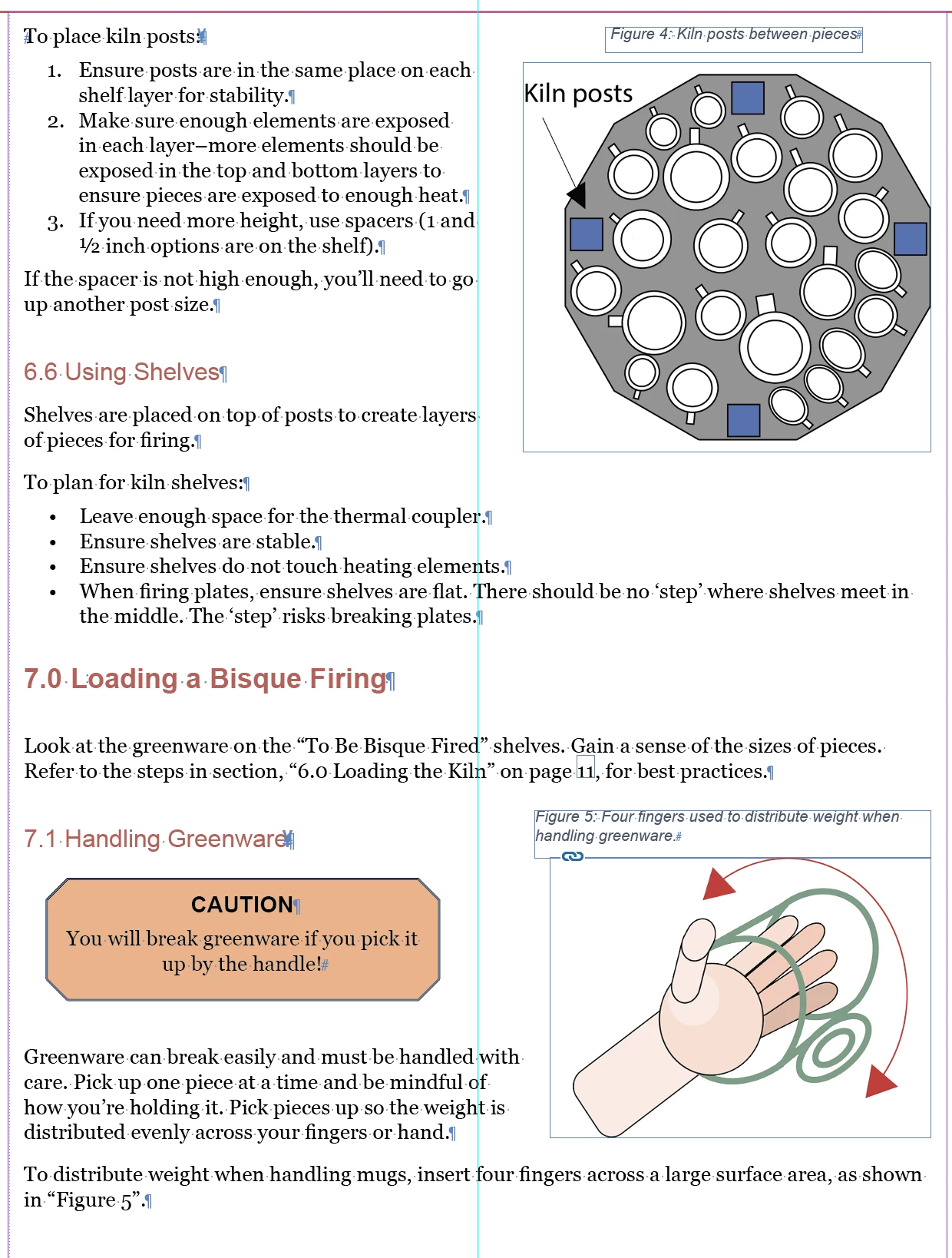
The two images that are out of order are on the same page (I've included an image). I've read in other threads that the TOC will number them in the order that you add them into the document, so I just removed Figure 5's label and image and re-added it. I updated the TOC and the wrong numbering persists.
I've also tried enabling the "sort entires in alphabetical order" setting, but this sorts the entries by their description, not by the Figure #, making the issue worse.
Thanks for helping.
 AdChoices