

Table Style colors not showing all swatches
InDesign 21.6, MacOS Tahoe 26.7.1
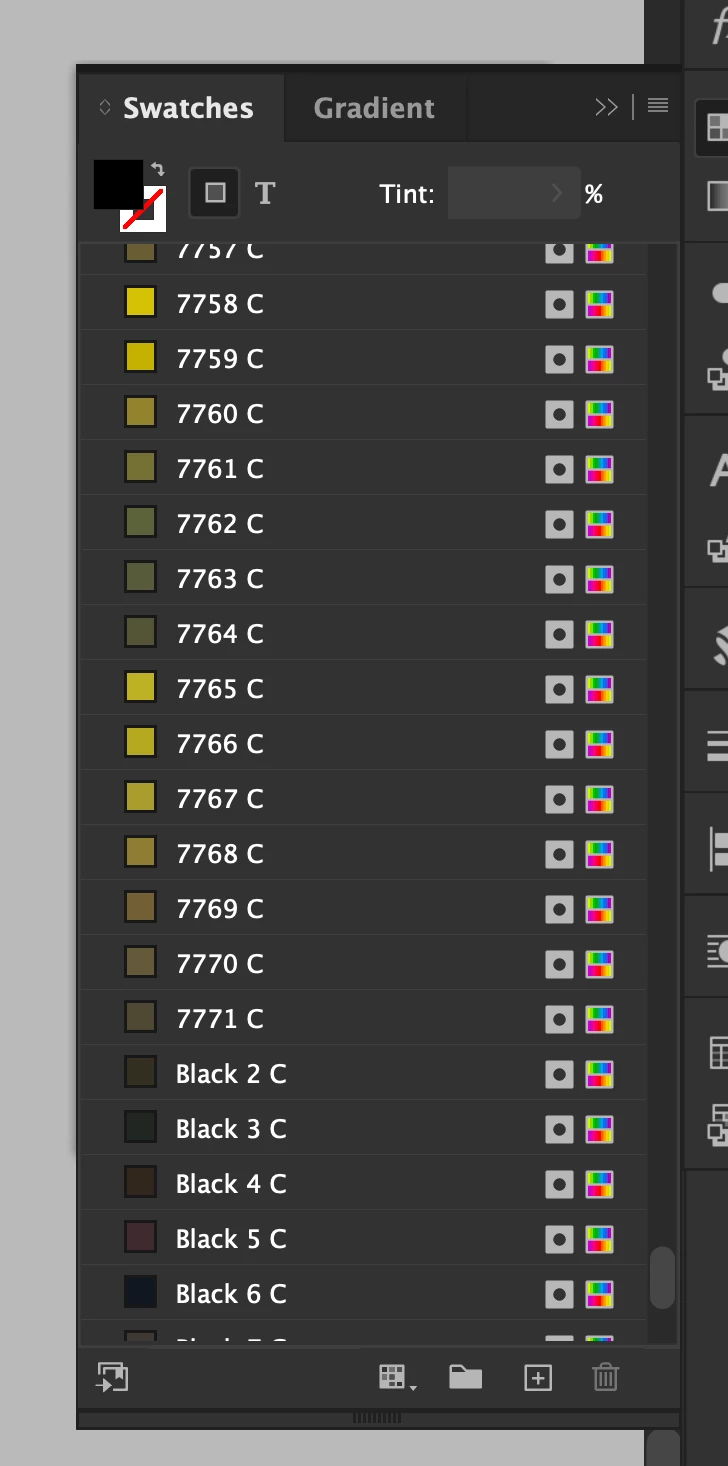
I have Pantone swatches in my InDesign ranging from 100C-7771C, so roughly 6,000 or so. Perhaps that is the problem right there, I’m not sure.
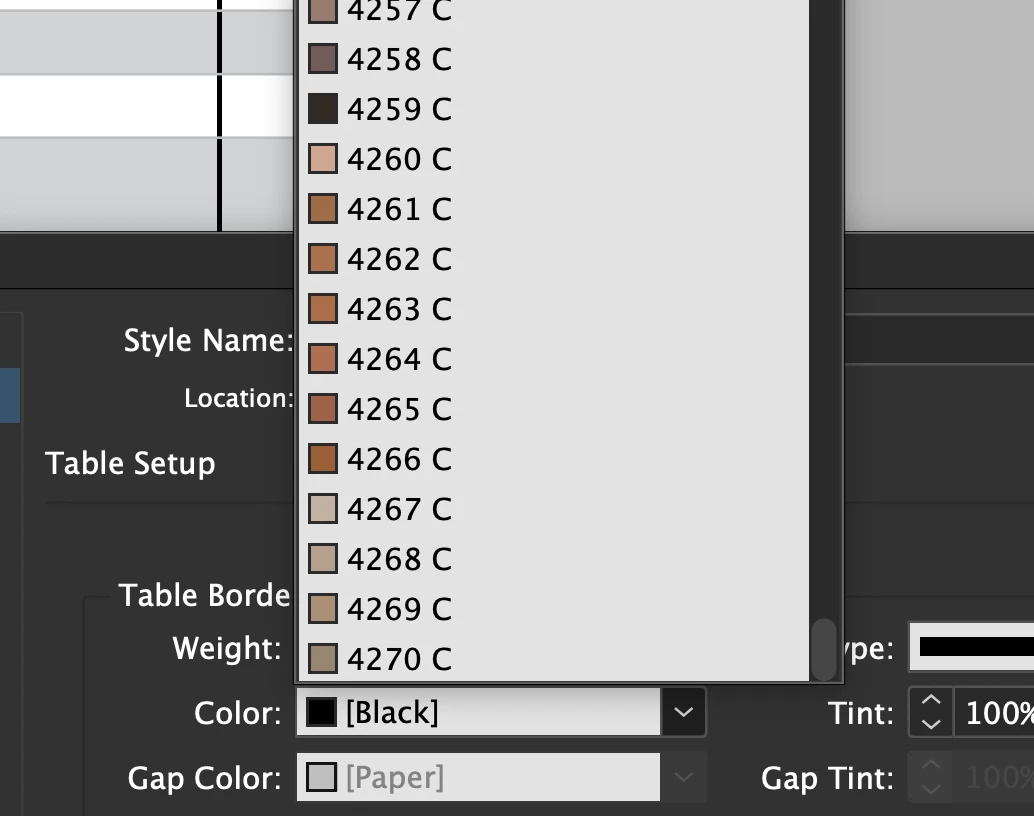
When customizing seemingly any color in a Table Style, Table Border eg, my swatches display from 100C-4270. This leaves thousands of swatches missing and means any new swatch that I add, since they default to the bottom, do not show up.
A workaround to this are to move a new swatch all the way up to the top which is incredibly tedious when I have thousands of swatches to scroll past. You can also sort by name or swatch value which will change the list but still only show a set amount.
I’ve refrained from making a UserVoice as it may be uncommon to have thousands of swatches.. but interested to see if anyone else sees this behavior.


 AdChoices