Participant
October 16, 2019
Question

Text Appears Bold When Using Images with Transparencies

  • October 16, 2019
  • 3 replies
  • 1186 views

I can't seem to figure out this problem I'm having with placing images with transparencies. Whenever I place PNG or PSD files that have transparent backgrouns, it increases the font weight on that page. I tried putting the images on their own separate layer below the layer with text (a workaround I had read about) but it seems like that doesn't work anymore either. The font weight stays the same even after exporting a pdf. Has anyone had this problem before? See attached screenshots for an example.
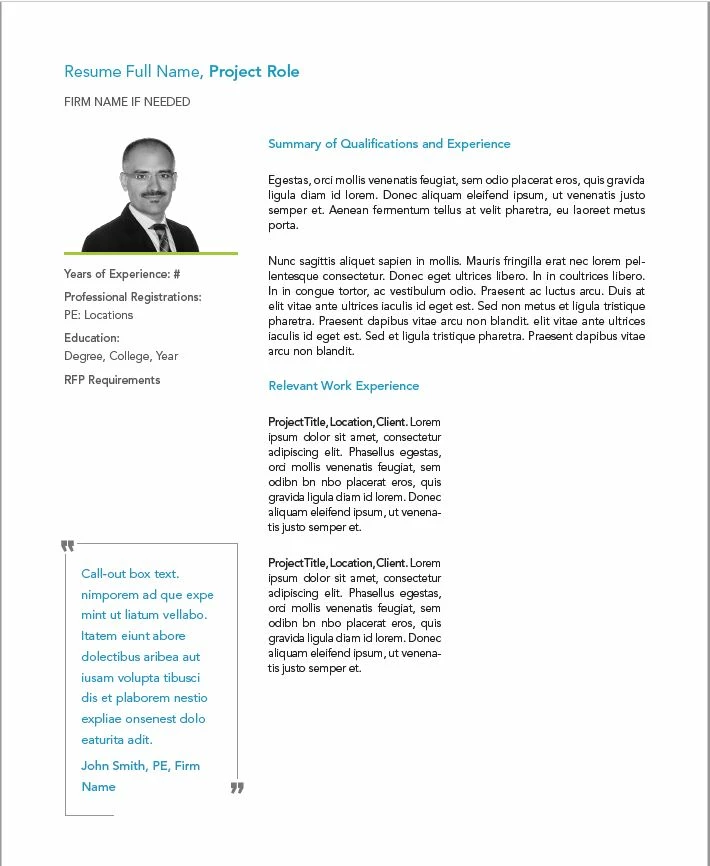
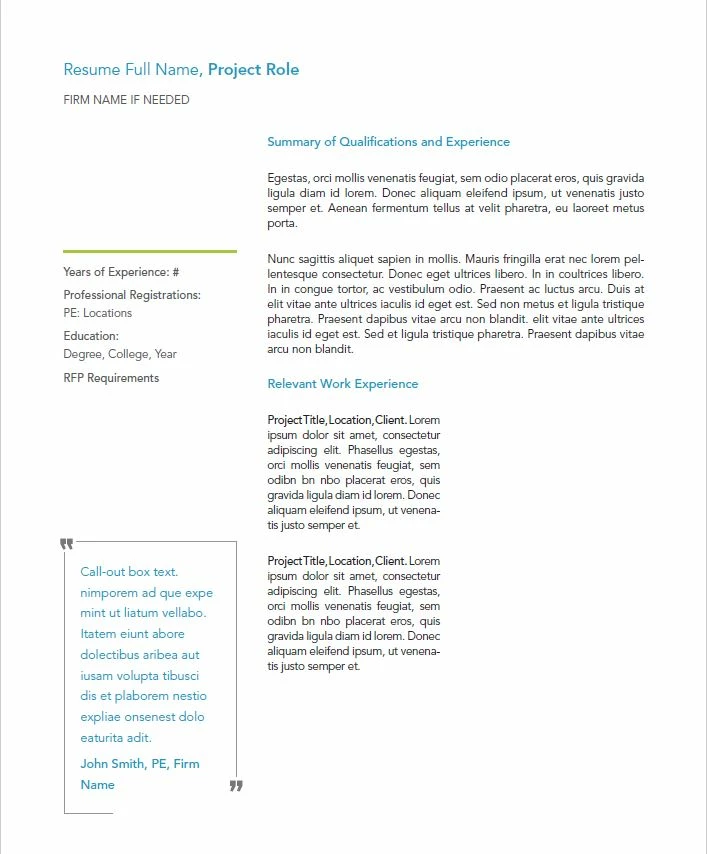
    This topic has been closed for replies.

    3 replies

    AdNoctum74
    Participant
    September 11, 2023

    I had the same issue. Moving the images with transparency to a seperate layer on top or under the text does not help. However, what worked for me was setting up the document for web instead of print under "Document Setop". You are still able to have all the other settings set for print and also export it for print even if the setup is web. 

    rob day
    Community Expert
    Community Expert
    September 11, 2023

    setting up the document for web instead of print under "Document Setop"


    That would set the default [Black] swatch to RGB, so any text set with [Black] would output as 4-color CMYK. Might not be a problem with a composite color printer, but would be a major problem with offset printing.

    rob day
    Community Expert
    Community Expert
    October 21, 2019

    What OS are you on?

    Participating Frequently
    October 21, 2019

    Have you tried arranging the image to be in front or the back of the document? Where is it currently located? This could also be a flattening issue. Have you set the Transparency Flattener to the highest resuloution?