Inspiring
February 21, 2026
Question

Text box not showing

  • February 21, 2026
  • 3 replies
  • 32 views

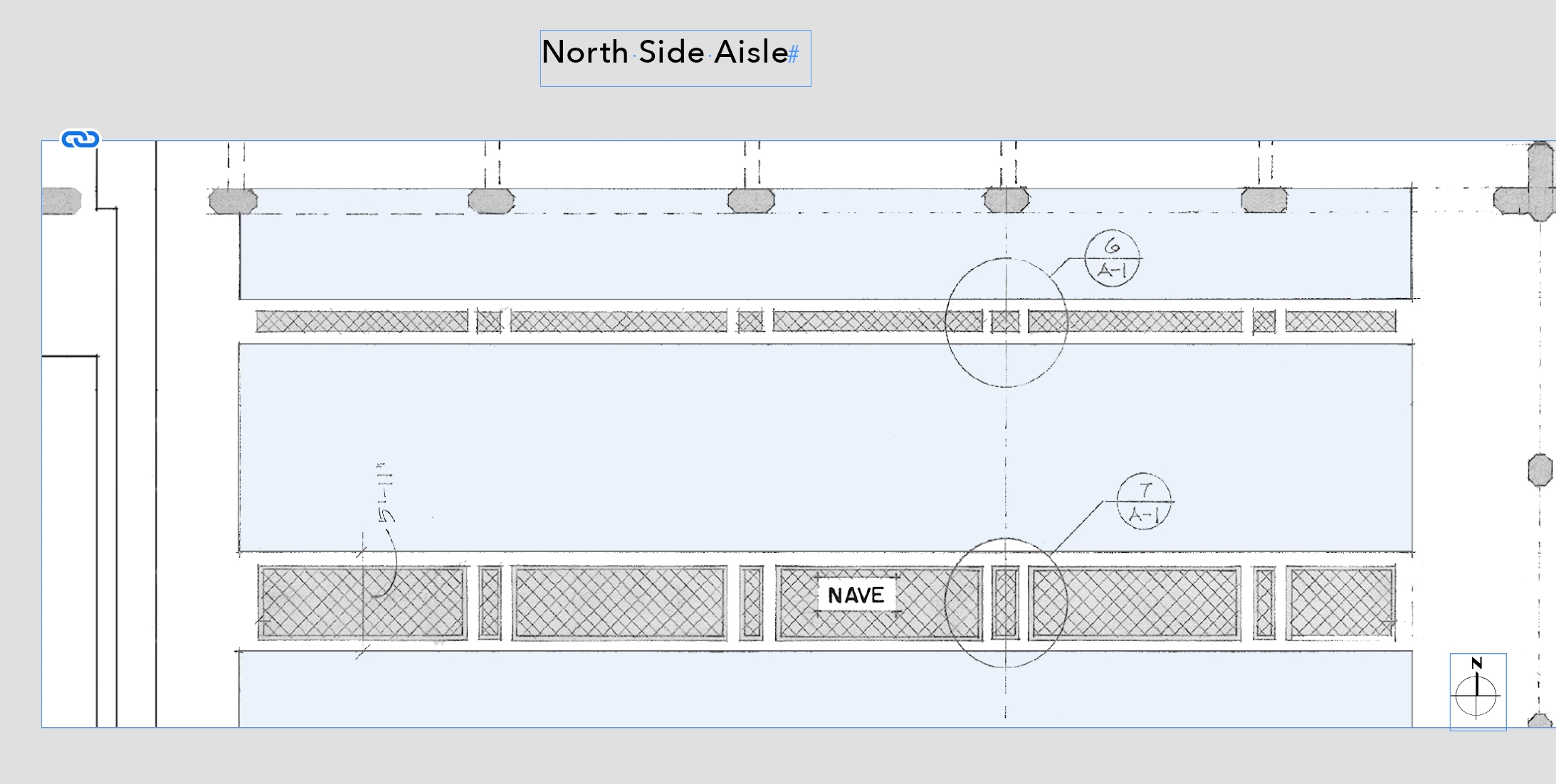
• See Screenshot 01: I have an object box showing a partial floor plan- it is sent to Back. I also have a text box - It is sent to Front.

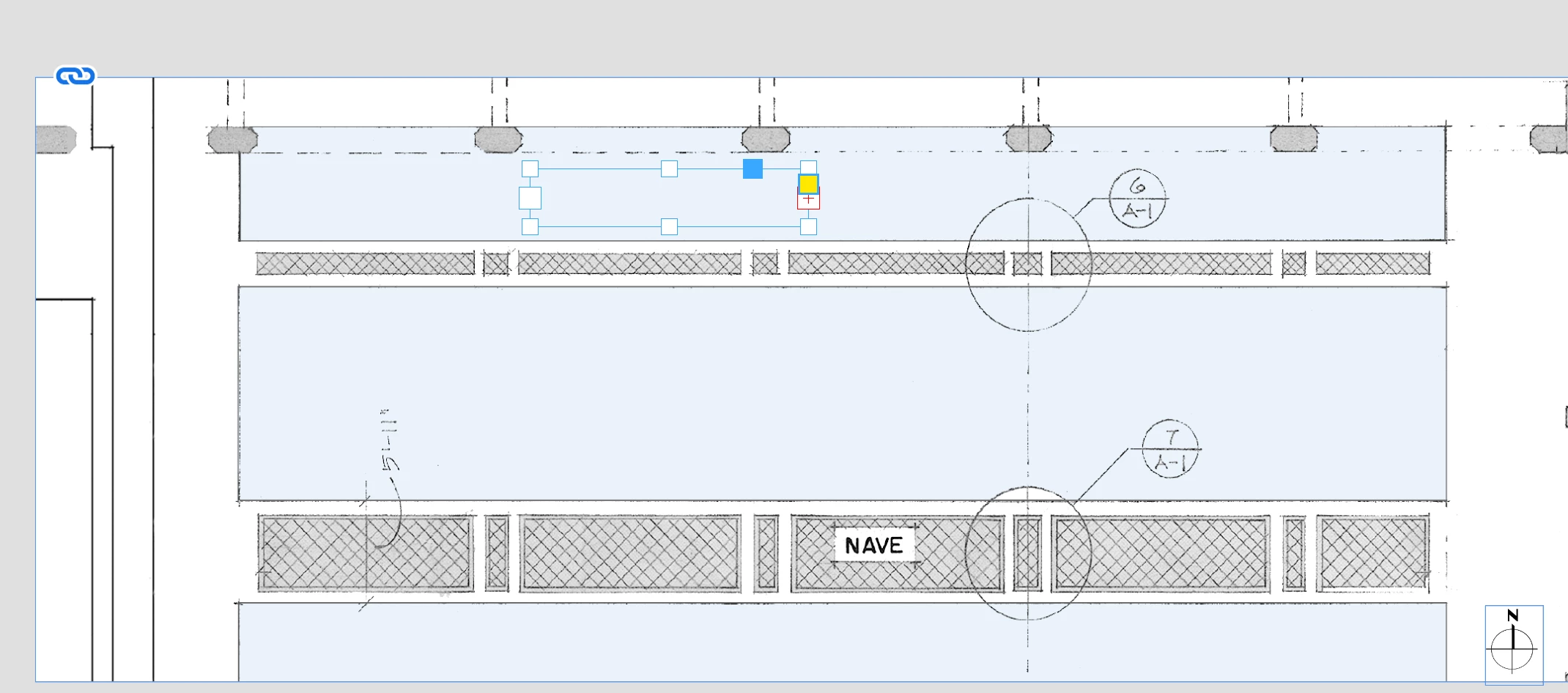
• See Screenshot 02: The text does not show when I move it onto the plan - I can see the edges and handles of the box but not the text. Neither box has text wrap turned on.

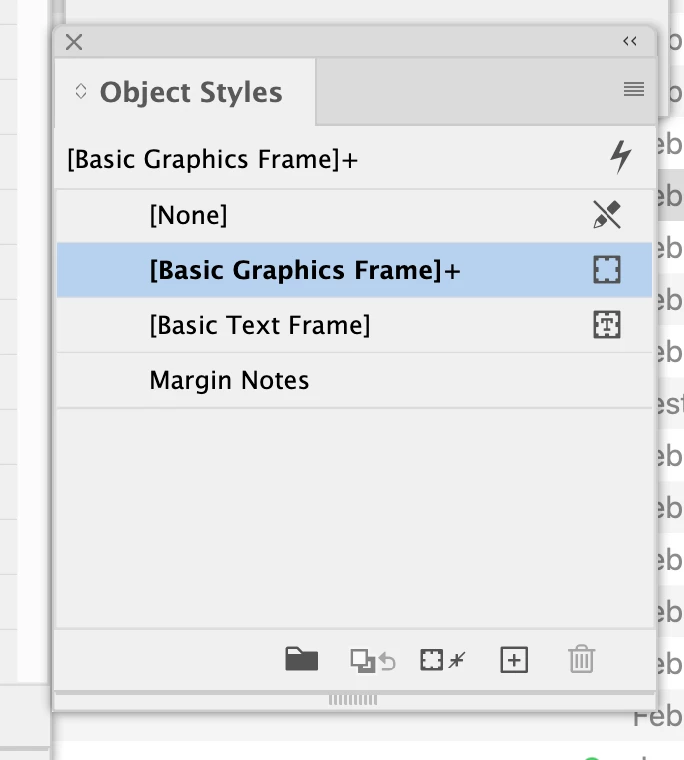
• See Screenshot 03: In Object Styles the Graphic Box has a + sign appended (I do not know what this means)

I have applied text on top of an object box numerous times this way but never had this result - what is happening ?
 

    3 replies

    Frans v.d. Geest
    Community Expert
    Community Expert
    February 22, 2026

    Select the Text frame with the plus, choose Text Frame options (you can right-click for that option), check Ignore Text Wrap.

    Or: the text is aligned to baseline grid, (and the baseline does not fit to where your text box - frame -is), untick that option in Paragraph options

    rob day
    Community Expert
    Community Expert
    February 21, 2026

    Hi ​@Michael J B , Can you share the InDesign file?

    BobLevine
    Community Expert
    Community Expert
    February 21, 2026

    Put the text on its own top layer and make sure there’s no text wrap applied to the graphic. The + means that something is being overridden. My guess: text wrap but if you hover your mouse over it, you should see a pop up telling you.

    Inspiring
    February 21, 2026

    Text wrap was very clearly not applied to either and the text was on its own layer st to front.

    I created a new box added the pal and everything worked just fine.

    Something twitchy, I guess.

    Thanks for the reply.

    Peter Spier
    Community Expert
    Community Expert
    February 21, 2026

    Text wrap can be deceiving. It might be applied to the image itself rather than the image frame, or to a group that the image frame is part of.