

JimCooper
Inspiring
June 17, 2023
Answered

Text boxes will not re-link

  • June 17, 2023
  • 2 replies
  • 912 views

Hi - 

I have a document with a dozen pages. Halfway through the text box link is broken between one page and the next...
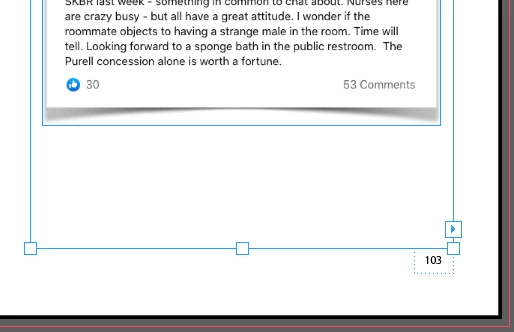
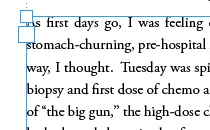
when I click on the link arrow (first photo) and then click in the empty link box (second photo), the result is that the link APPEARS to be restored.
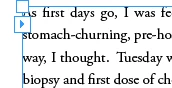
However, what has happend is that Indesign has placed a new linked empty text box over the existing text box. The existing text box remains unlinked.



Anyone have any ideas? I need the existing text box linked so my footnote seqeuncing doesn't restart as a consequence of the broken link.  I've tried inserting new pages and copy/pasting text from the old pages but that doesn't help.  Any advice appreciated.

Jim


This topic has been closed for replies.
Correct answer JimCooper

I'm not sure I understand your answer. Can you please show us the last line of the frame that has text in it and the next frame in the chain, both with hidden characters showing.

It would help, too, if you select that last visible line, open Story Editor (Ctrl or Cmd + Y) and show us a screen shot of that as well.


Thanks Peter.  I ended up creating a new document rather than fenagle with thge old one.  I'm positive I screwed something up with adding, deleting text and graphic boxes.  The new document works the way I want it to.

Appreciate your time.

Jim

2 replies

Inspiring
June 19, 2023

FYI, View > Extras > Show Text Threads will show you which text frame is linked to which.

Peter Spier
Community Expert
Community Expert
June 17, 2023

Take a look at it in Story editor to see if there's really any more text. Seems likely there's nothing there to link.

JimCooper
JimCooperAuthor
Inspiring
June 17, 2023

Hi -

Thanks. I did.  no overtext exists.  Looked in the Links box and there are no broken links...which is odd.

Peter Spier
Community Expert
Community Expert
June 17, 2023

I'm not sure I understand your answer. Can you please show us the last line of the frame that has text in it and the next frame in the chain, both with hidden characters showing.

It would help, too, if you select that last visible line, open Story Editor (Ctrl or Cmd + Y) and show us a screen shot of that as well.