
Answered
Text copied from Word shows incorrectly when using columns
Hello everyone,
I have a small problem with Indesign:
I have a 3 columns textbox where I need to copy some text from Word, but when I hit ctrl-v in Indesign, the text doesn't follow the whole length of the column, it just splits all over the 3 columns.
Here is what i need:
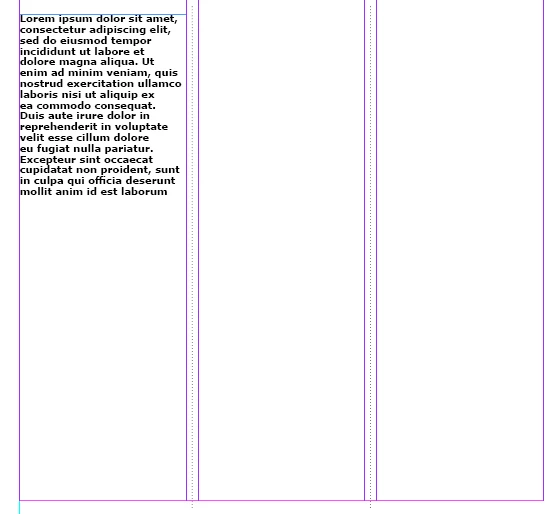
But this is what happens instead:
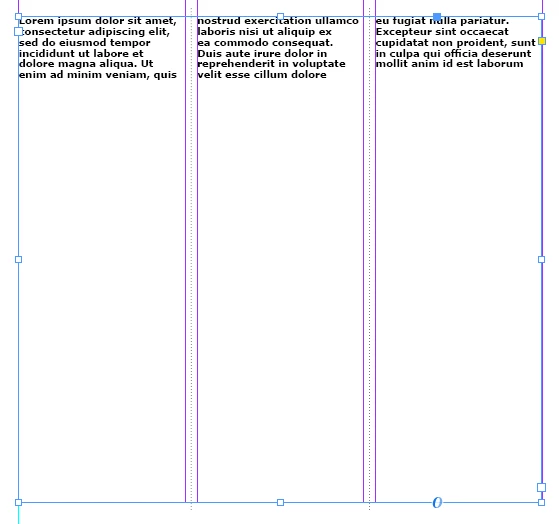
I'm sure I'm missing something or I clicked something, but I don't know what. It's weird because yesterday everything was alright.
If you need any clarification just tell me.
Thanks.
 AdChoices