
Known Participant
February 19, 2025
Question

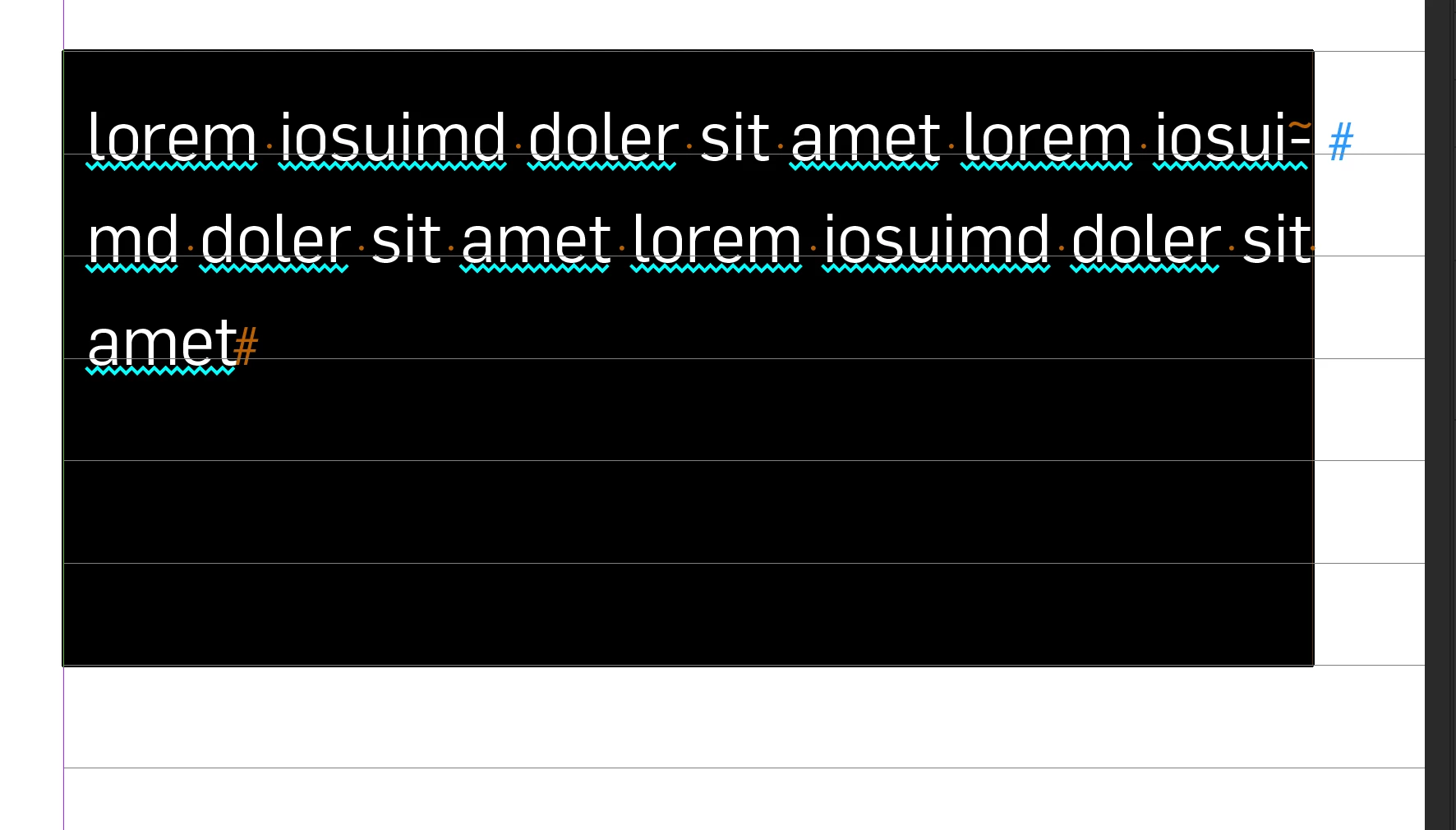
Text doesn't align to baseline grid in table

  • February 19, 2025
  • 3 replies
  • 1036 views

Hi, I set up a table in InDesign, but for some reason, my text doesn't align with the baseline grid. I double-checked all of the settings, and it doesn't seem like anything is wrong. Why is this happening, and how might I be able to fix it? Thank you!


3 replies

Mike Witherell
Community Expert
Community Expert
February 19, 2025

Just an opinion here, but Baseline Grid and Text in Table rows seems like an incompatible thing to do.

Mike Witherell
Peter Spier
Community Expert
Community Expert
February 19, 2025

Totally agree with @Mike Witherell 

Community Expert
February 19, 2025

Is the text in the table set to Align to Baseline Grid?

MateomonoAuthor
Known Participant
February 19, 2025

@Eugene Tyson yes it is. 

Community Expert
February 19, 2025

@Mateomono is the text frame using a custom baseline grid?


Peter Spier
Community Expert
Community Expert
February 19, 2025

Does the paragraph style you use in the table include align to grid?

That said, I think tables add a bit of space beyound the set leading when they are inserted, and forcing the text in the cells to align to the grid might actually look worse and it could lead to large empty space at the top of the cell.

MateomonoAuthor
Known Participant
February 19, 2025

@Peter Spier Yes it does. Is there a way to fix this?

Peter Spier
Community Expert
Community Expert
February 19, 2025

You should verify that it really is set to align, and if it is I would suggest an export to .idml, then open that and save as .indd with a new name to see if the problem is corrected.