This topic has been closed for replies.
Correct answer Laubender

Hi @Korsan. ,

if the "second colored box" is a text frame you should be able to do this.

If the frame is a graphic frame first convert it to a text frame.

Also check that the target text frame is not stacked behind the other text frame.


FWIW: What happens if you try to drag the selected text?


Regards,
Uwe Laubender
( Adobe Community Expert )

2 replies

Barb Binder
Community Expert
Community Expert
September 12, 2023

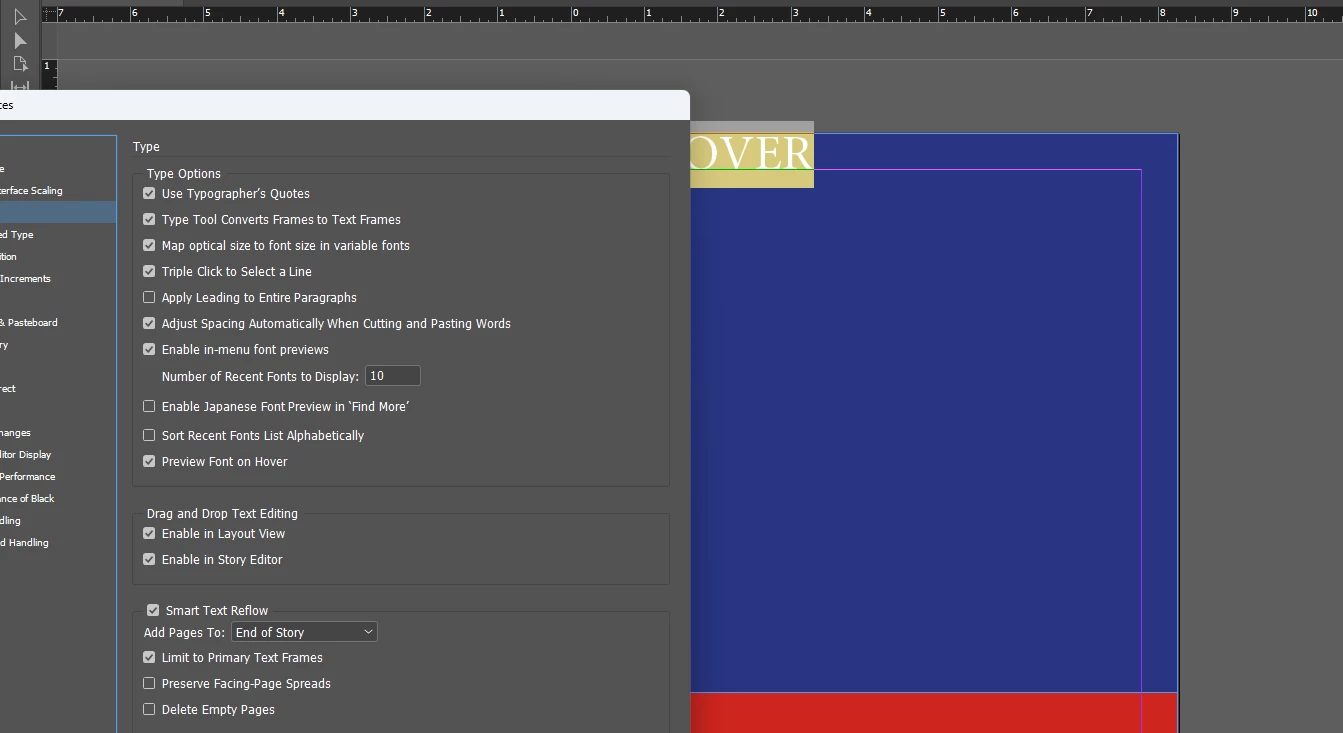
We can see you have it enabled, but that all we can see. 


Are you dragging content within the same text frame? Or to a new text frame? It needs to go within an existing frame. Or is it a text wrap issue, as Eugene suggests? 


~Barb

~Barb at Rocky Mountain Training
Korsan.Author
Participant
September 12, 2023

I want to drag my text in second colored box that i set.

LaubenderCommunity ExpertCorrect answer
Community Expert
September 12, 2023

Hi @Korsan. ,

if the "second colored box" is a text frame you should be able to do this.

If the frame is a graphic frame first convert it to a text frame.

Also check that the target text frame is not stacked behind the other text frame.


FWIW: What happens if you try to drag the selected text?


Regards,
Uwe Laubender
( Adobe Community Expert )

Community Expert
September 12, 2023