Inspiring
February 14, 2017
Answered

Text frames overlapping in the flow

  • February 14, 2017
  • 1 reply
  • 2917 views

Hi,

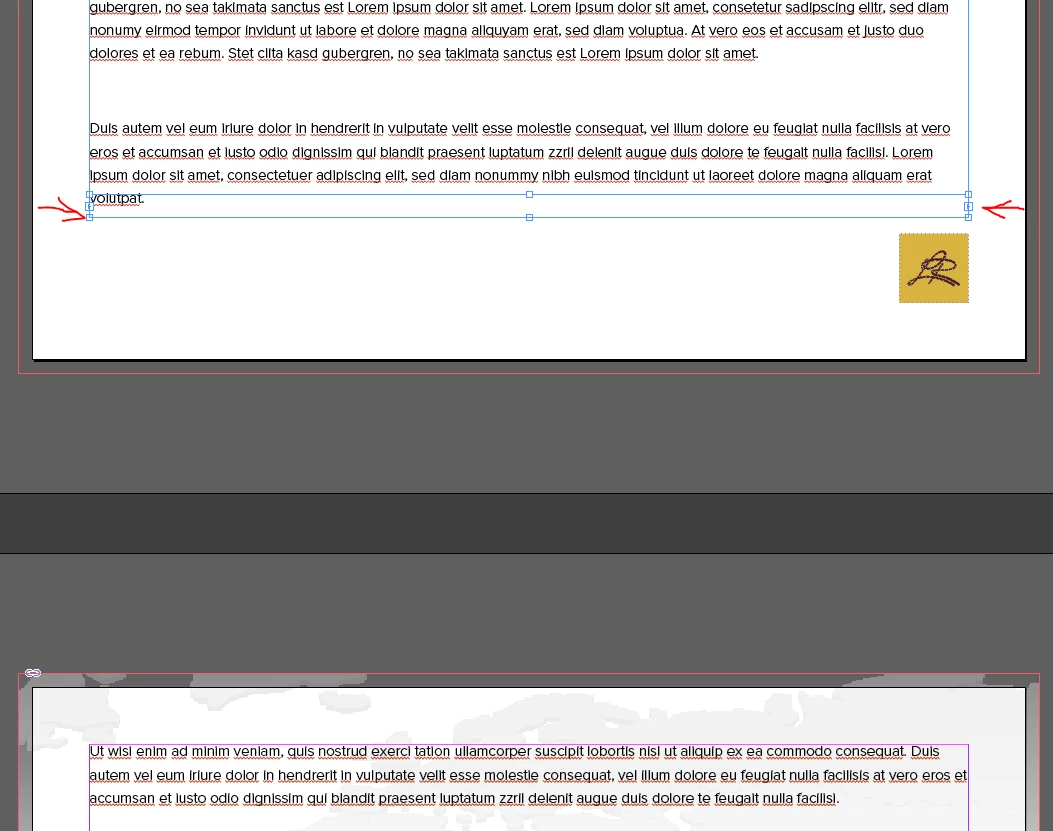
I create text frame and insert some text. Then I shift-click the red "plus" to make textflow over next pages. But Indesign always creates a strange text frame on the page, where I click the plus. Next pages are ok (s. screenshot). What is causing this problem?

Thanks

    This topic has been closed for replies.
    Correct answer Laubender

    Hi,

    it's still working with SHIFT-CLICK in CC 2017.
    But first you have to load the placegun with text.
    And you need at least one empty page.

    But you need not to add a page manually.

    Here is why:

    1. Click the red plus sign that constitutes the out-port of the text frame one time to load overflowing text to the cursor.

    Note 1: In my little experiment there is no page after the active one.

    Note 2: You could also click the in-port of the text frame in this situation.

    2. The placegun is loaded now:
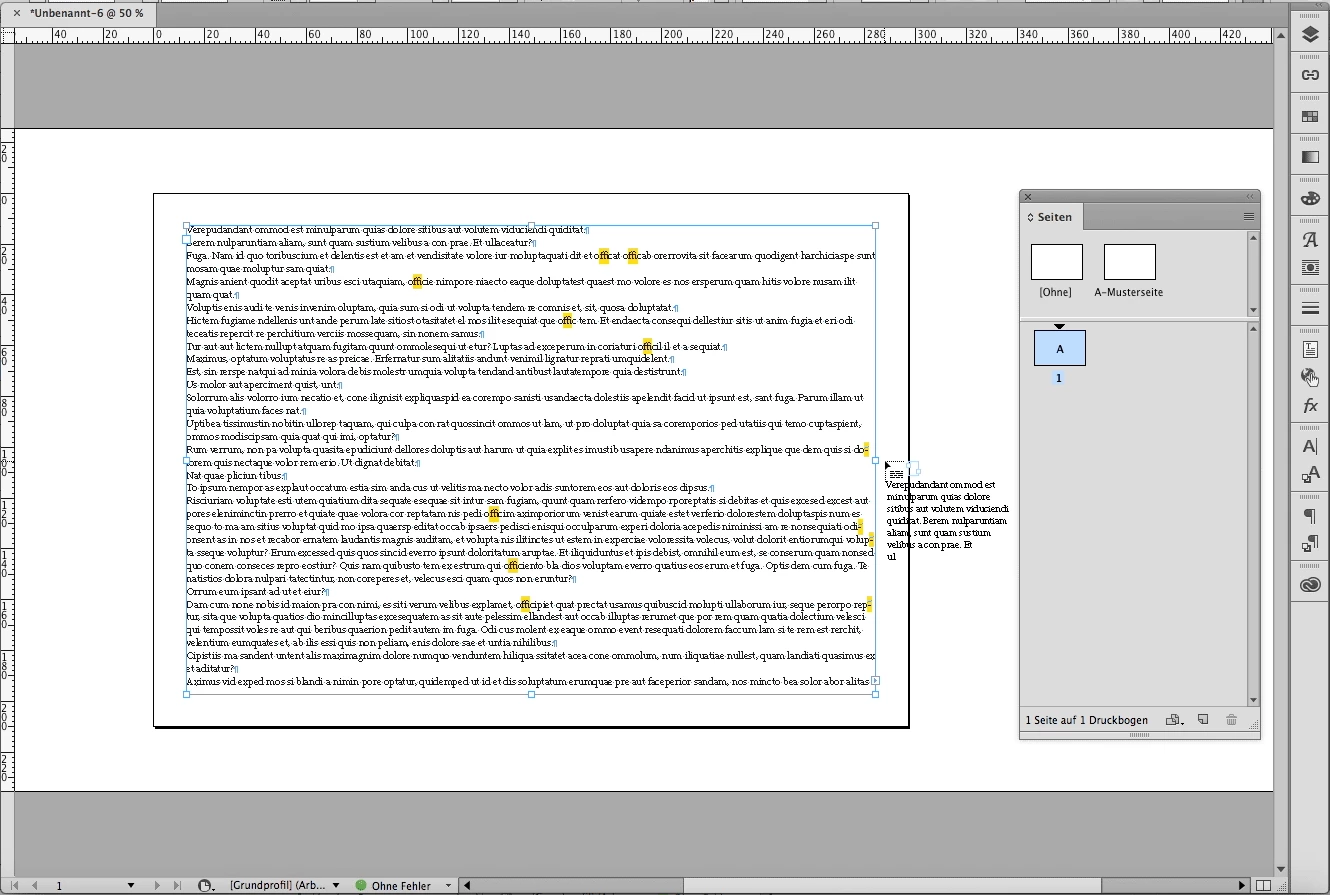
    3. Remove the text frame with the backspace key,

    the placegun will be loaded with the text of the removed text frame as well.

    And the page is empty.
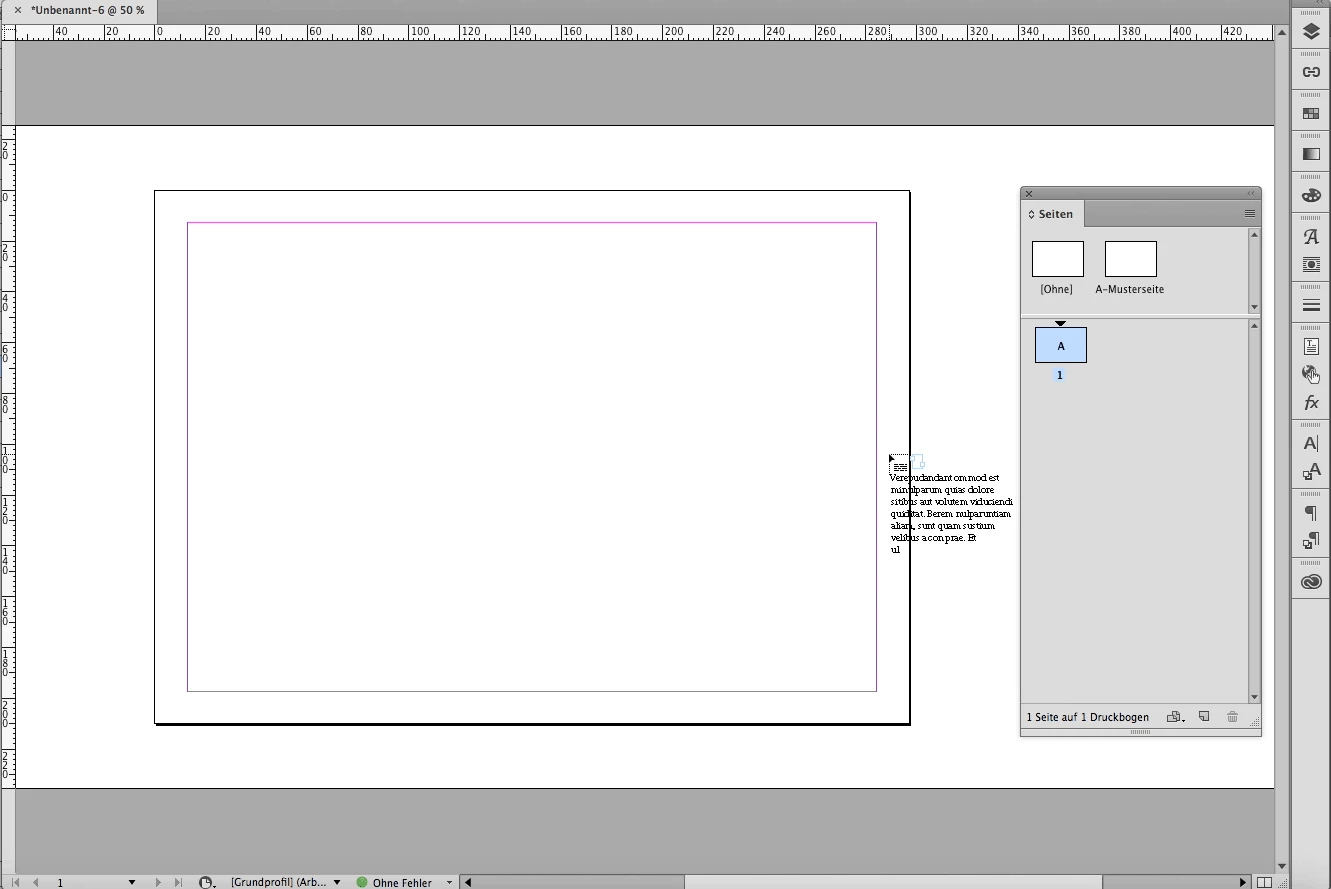
    4. Hold the SHIFT key and click:

    Best stay in the margin's area when you click.
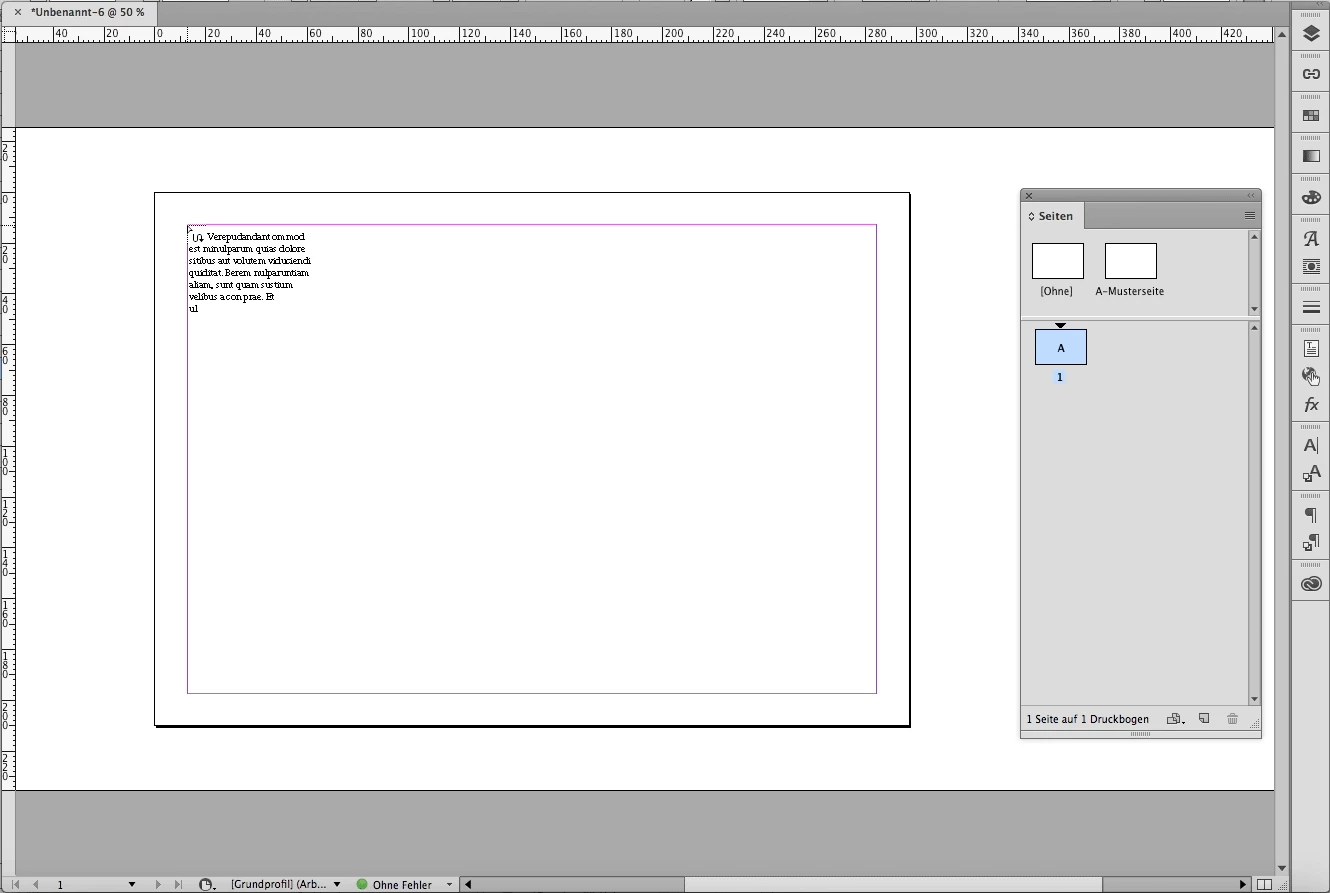
    5. The text will be threaded automatically, pages will be added:
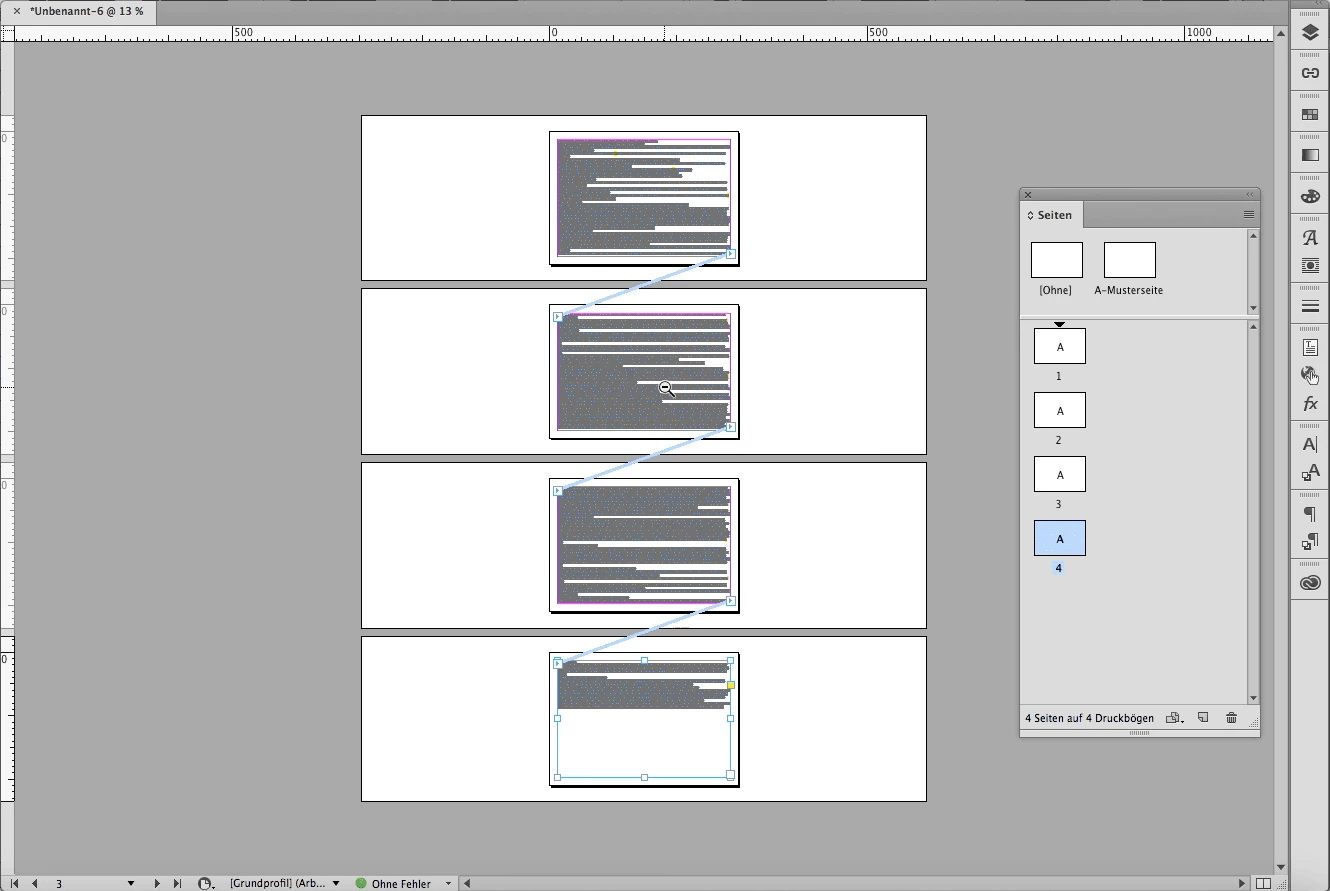
    Regards,
    Uwe

    1 reply

    Barb Binder
    Community Expert
    Community Expert
    February 14, 2017

    Hmm... that will  happen if you double click the red plus.

    You want to

    • single click the red plus (aka overset icon),
    • navigate to the top of the next page or column, then
    • hold the Shift key and click once to autoflow the remainder of the text.
    ~Barb at Rocky Mountain Training
    GearlessAuthor
    Inspiring
    February 14, 2017

    It seems to work... I just didn't want to create next page manually. I think it worked ok with shift-click in previous versions. Thanks.

    LaubenderCommunity ExpertCorrect answer
    Community Expert
    February 14, 2017

    Hi,

    it's still working with SHIFT-CLICK in CC 2017.
    But first you have to load the placegun with text.
    And you need at least one empty page.

    But you need not to add a page manually.

    Here is why:

    1. Click the red plus sign that constitutes the out-port of the text frame one time to load overflowing text to the cursor.

    Note 1: In my little experiment there is no page after the active one.

    Note 2: You could also click the in-port of the text frame in this situation.

    2. The placegun is loaded now:

    3. Remove the text frame with the backspace key,

    the placegun will be loaded with the text of the removed text frame as well.

    And the page is empty.

    4. Hold the SHIFT key and click:

    Best stay in the margin's area when you click.

    5. The text will be threaded automatically, pages will be added:

    Regards,
    Uwe