
Text overflowing early to next page leaving a blank spot
I have an academic journal I am working on that has a table of contents. Today when I refreshed it's contents I got more than half of the content overflowing onto the next page. I will need it to overflow but I can't figure out why it doesn't let the text go to the end of the text box before overflowing on the next page.
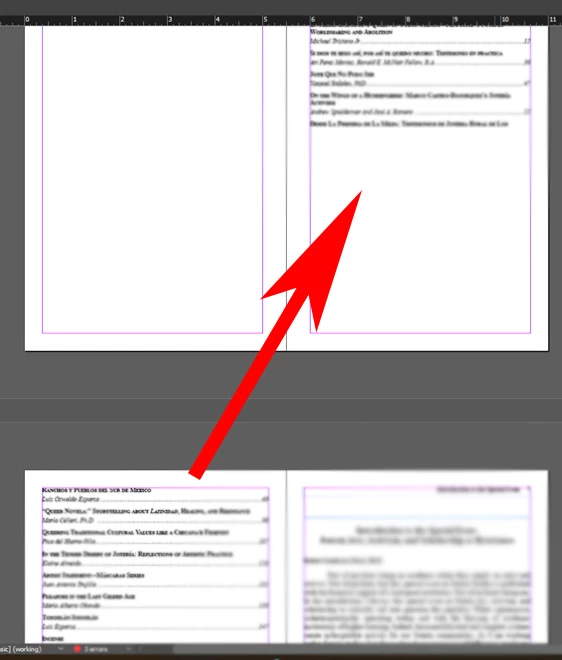
The text box on the initial page goes down to the bottom margin so there is plenty of room for text. I don't see any other items on that page. The previous volume that I did didn't have this problem (although there were less articles and they all fit on one page). I tried deleting any space that may be in the text and using a mix of hard and soft enters but nothing will make the text on the second page move up
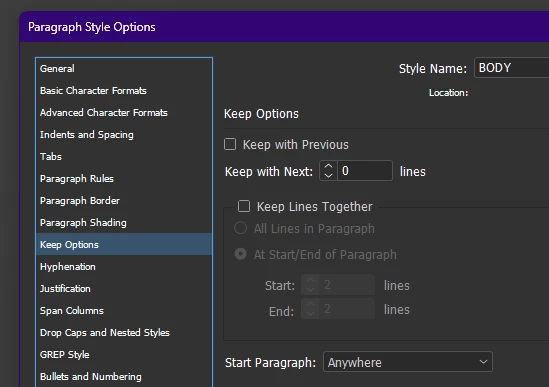
I have seen this in some articles but usually doing a soft enter lets me manuver the text to the correct place. I imagine it is some setting in the text box but can't find anything that makes a difference.
This is auto-generated text using the table of contents options in Indesign. I have done the layout on this journal for the past 8 years using this same template and never saw this.
Any ideas on what it could be?
 AdChoices