Known Participant
June 11, 2023
Answered

Text stroke

  • June 11, 2023
  • 2 replies
  • 491 views

How I can reduce the stroke weight applied to "Cardiovascular System" it is approximately 1 and I want to reduce it to 0.5
How do I do that?

Also indesign preview behind the canvas is changed to white, How can I turn it back to default gray?


Thanks

This topic has been closed for replies.
Correct answer jmlevy

How I can reduce the stroke weight applied to "Cardiovascular System" it is approximately 1 and I want to reduce it to 0.5

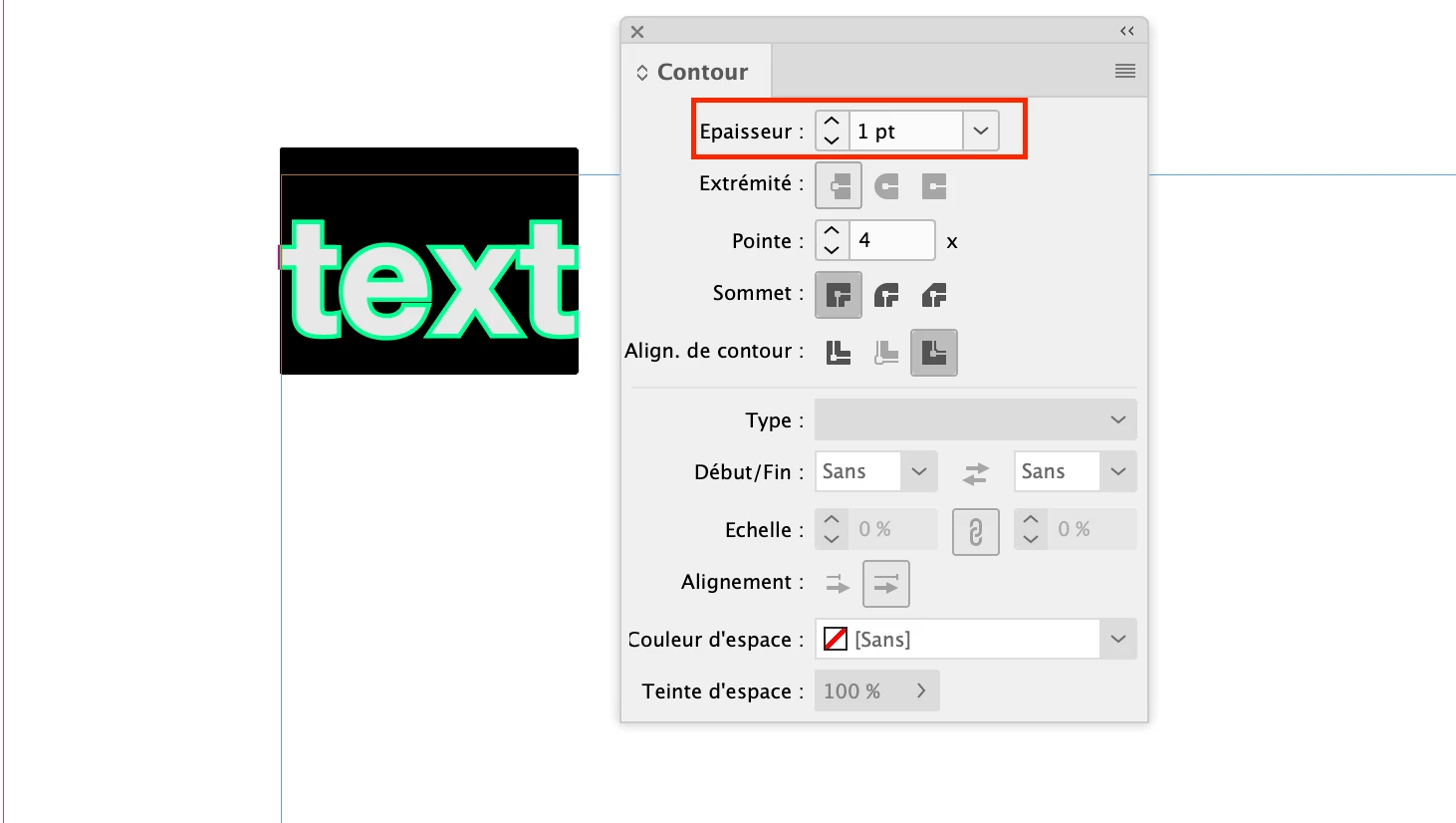
Select the text with the text tool, display the stroke panel and adjust as you wish.
2 replies

jmlevy
Community Expert
jmlevyCommunity ExpertCorrect answer
Community Expert
June 11, 2023

How I can reduce the stroke weight applied to "Cardiovascular System" it is approximately 1 and I want to reduce it to 0.5

Select the text with the text tool, display the stroke panel and adjust as you wish.

Asadali92Author
Known Participant
June 11, 2023

Thanks 🙂
Appreciated 

Steve Werner
Community Expert
Community Expert
June 11, 2023

View > Match Pasteboard to Theme Color will control the color of the background around the page.


I don't see a stroke on the words "Cardiovascular System". In the screen capture, it just looks to be filled with green. I'm not sure what stroke you're referring to.

Asadali92Author
Known Participant
June 11, 2023

see attached
