
text threads when moving section
I want to change the order of some sections of the text. I realize now this might have been easier if I had used the Book feature, but that is for another time.
I created the text and had it all threaded correctly. then I selected one section and marked it in the Pages Panel. I chose Allow Spreads to Shuffle in the Options. Then I chose Move to and selected the page after which I wanted that section to appear. I removed the section marker and the pages are now in the order I want.
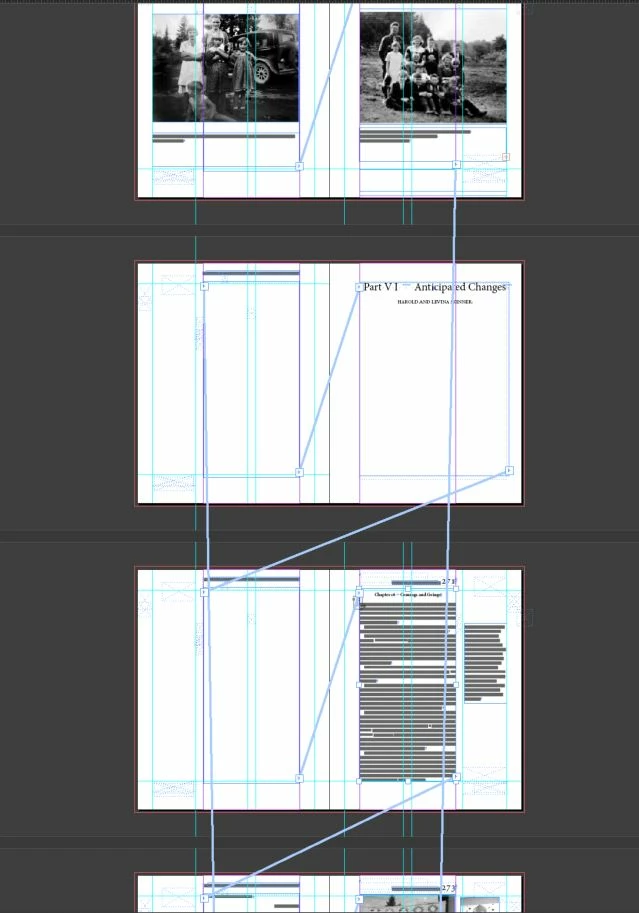
But the text threads are messed up. In the image you can see the regular in port to outport threads connecting pages. But the straight up and down threads go to where the text used to be located.
Can I just leave this as is or will it do something terrible when it goes to the printer?
 AdChoices