

Chris Panny
Inspiring
May 11, 2023
Answered

Text Wrap Offset Pushes Text Downward In Big Increments

  • May 11, 2023
  • 2 replies
  • 702 views

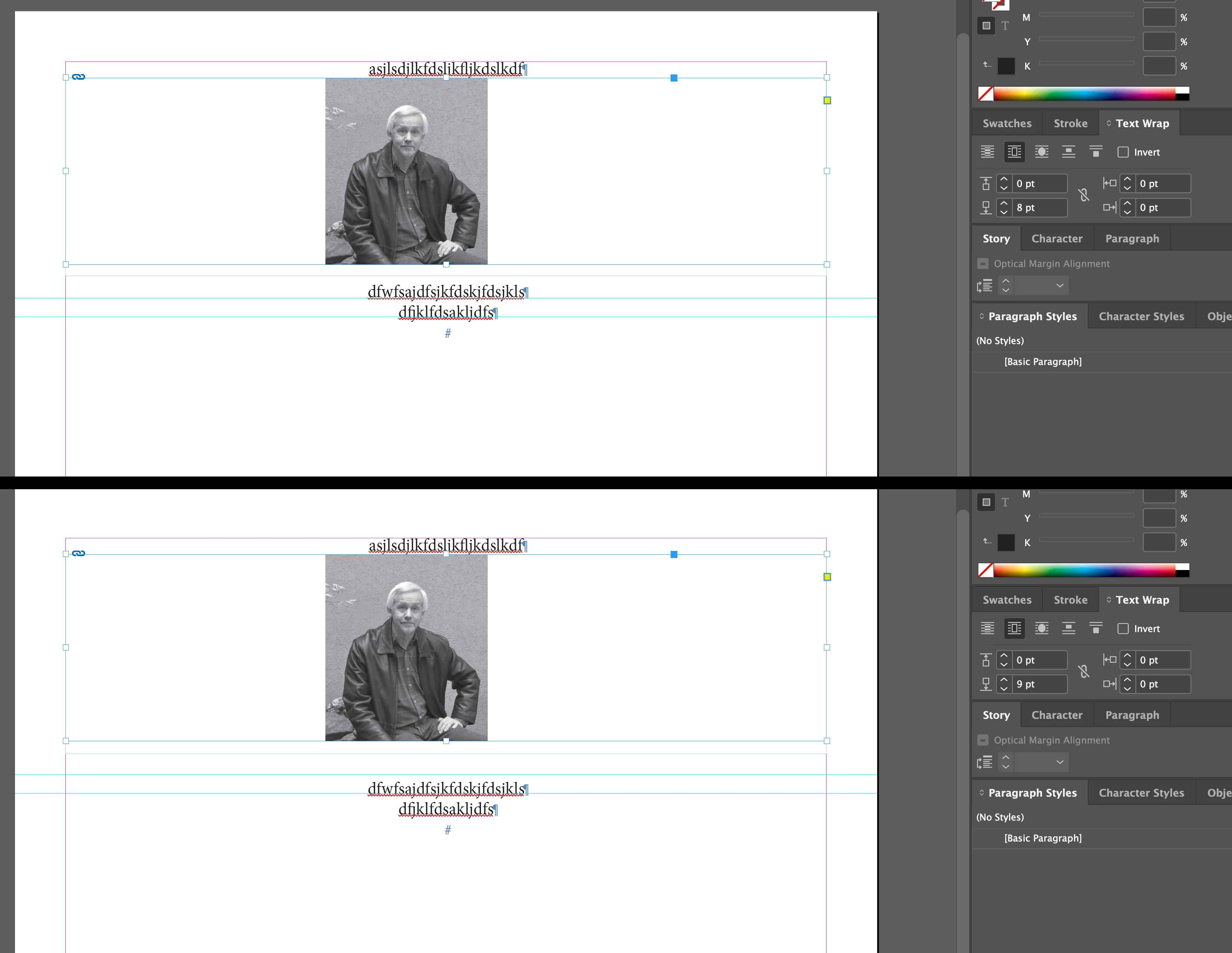
I'm laying out a book which has a few pictures. I've got text flowing above and below the picture so I set Text Wrap to Jump Object for my image. The image frame is sitting over the text frame. I was trying to add a little more vertical space between the image and first line of text below it. My rulers are set to points. I started to increase the Bottom Offset by 1 point at a time. Once the offset was close enough to the 1st line of text, I was expecting it to push the text downward by 1 point. Instead when I got to 9 points the text jumps down a whole line. It will behave the same way when I go from 23 - 24 points. Align to Grid is turned off. I did notice that if I drag the top of my text frame below the image, and increment the Bottom Offset, only then does it push the first line down 1 point at at time.


Why does the (bottom offset) behavior change when the image sits over a a text frame versus the text frame is below the image? Let me know if you need additional infomration.


This topic has been closed for replies.
Correct answer Willi Adelberger

Is it caused by the base line raster?

Or go to preferences > composition > text wrap, some settings could cause it.

2 replies

Conrad_C
Community Expert
Community Expert
May 11, 2023
quote

Align to Grid is turned off.

By @Chris Panny


InDesign has several grid options in multiple places, in part because it has a document grid and a baseline grid. If you mean you have disabled View > Grids & Guides > Snap to Document Grid, then it might be worth checking the options for the other grid, the Baseline Grid. And a text frame can have its own custom baseline grid with an offset for the first line, and both values can be independent of the settings for the document or other text frames. Below are some places to look. If you have formatting set up in Paragraph Styles, then the Paragraph panel options below will be found in the Paragraph Styles dialog box, Indents and Spacing panel, Align to Grid menu. (Maybe that is the one you already have turned off.)


Chris Panny
Inspiring
May 11, 2023

Thanks for your replies! Conrad, I had Align To Grid turned off in my paragraph style. The text frame options are set to their defaults (Use Custom BG is unchecked). 


It turns out there's a preference setting under Composition called Skip By Leading which was checked. I unchecked it and now I'm geting the Bottome Offset to push the text below the image down by 1 point at a time as I wanted. Willi, thanks for pointing me in the right direction! I never had this problem before so I wonder if Adobe changed / added this feature and turned it on by default (??)


It's only an island if you look at it from the water.
Conrad_C
Community Expert
Community Expert
May 11, 2023

OK, well, I learned something today. I don’t think I was aware of Skip by Leading. Thanks for telling us what it was!

Willi Adelberger
Community Expert
Willi AdelbergerCommunity ExpertCorrect answer
Community Expert
May 11, 2023

Is it caused by the base line raster?

Or go to preferences > composition > text wrap, some settings could cause it.