

The “paragraph styles” panel does not open when pressing double click....
Yesterday after turning on the machine and open for the first time in the day the InDesign, I found this behavior in the paragraph styles panel, when I wanted to open it, it just deselects and does not allow me, I must then, open it with the menu on the paragraph style I want to modify.
Looking to fix this behavior, I deleted the program and reinstalled it removing all the user preferences but, when I installed it again the behavior was the same, when I looked at the version in the Creative Cloud, it says 20.01 so I deleted the program again and now installed a lower version (20.0) but the behavior continues....
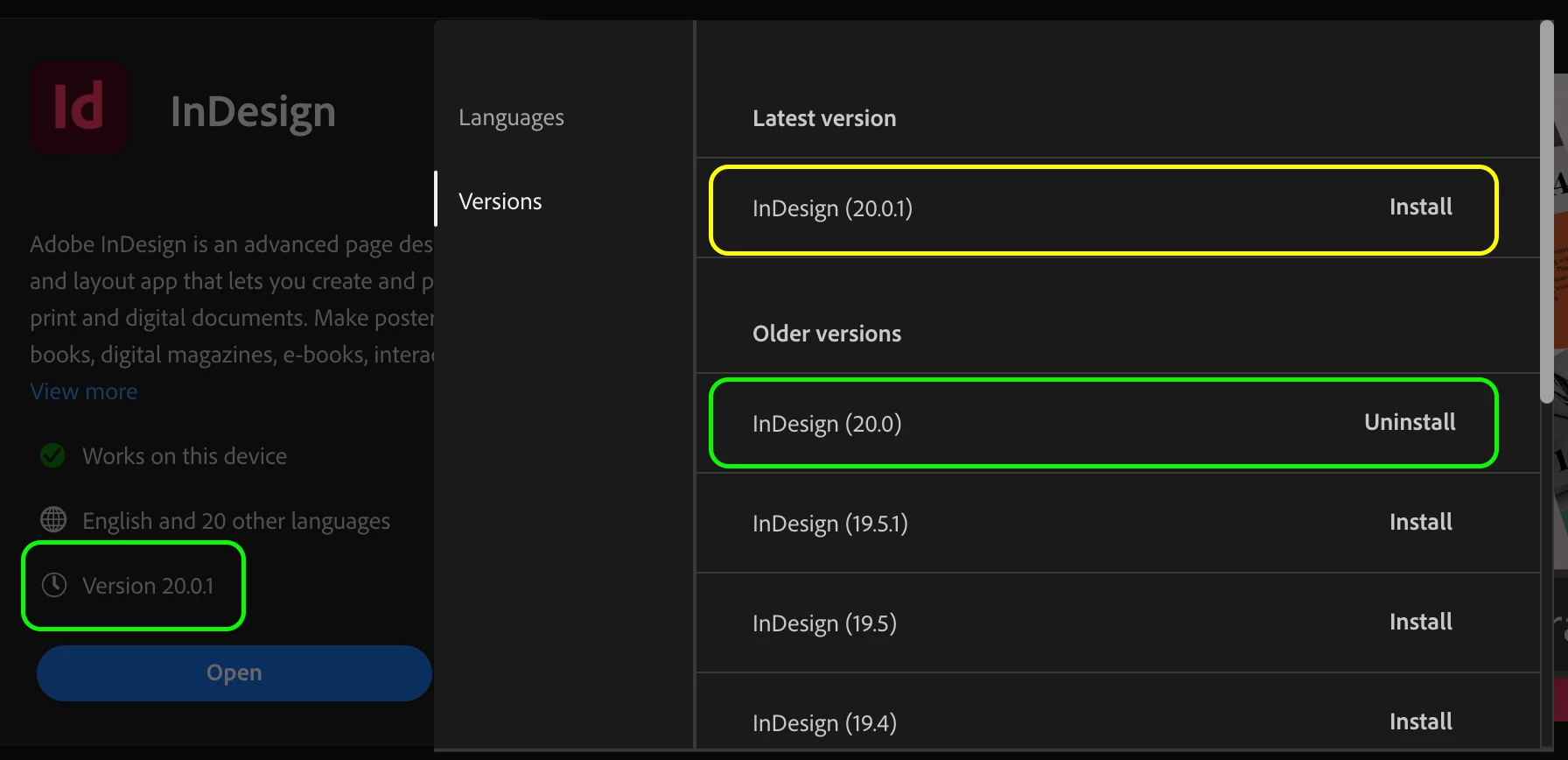
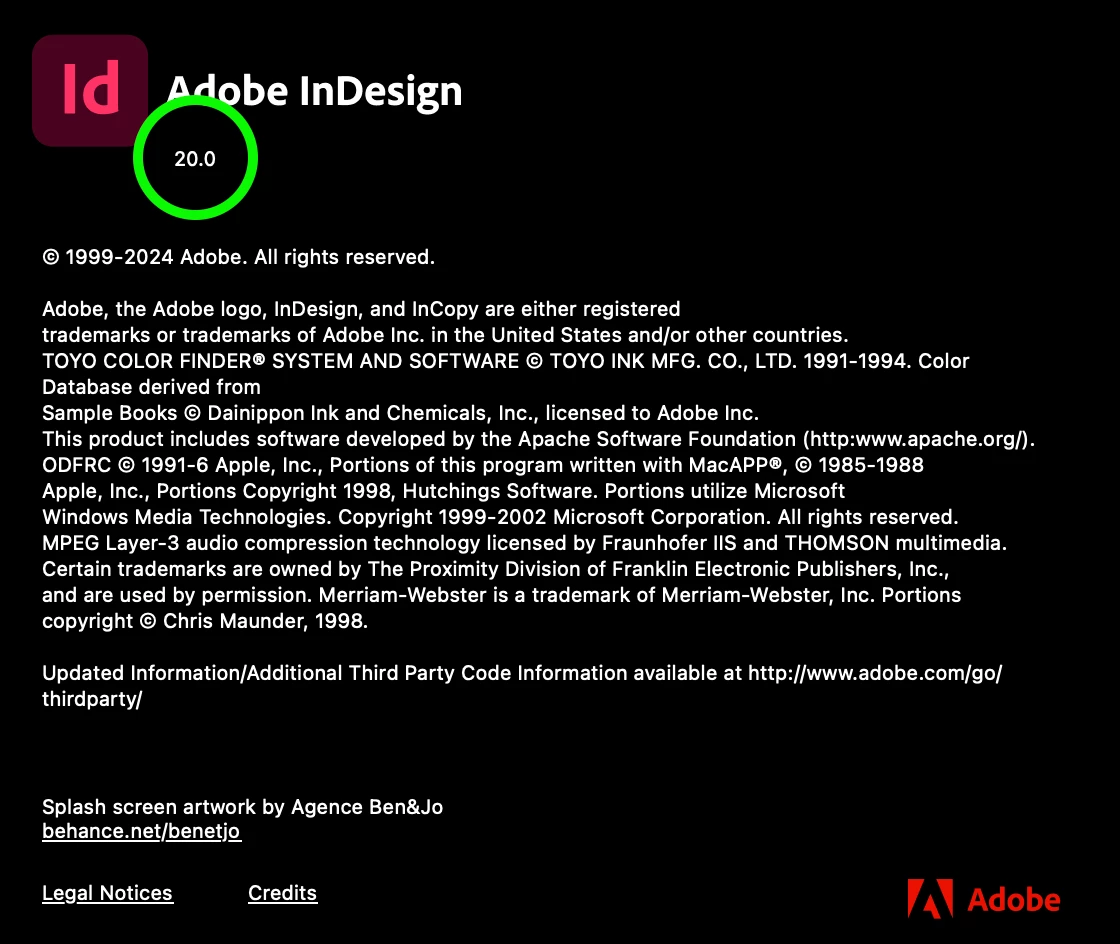
When I checked the installed version, the information presented generates me insecurity of the installed version, because in the Creative Cloud window on the left side says version 20.01 (it would seem that this would be the installed version) on the right side says version 20.0 is installed (it gives the option to uninstall) and in the versions available to install, 20.01 appears ... although within the program in “about” says 20.0 ... so I do not know for sure which one is installed ...
I don't know any configuration that prevents to open a panel when double clicking on it and, as a result, having to access the window through the secondary menu...
This happens with new and old files, and it happens since yesterday November 22nd...
Do you have any idea what could be happening?
I attach one of the files, although the behavior is the same with either, and there is a link to see the behavior I am referring to.
Thank you!


 AdChoices