
The space between panels in InDesign keeps showing the window under InDesign and flickering
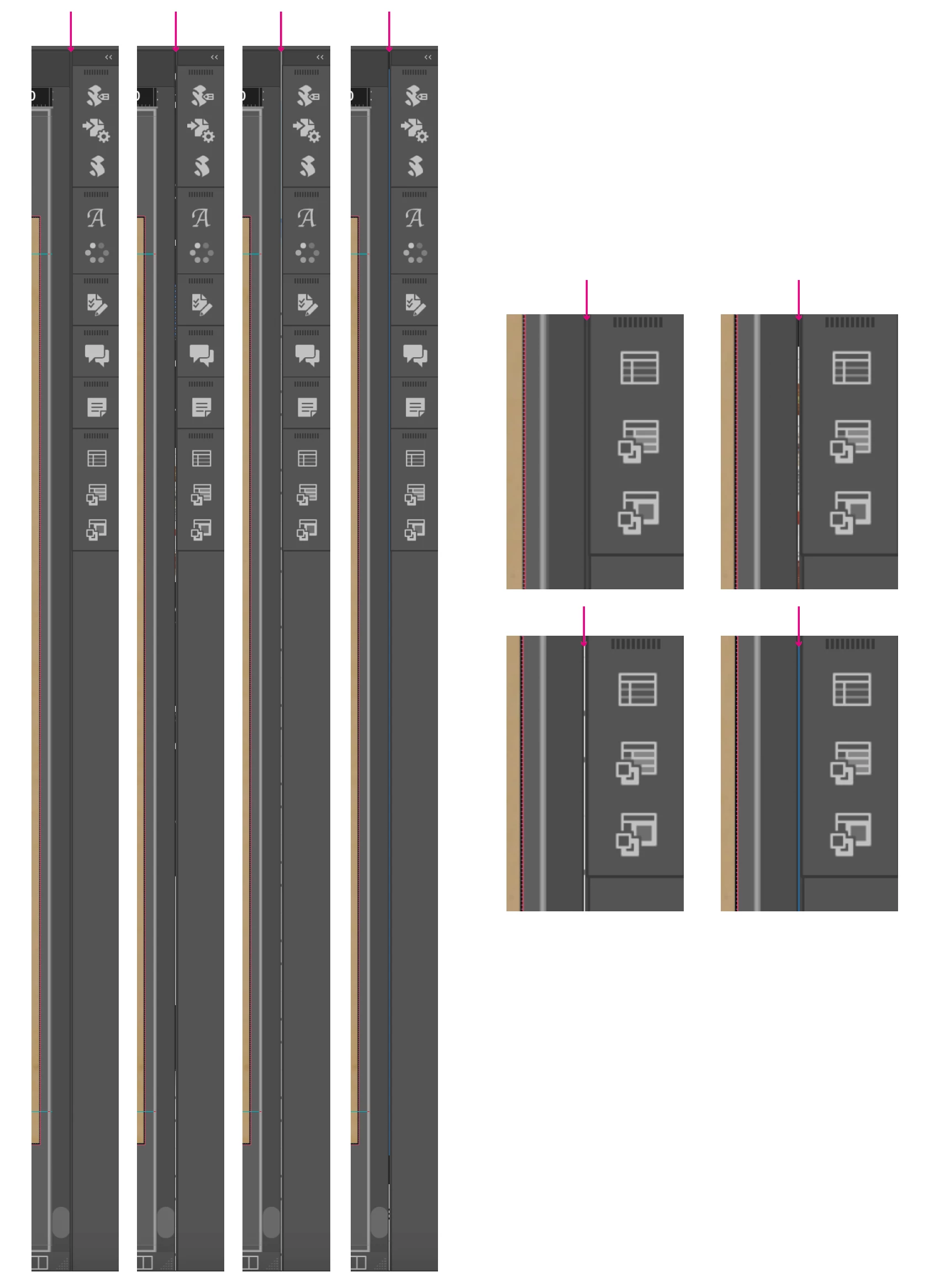
So this is just the space between the main window where the document is and the panel of compact windows I have to the right. It should just be a slim grey line of padding or whatever as in the first screen shot (end of post), but the following 3 screenshots show how if I have something open behind InDesign, the space between the panels is showing the window behind.
Wouldn't be that bothered, but it flicks between the normal grey and the window behind every 2 or 3 seconds, and as it does so, it sort of nudges the whole screen back and forth from left to right as it changes.
Yesterday I had an (I'm assuming) unrelated issue, where I couldn't export PDFs and it wouldn't say anything other than "Can't export the PDF". I had the issue with 3 files, all of which I've exported before with no issue. I trie to idml but INDesign would then crash or go unresponsive when I tried to open to idml.
The point of this tangent is that in order to fix the PDF issue, I took several trouble shooting steps, which did not fix the flickering panels thing. I turn my mac off and on again, I installed an earlier version of InDesign, and I uninstalled the current version and reinstalled it. Still flickering.
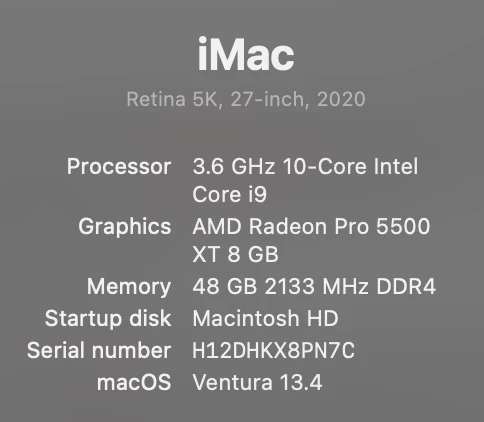
Yes I have plug ins, and I kept my preferences and workspace settings. Really really really do not want to have to purge all of that and start completely fresh but I feel like that's probably my only/next option? Any other ideas greatly appreciated.
There are no updates to my OS or to InDesign.
Thanks for any help or suggestions.

 AdChoices