

Answered
This is confusing again: "alert(sel);" is correct, so why is the second 'alert' wrong?
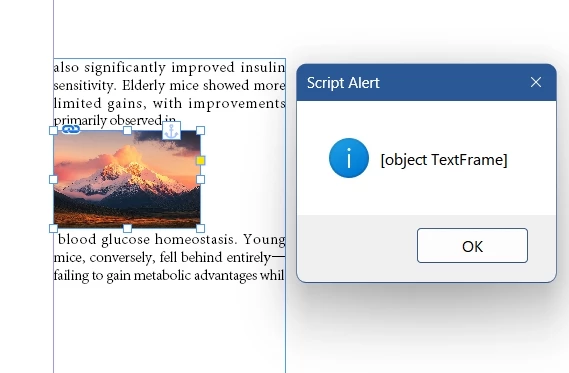
When I select an image within the text, I want to obtain the width of the textFrame.
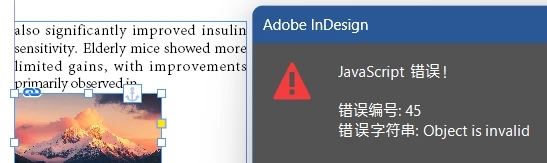
The result throws an error.
alert(sel); is right.
alert(sel.geometricBounds[3]); Error popup: Object is invalid
Does textFrame not have a geometricBounds property?
item = app.activeDocument.selection[0];
var doc = app.activeDocument;
var sel = item.parent.parent.textFrames[0]
alert(sel);

alert(sel.geometricBounds[3]);


 AdChoices