
Answered
Threaded text — InDesign adds blank frames I cannot delete
I am setting a lengthy book with text flow in each chapter. Sometimes when I make a change that causes text to reflow, InDesign adds a blank frame — like this:
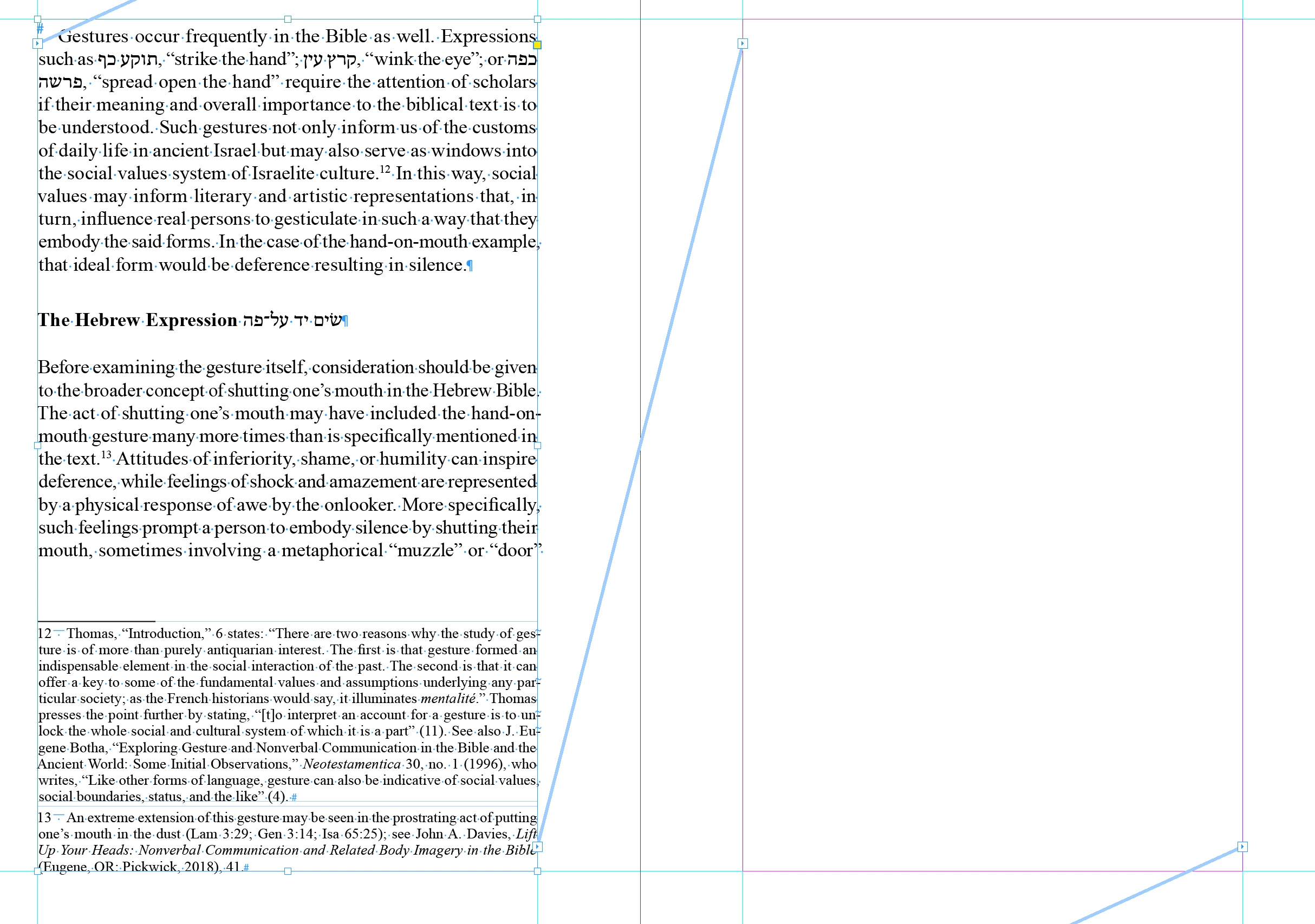
The text flows right on to the frame FOLLOWING the blank one:
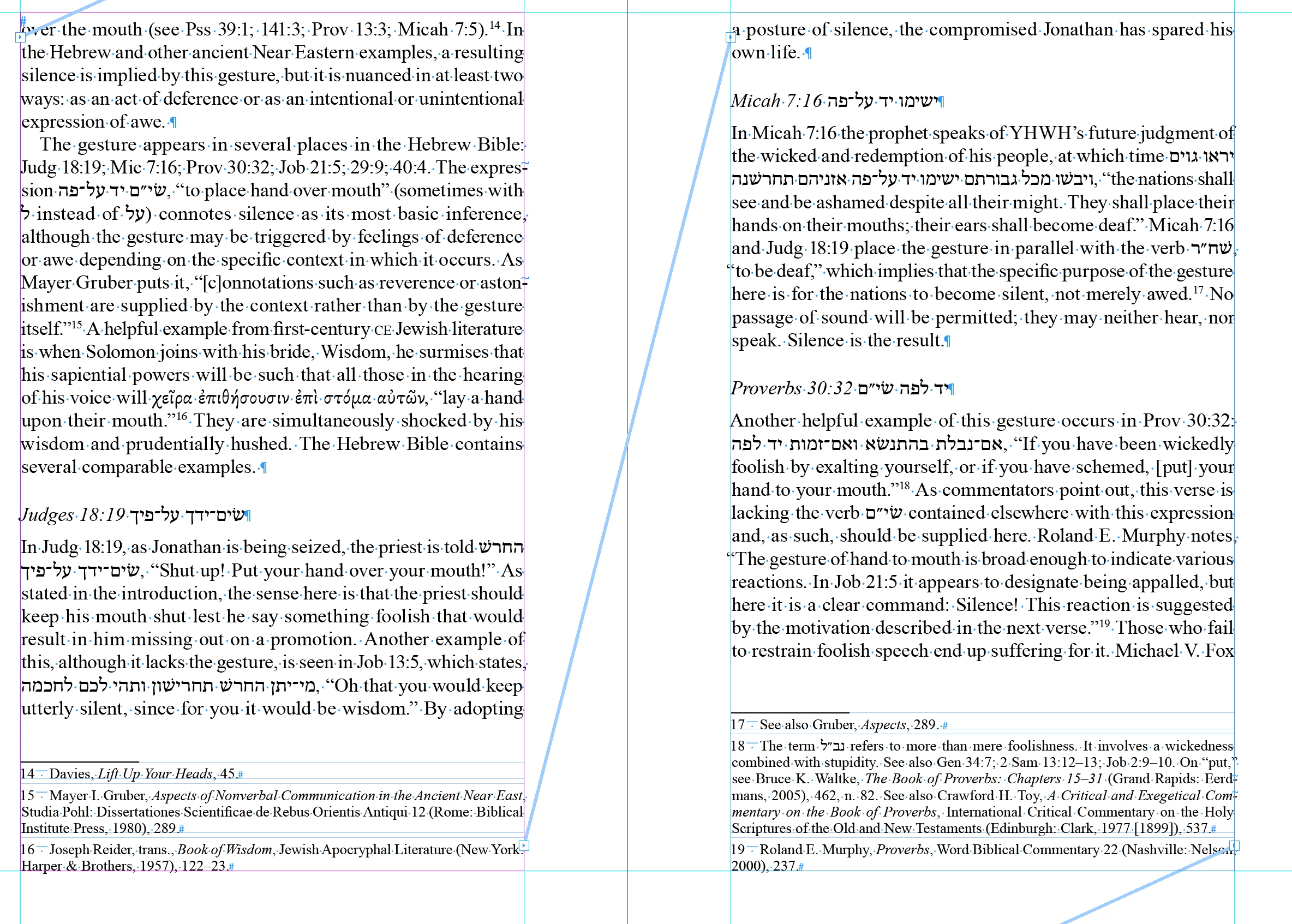
The text in the frame before the blank one ends in "'door'" and the beginning of the next frame ends in "over" — there is nothing in between. I tried deleting the empty frame (select it with selection tool, choose Type tool, command + select + delete), but when I do this, InDesign adds ANOTHER empty frame to the thread that isn't holding text. The opposite of what it should do. I don't know how to get rid of these extra frames. Can anyone help?


 AdChoices