
TOC - entries not breaking onto next line automatically
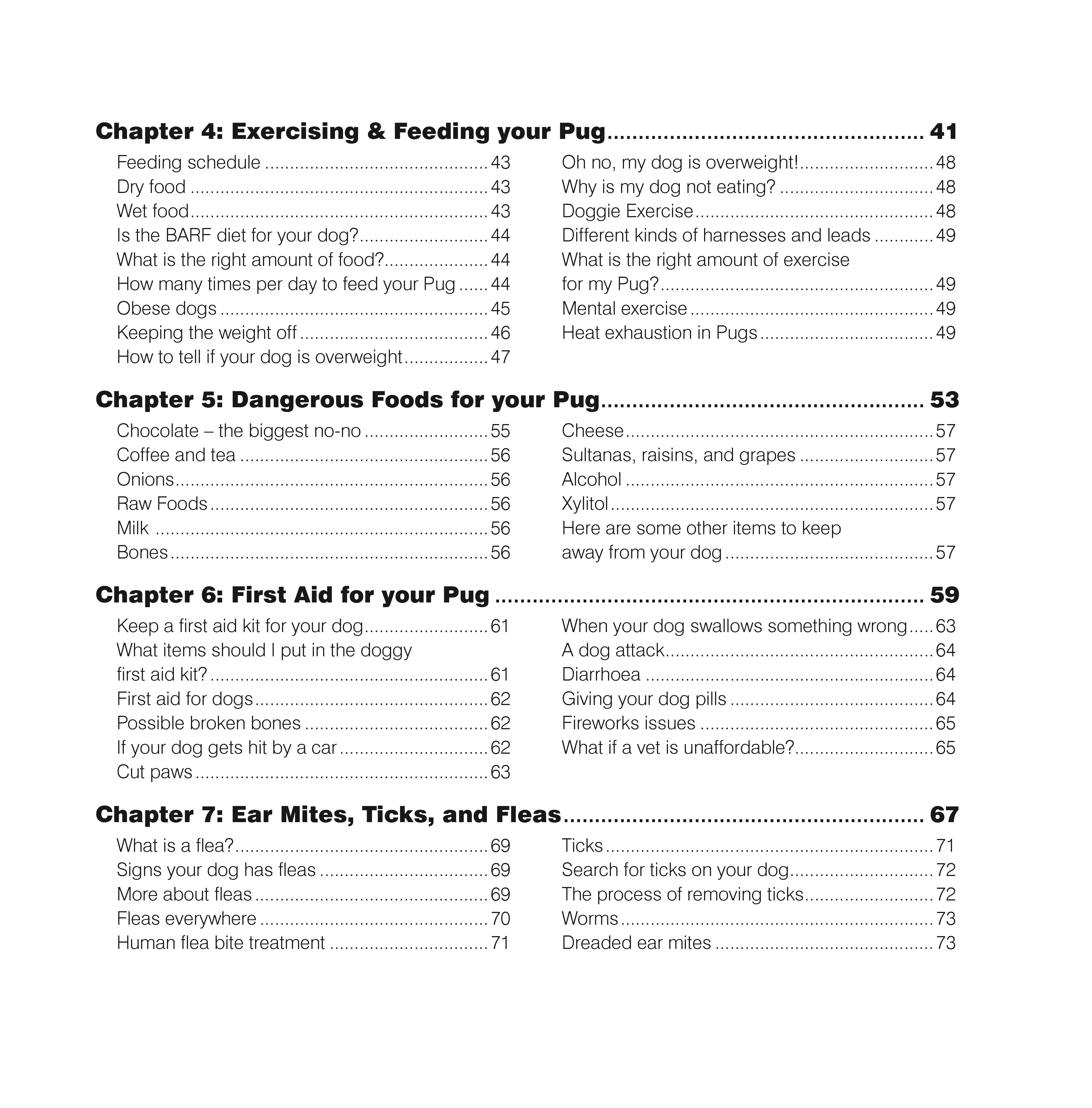
Hi all. I have a frustrating problem when generating a TOC in InDesign. There are only two styles required - Chapter number and Main heading. The frame has two columns with the chapter name spanning both. The problem occurs when the main headings are too long for one column - instead of breaking onto the next line, or even hyphenating, everything from that heading onwards disappears. In the example below there are forced breaks in Chapter 4 (What is the right amount of exercise for my Pug? and What items should I put in the doggy first aid kit?) - ie any entries going onto two lines. I had to enlarge the frame width in order to see the full text, then break them manually each time in order for it to fit, then shrink the frame back to the required size. Any thoughts? Many thanks in advance.
 AdChoices