Participant
March 24, 2022
Answered

Transparency not working in Publish Online

  • March 24, 2022
  • 1 reply
  • 993 views

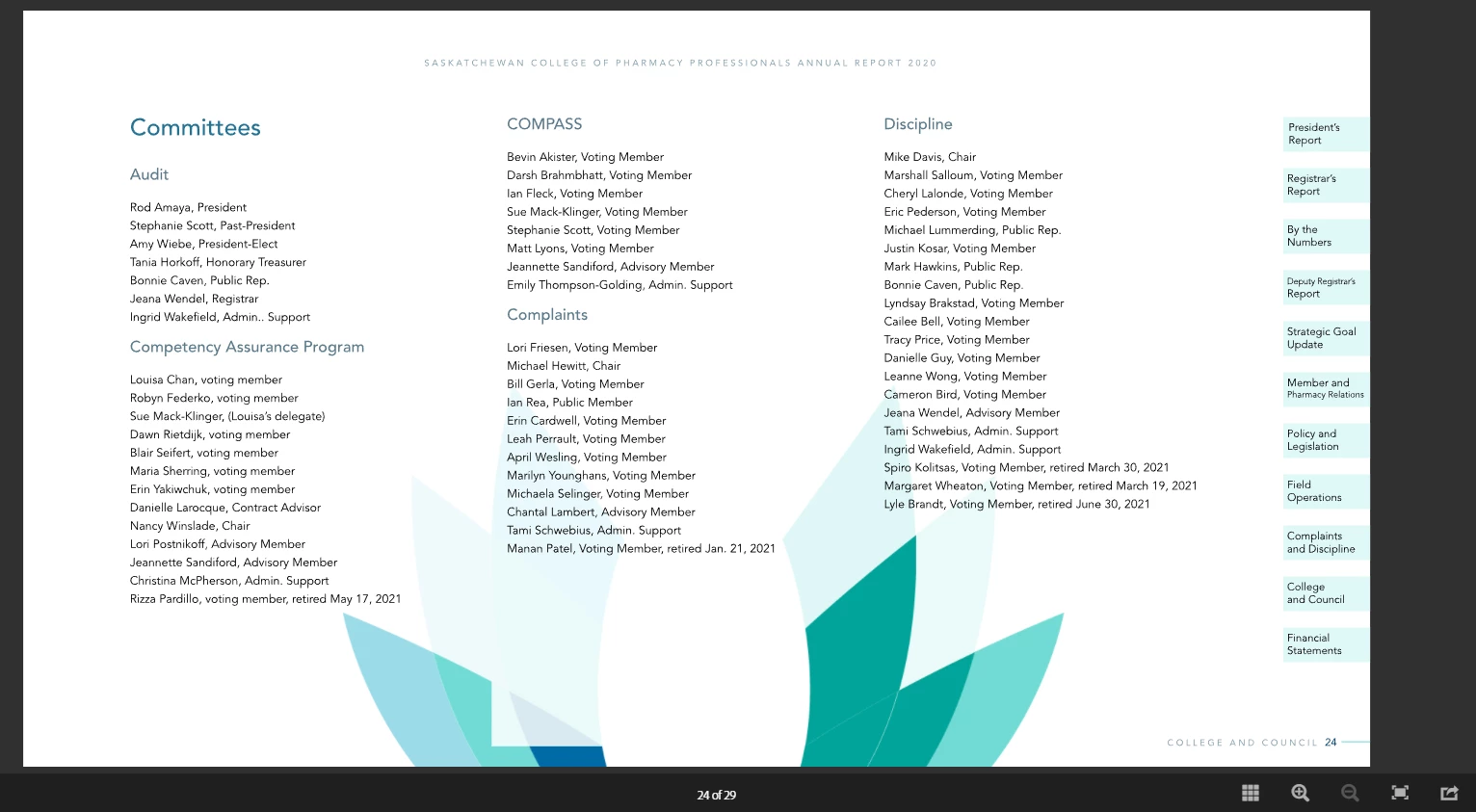
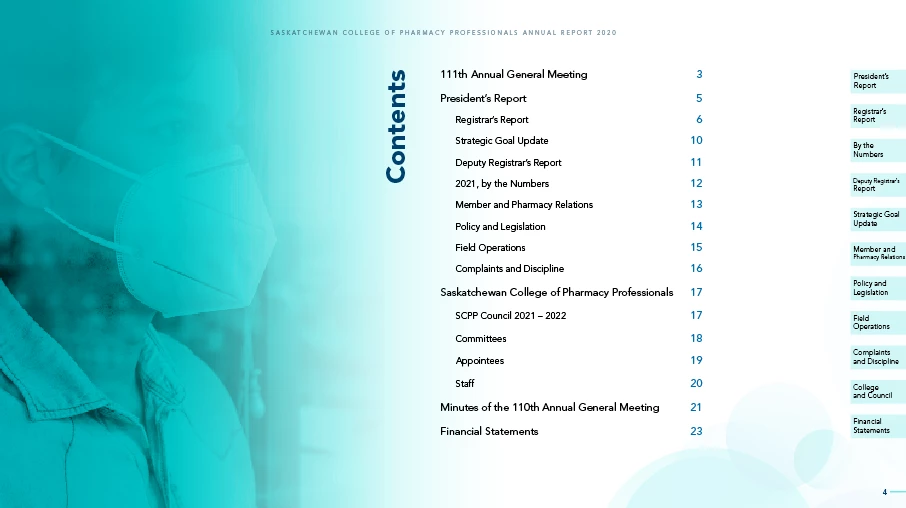
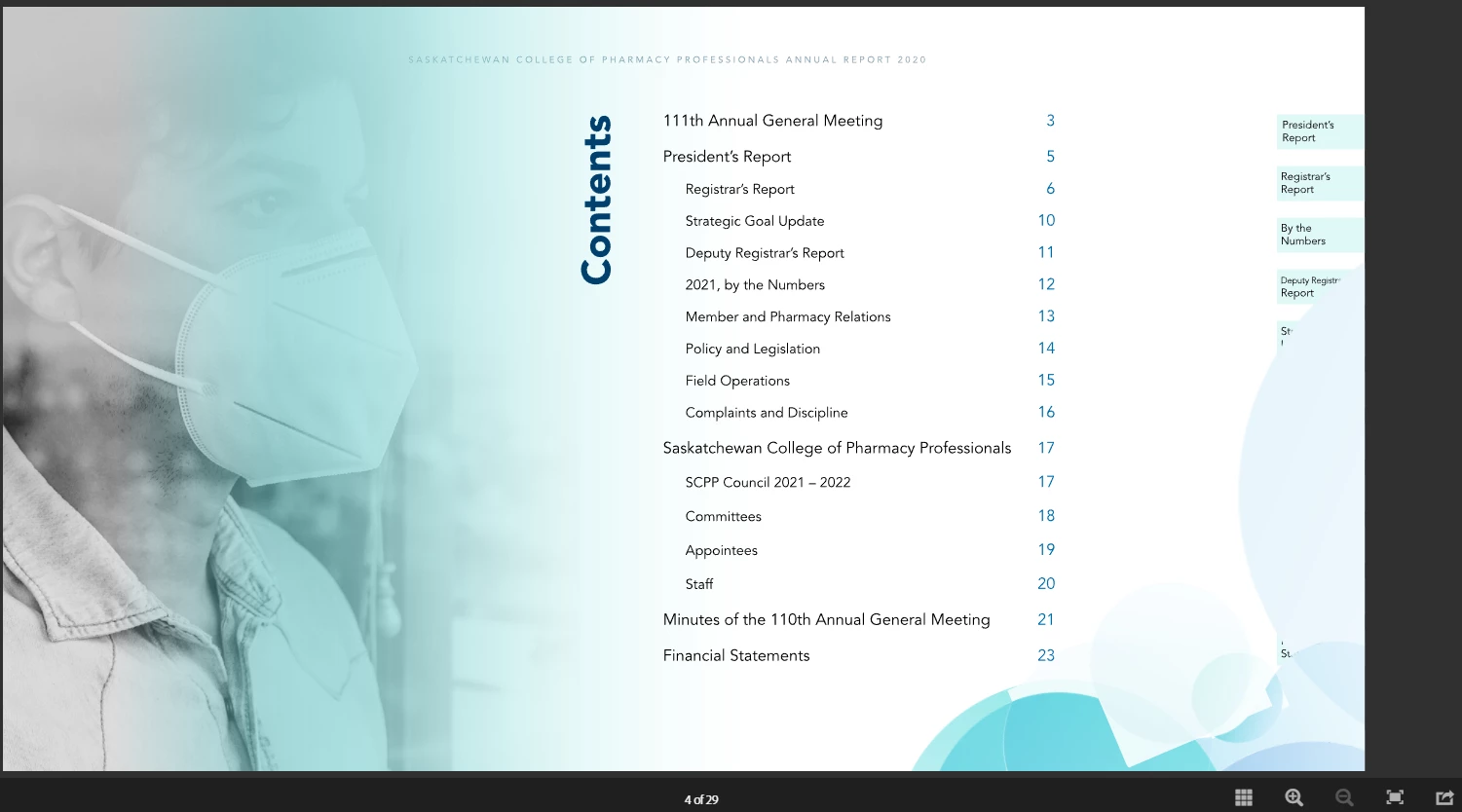
Hopefully I can find some help with this. I have a document I am planning to publish online. When I do a test, the transparencies do not show up correctly. Please see examples below of what is in InDesign vs what shows in Publish online. Transparency Blend Space is RGB. The circle graphic is the same throughout and it shows fine on some pages like the first screenshot but not fine on others like the send screenshot.

 

This topic has been closed for replies.
Correct answer sansmoose

I was able to fix this same issue by applying the transparency to the ai. file and then placing that .ai file in the InDesign doc. Once re-published it worked!

1 reply

Community Expert
March 24, 2022

This could be 2 different issues. First issue is a recent system wide problem with images. The problem reported more often is that images are dropped out and are displaying in Publish Online as a missing image icon, and perhaps this system issue also affects transpareny.


The second could be that the transparency is too complex for the system to render. A possible workaround would be to create one image of all the transparent elements, and replace.

sansmoose
sansmooseCorrect answer
Participant
December 27, 2022

I was able to fix this same issue by applying the transparency to the ai. file and then placing that .ai file in the InDesign doc. Once re-published it worked!

Harshika Verma
Community Manager
Community Manager
December 28, 2022

Thanks for sharing the solution that worked for you. This might help our customers in fixing the similar issue. 


Please feel free to reach out to us on community for any issues related to InDesign.


We would be happy to help.


Thanks,

Harshika