
Participant
October 5, 2022
Question

Transparency problem

  • October 5, 2022
  • 4 replies
  • 294 views

Hello everyone
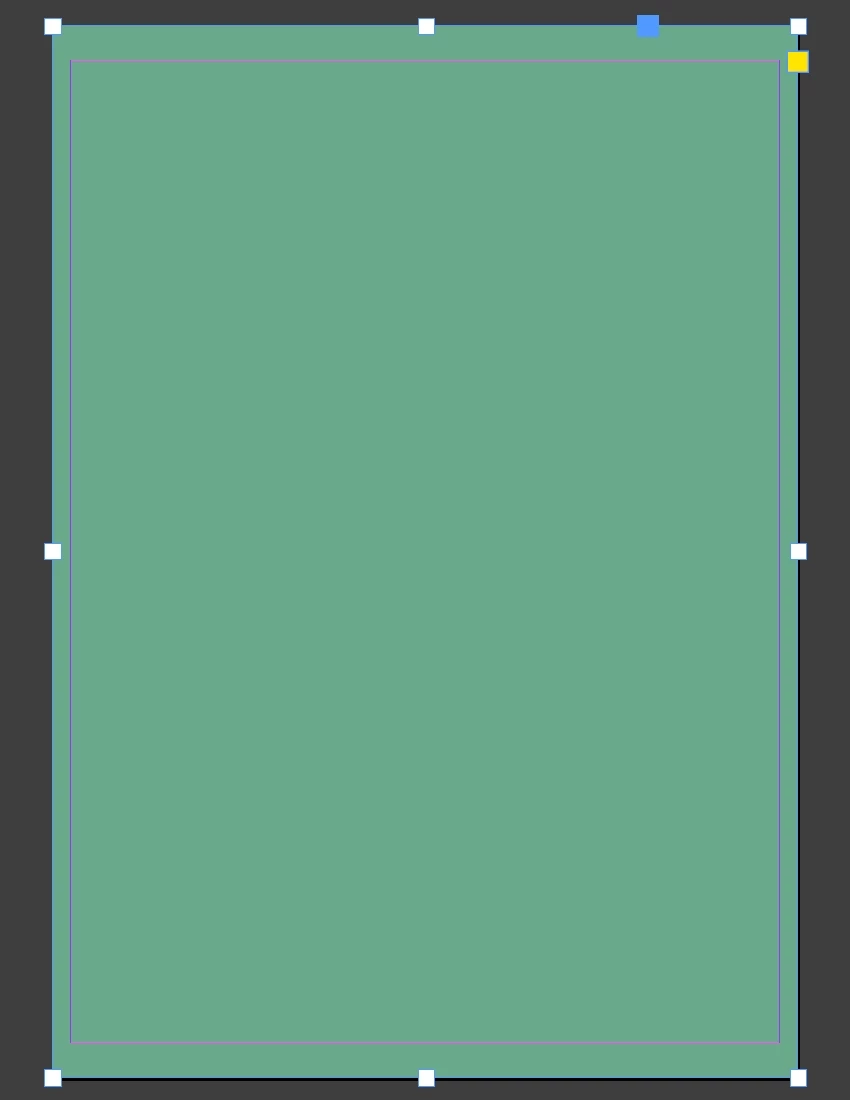
I create a block and I apply a background colour (green for the example). Photo 1
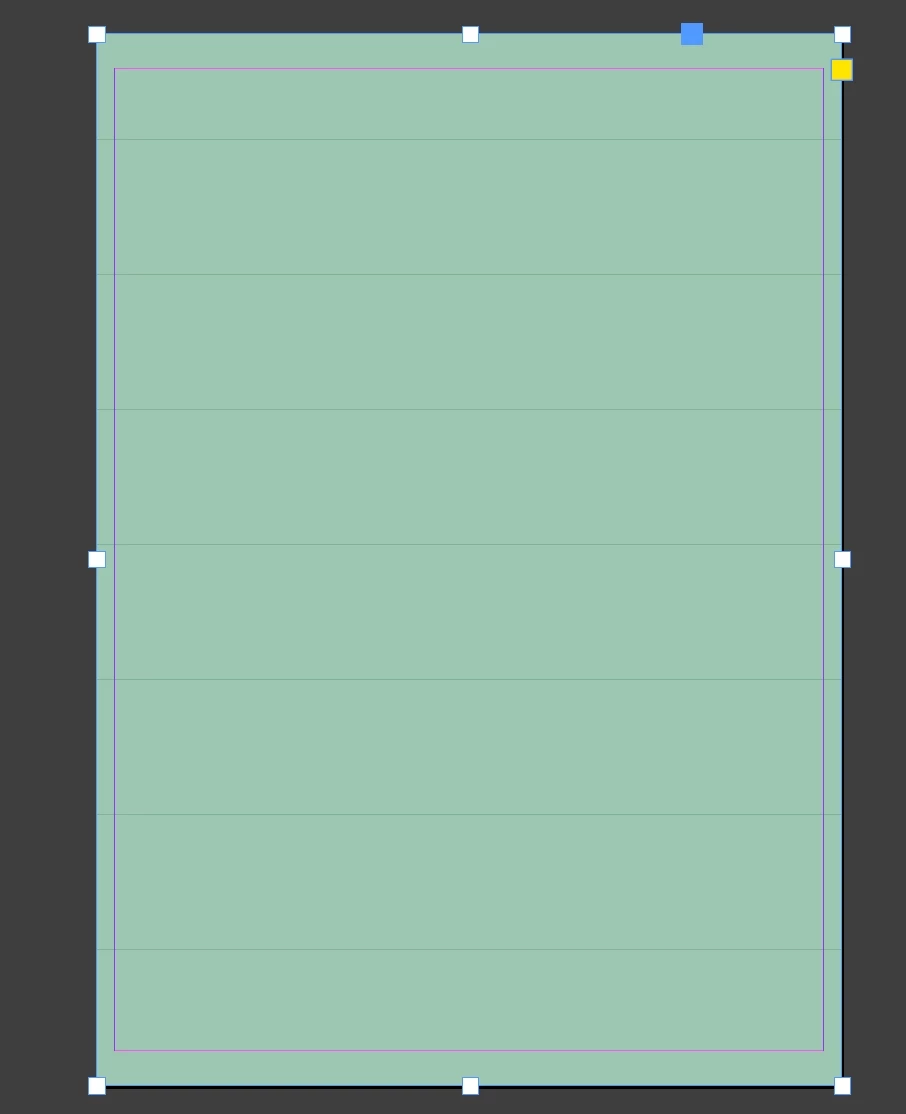
Then I add a 60% transparency effect on this green background.
The green colour "fades", but I have small black bars that appear across it... Photo 2
Why ?
Thanks for your help
This topic has been closed for replies.

4 replies

rob day
Community Expert
Community Expert
October 5, 2022

I apply a background colour


Hi @Kiwimoris , Also if it is a background color do you need a Transparency Effect? A fill defined as a swatch can be set to a Tint. You only need to apply Transparency if you want the fill to appear transparent to an object behind:


KiwimorisAuthor
Participant
October 5, 2022

Hello and thank you for your reply
Indeed, if I play with the tint, I don't have any lines that appear.
But for the transparency, I did these three steps
1-Zooming the page does not change anything. The lines are still there
2-I plotted an element behind the colour block. The lines are still there
3- on the other hand, when printing, there are no lines

Randy Hagan
Community Expert
Community Expert
October 5, 2022

I'd check three things here, if you have concerns:


  • Change the zoom size of the page. Do the lines still appear in your color block?
  • Place something behind the color block. Can you see the element under the color block, and are the lines still there?
  • Print the page. Do you see the lines in the output?


My initial response would be the screen is lying to you. But if you try these three steps, and you still get those errant lines, there are other things to address. But please, try these three steps first and let us know how your system responds.


Hope this helps,


Randy

KiwimorisAuthor
Participant
October 5, 2022

Hello and thank you for your reply
I have done these three steps
1-Zooming the page does not change anything. The lines are still there
2-I plotted an element behind the colour block. The lines are still there
3- on the other hand, when printing, there are no lines

Randy Hagan
Community Expert
Community Expert
October 5, 2022

Well the good news, I guess, is that the proof isn't in the printing.


I know it's cold comfort, but it's the most important part of the issue. If there was bad output, this'd be a much bigger problem. It's still an annoyance, though. Do you have another system you can use — or a colleague with InDesign — where you can see if what you're seeing is a quirk of your system or a problem with the file?


I seriously suspect that it's a quirk. I tried the same thing you described on my Dell laptop and my MacMini and I can't replicate the issue on either system. Sometimes WYSIWYG (What You See Is What You Get) is more promise than reality, and I suspect this may be one of those times.


Wish I had better news for you,


Randy

Willi Adelberger
Community Expert
Community Expert
October 5, 2022

The difference between those colours is to small. If it would be Photoshop I would add some noise. Even in InDesign I place in some cases a PSD file with 3 or 4 % noise to print it smooth. But it will increase the final PDF.

John Mensinger
Community Expert
Community Expert
October 5, 2022

If you're running a Mac, try toggling GPU acceleration on/off.