
Transparency Settings Shifts Background Color Problem
I have an InDesign template I use, provided by the company I work for. It includes a placed Illustrator file of diagonal lines, to create a pattern over a solid blue color (PMS 286). The diagonal lines are part of our brand look and feel and they're set to 30% transparency. Illustrator file is saved in CMYK mode.
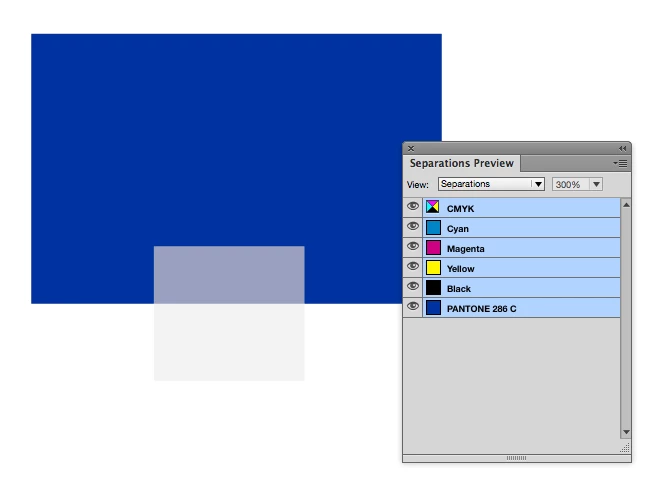
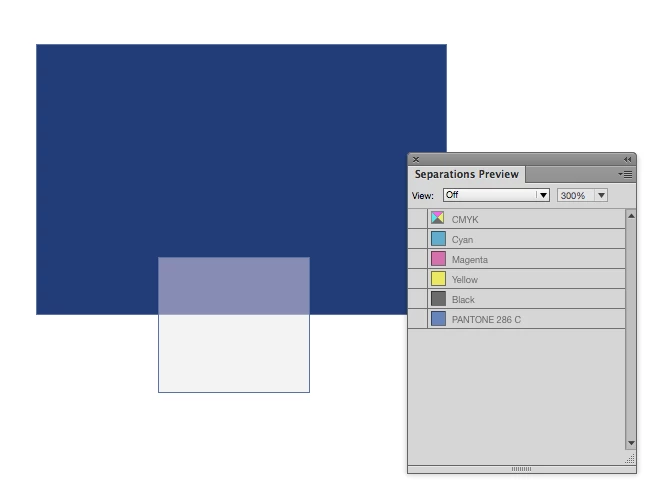
The template also has pages that don't have this placed diagonal graphic, but on both the screen and in the final print these different pages render PMS 286 differently. It's easy to see on the screen and in the final print.
Why is this? How do I fix it?
Will embedding the file (rather than linking it) have any effect on this problem?
Is this a transparency flattener problem? I have it set to High Resolution. Transparency Blend Space is set to CMYK.
Even previewing the file in InDesign shows the blue differently on different pages. I even did screen shots and pasted it into PS and I can sample two distinctly different blues. The blue on a page with the placed graphic (30% opacity) is much less saturated. All I have to do is remove the placed Illustrator file and immediately the color pops back to normal.
What's happening here?
Thanks so much.
Message was edited by: Thomas Hanser
 AdChoices