I am translating a document from English to Hebrew. I need to substitute the text and flip some objects / pages. When i type the hebrew text in Story, it looks correct. But when i Close Story, on the actual page, the letters appear LTR instead of RTl.
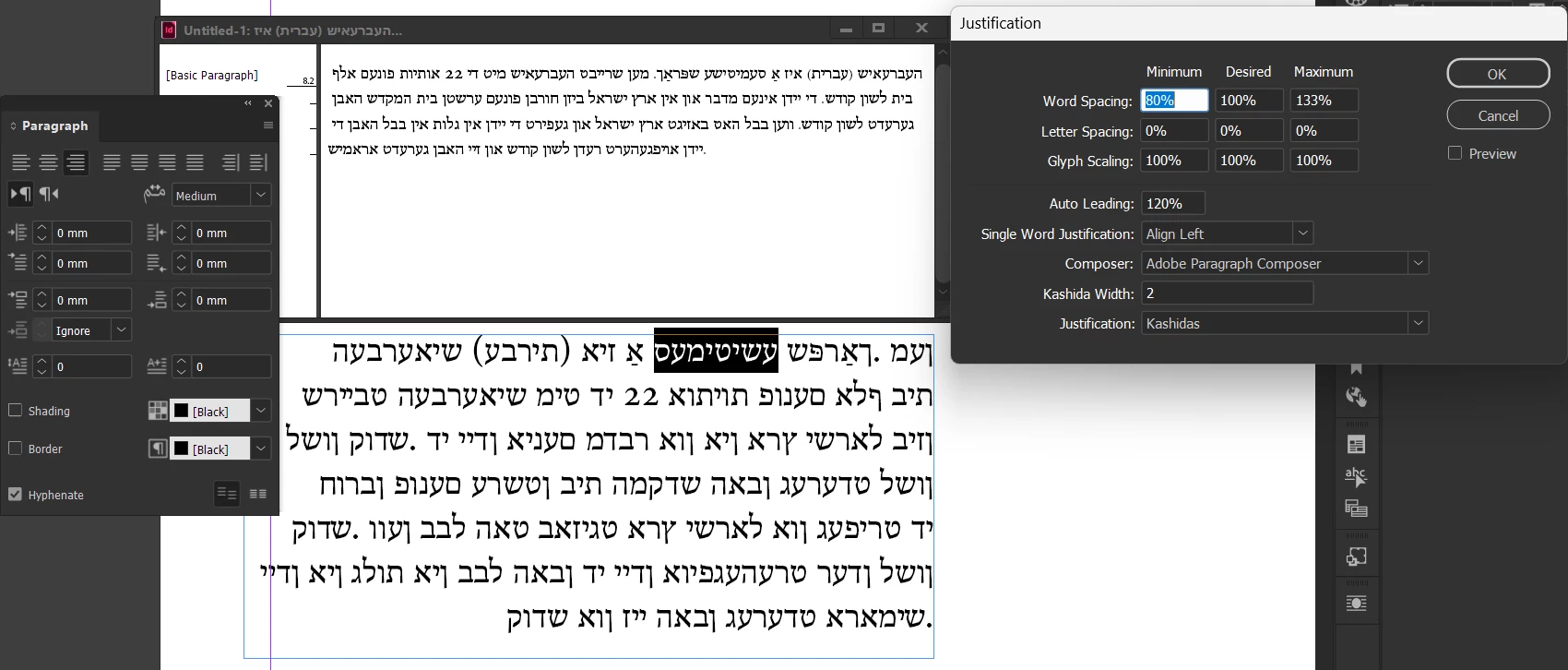
@CRos Probably you’d be best off posting a sample file that exhibits this behavior. Are you saying that, while the Story window is open, the text flows both RTL in both the Story panel and the live text on the page? I don’t think so - I suspect that there’s just something wrong with the text formatting. As you can see, Hebrew renders RTL in the Story panel no matter what formatting is applied:
So the fact that it’s laying out RTL in the Story panel doesn’t mean that it is going to render correctly on the page. Have you made a new RTL paragraph style with the World-Ready Composer and tried applying that to your problem text?




 AdChoices