
Answered
Trouble dealing with setting colors on grouped objects.
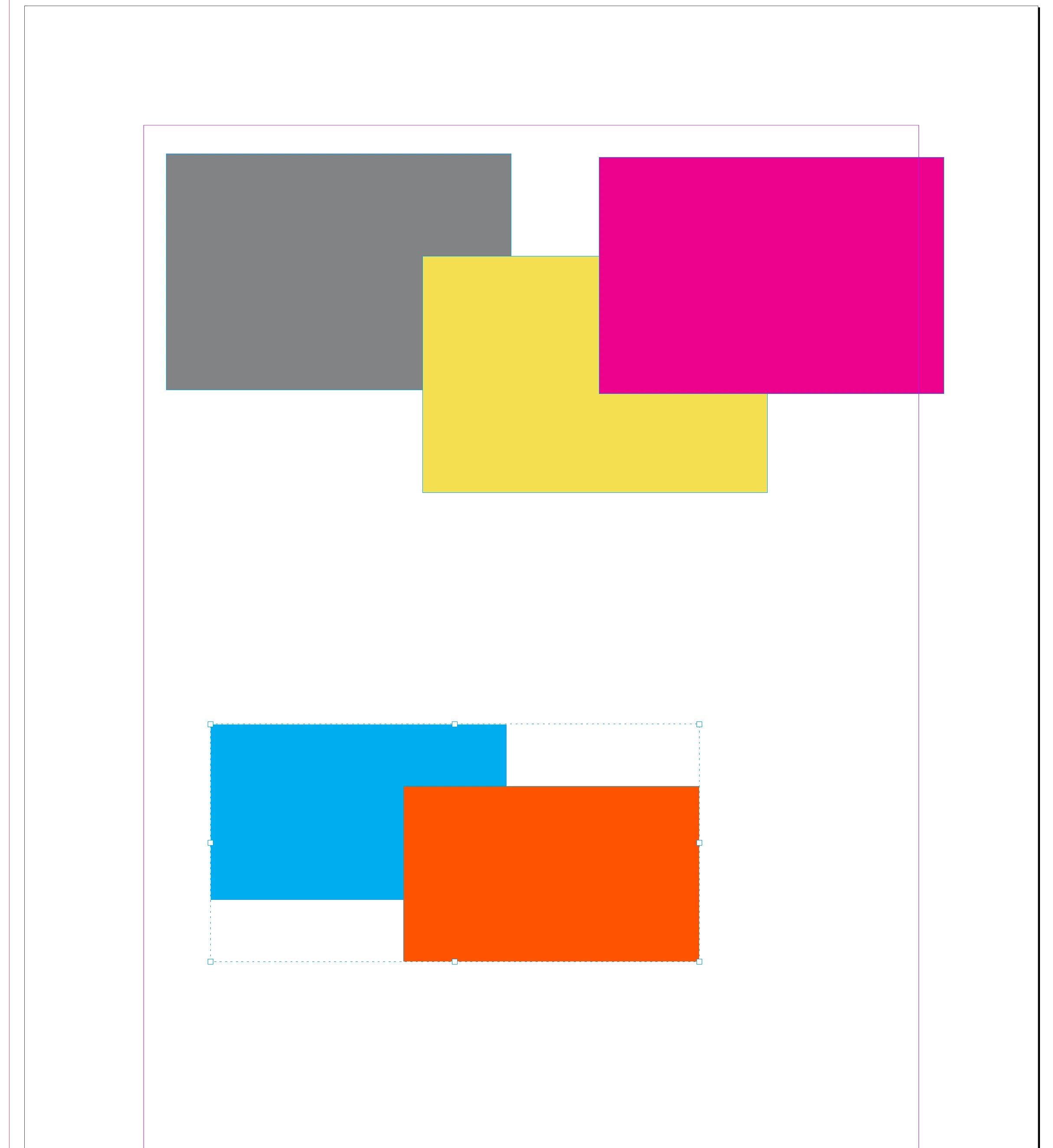
I've been working on a script for awhile but I've come to a sticking point. The script I created duplicates the current page and then duplicates the color swatches on that page and assigns them to the new page. This allows me to test out different color pallets without messing up the first page. Anyhow the script works great if everything is ungrouped or if the things that are grouped have the same color but it fails if the group contains objects that have different colors. Does anyone have any idea how I can deal with this? How do you deal with gouped objects, or can I ungroup and then group together again? Here is the script, thanks for any help.
var doc = app.activeDocument;

// Select the last page in the document
var lastPage = doc.pages.lastItem();
app.activeWindow.activePage = lastPage;

var currentPage = app.activeWindow.activePage;
var currentPageNumber = currentPage.documentOffset + 1;

// Create a white swatch with custom name
function createWhiteSwatch() {
    var swatchName = "======== Duplicate " + currentPageNumber + " ========"
    var existingSwatch = doc.colors.itemByName(swatchName);

    if (existingSwatch.isValid) {
        return existingSwatch;
    }

    var whiteSwatch = doc.colors.add({
        name: swatchName,
        model: ColorModel.process,
        colorValue: [0, 0, 0, 0],
        space: ColorSpace.CMYK
    });

    return whiteSwatch;
}


// Duplicate color and return the new color
function duplicateColor(color) {
    var newColorName = color.name + "_Duplicate_" + currentPageNumber;
    var existingColor = doc.colors.itemByName(newColorName);

    if(existingColor.isValid){
        return existingColor;
    }

    var newColor = doc.colors.add({
        model: color.model,
        space: color.space,
        colorValue: color.colorValue,
        name: newColorName
    });
    return newColor;
}

// Create white swatch with custom name
createWhiteSwatch();

// Duplicate current page
var newPage = currentPage.duplicate(LocationOptions.AFTER, currentPage);

// Duplicate colors used on the current page and assign to new page elements
for (var i = 0; i < currentPage.pageItems.length; i++) {
    var currentItem = currentPage.pageItems[i];
    var newItem = newPage.pageItems[i];

    // Check if the item has a fillColor property (not all pageItems have color properties)
    if (currentItem.hasOwnProperty("fillColor")) {
        // Check if fillColor is a simple color, not a gradient or mixed ink
        if (currentItem.fillColor instanceof Color) {
            var newFillColor = duplicateColor(currentItem.fillColor);
            newItem.fillColor = newFillColor;
        }
    }

    // Check if the item has a strokeColor property
    if (currentItem.hasOwnProperty("strokeColor")) {
        // Check if strokeColor is a simple color, not a gradient or mixed ink
        if (currentItem.strokeColor instanceof Color) {
            var newStrokeColor = duplicateColor(currentItem.strokeColor);
            newItem.strokeColor = newStrokeColor;
        }
    }
}


 AdChoices